Lisa-Hintergrundbilder
 Blackpink - DEADLINE






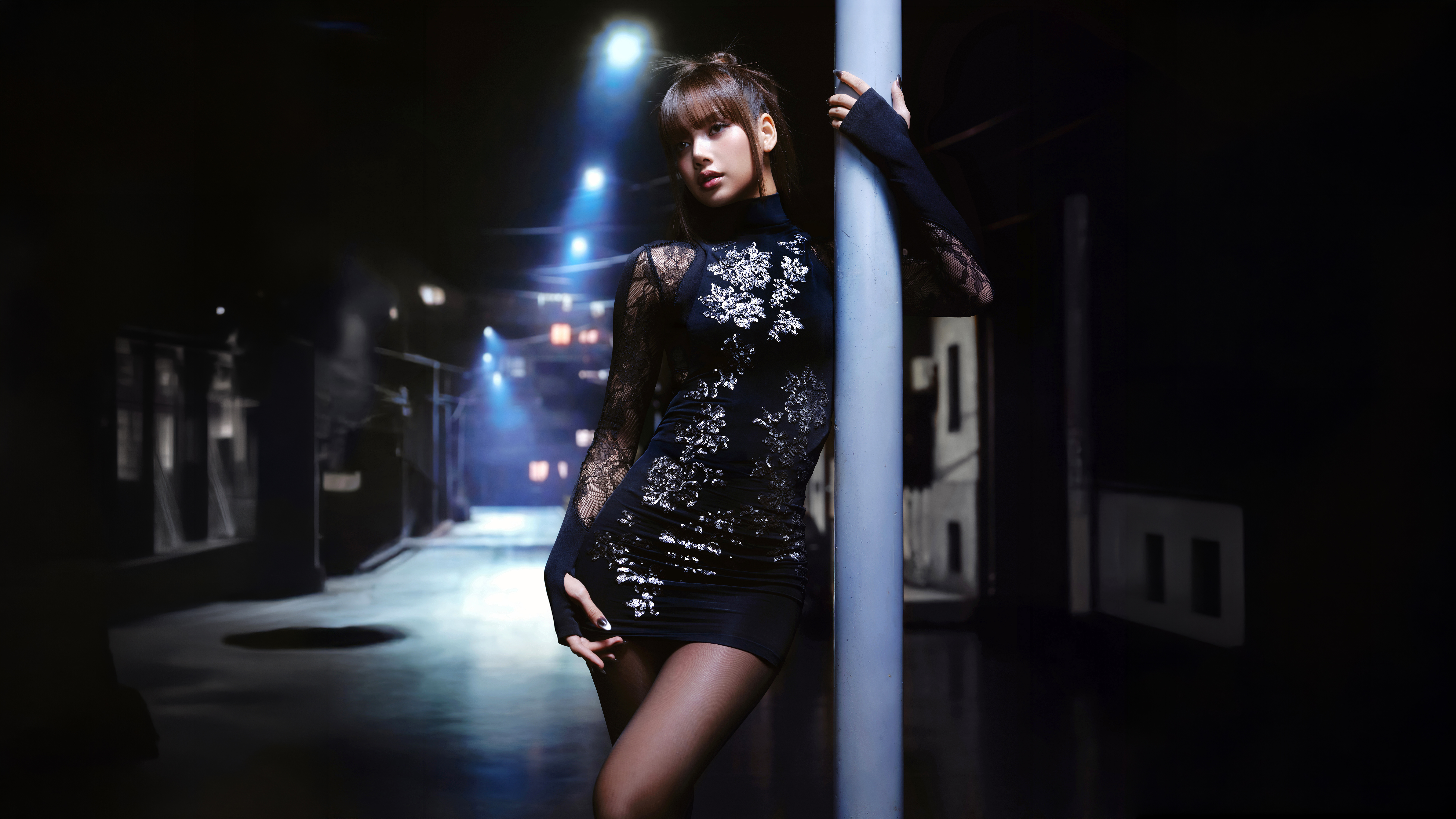
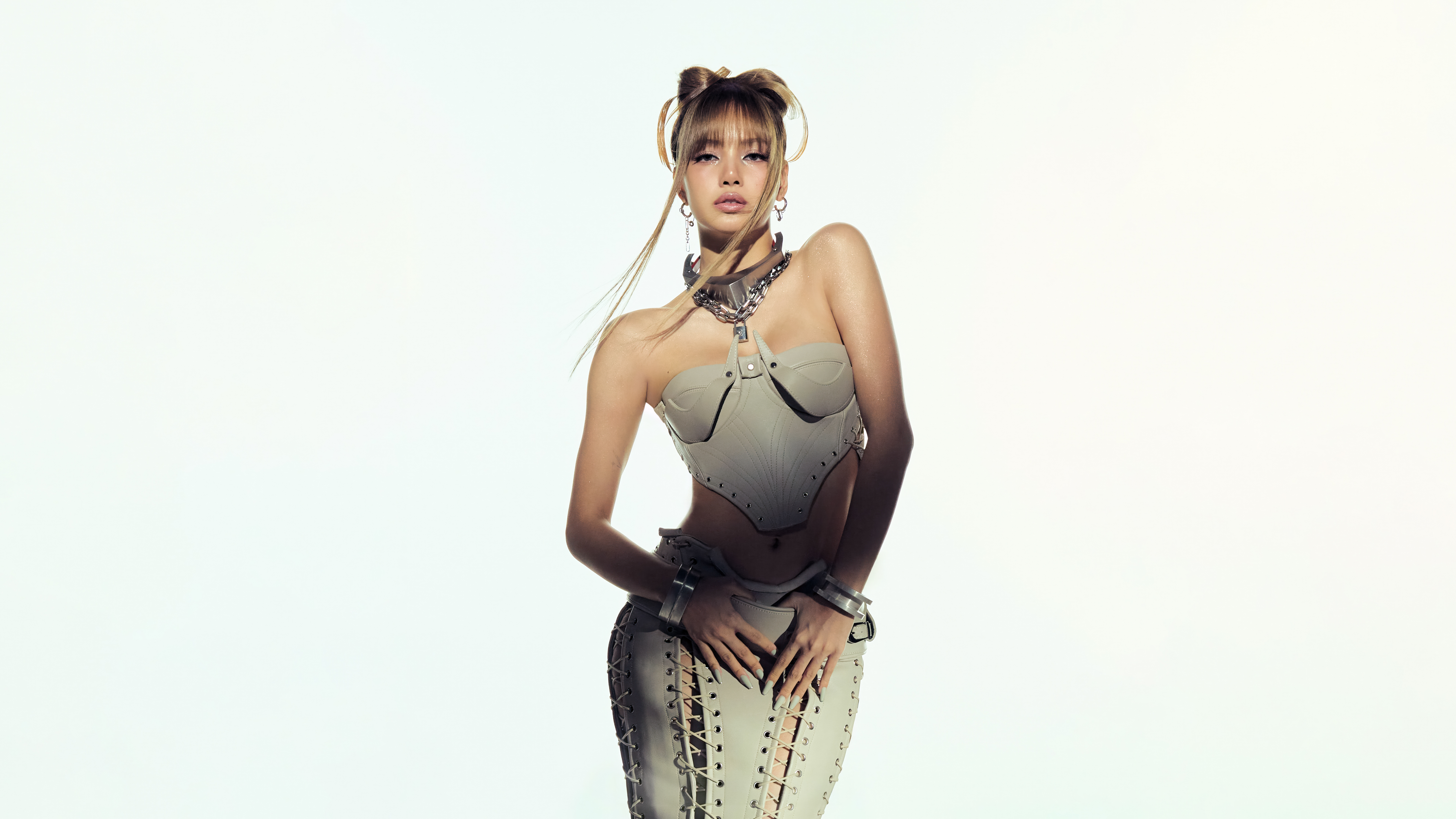
 Lisa - DEADLINE

 Lisa x NikeSKIMS



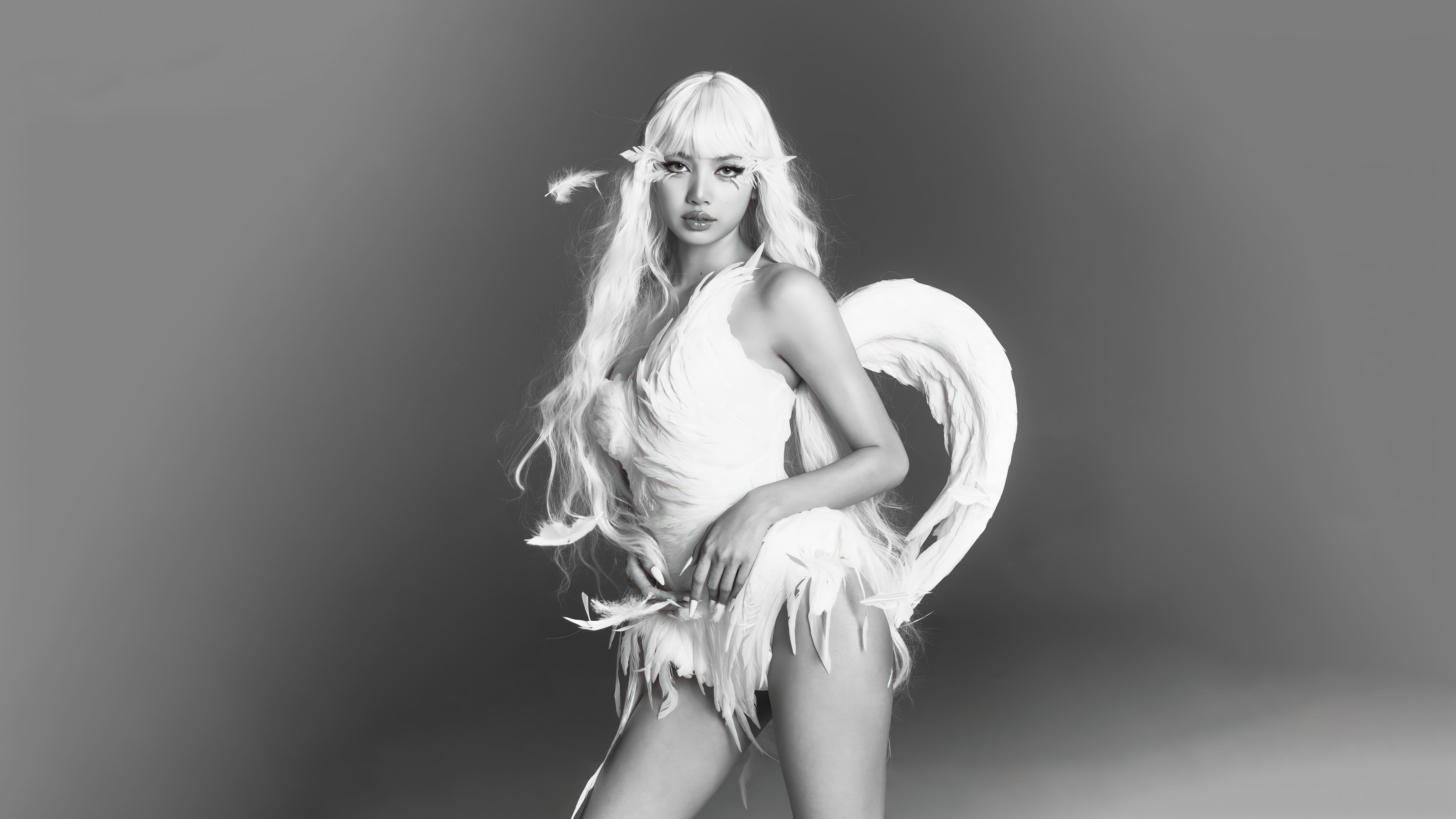

 Lisa Marie Claire Korea
 Lisa x Louis Vuitton



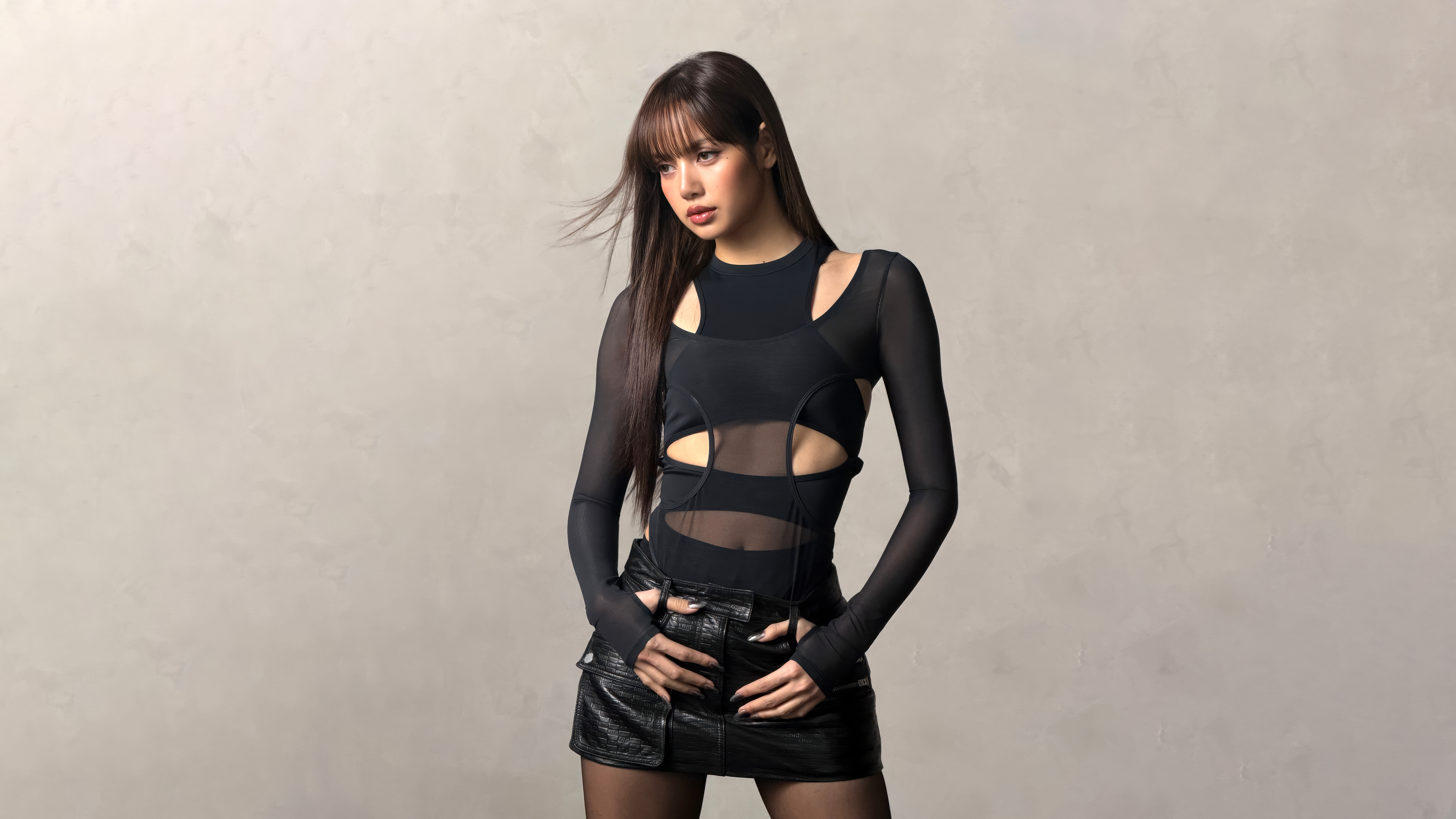
 Lisa x Kith

 Lisa - JUMP
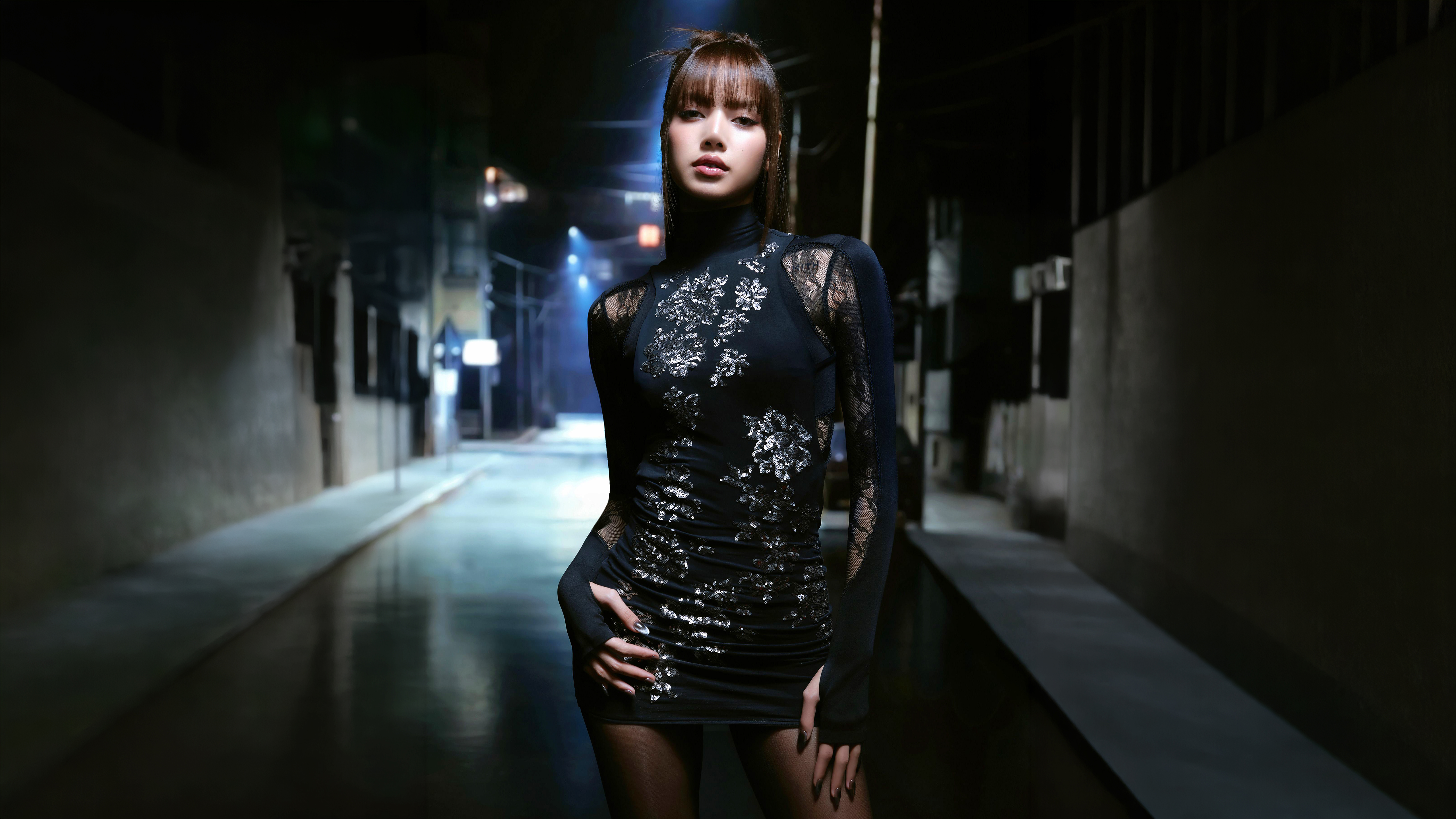



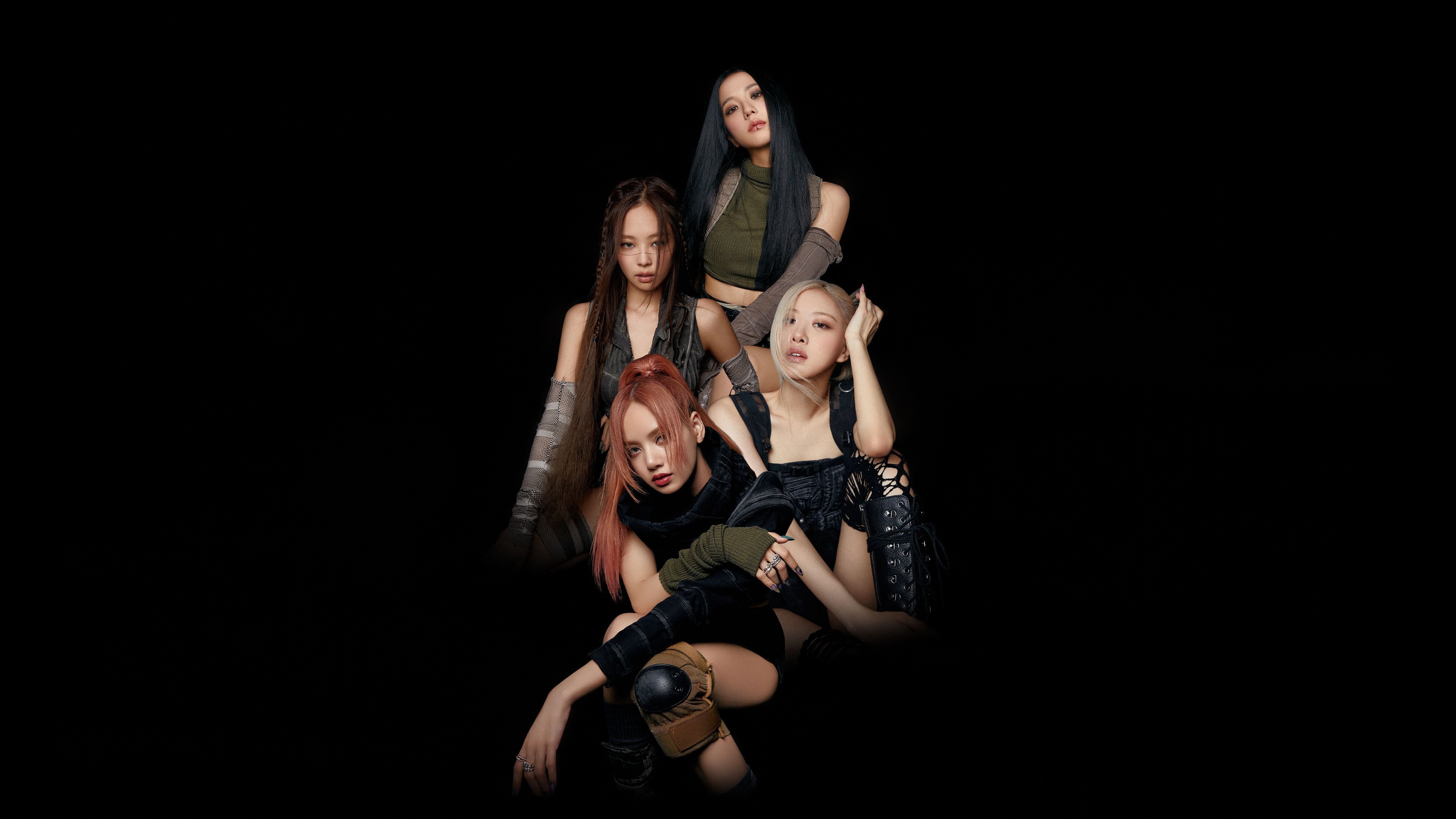 Blackpink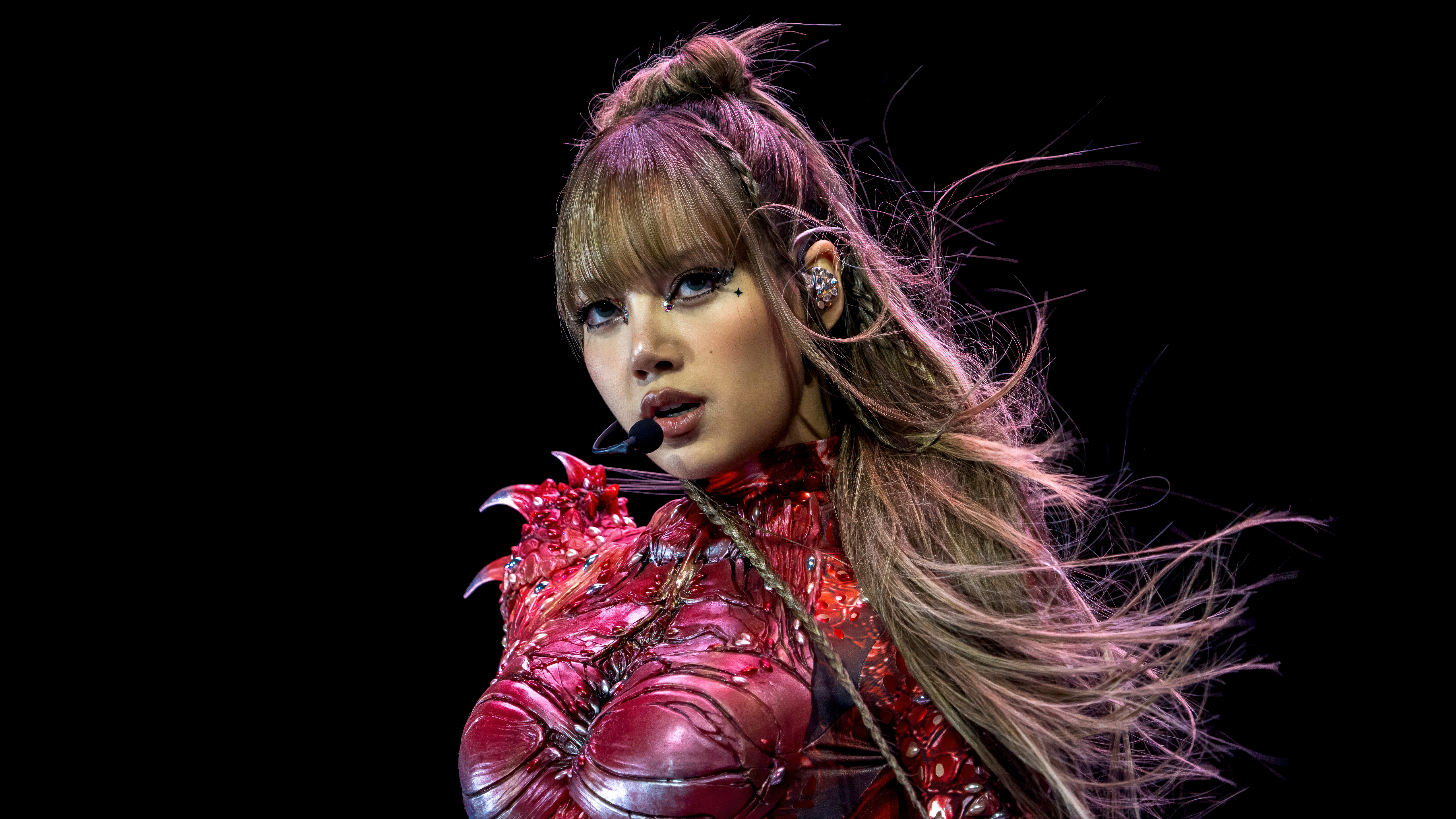

 Lisa - ROCKSTAR
 LISA: Alter Ego
 Lisa - Alter Ego
Das könnte dir gefallen
 BLACKPINK45 Bilder
 Jisoo24 Bilder
 Jennie41 Bilder
 Idole33 Bilder
 Südkoreanischer Sänger47 Bilder
 Schwarzes Kleid46 Bilder
 Rosa Kleid6 Bilder
 K-Pop-Sänger46 Bilder
 Thailändischer Sänger11 Bilder
 Popmusik7 Bilder
 Live-Konzert32 Bilder
 Rosa42 Bilder
 BTS23 Bilder
 Jeon Somi22 Bilder
 Schöne Sängerin15 Bilder
 Koreanische Sänger31 Bilder
 Dua Lipa30 Bilder
 Marie Claire9 Bilder
 Alter5 Bilder
 Camila Cabello39 Bilder
 Jang Wonyoung38 Bilder
 Magazine46 Bilder
 IVE (K-Pop)47 Bilder
 Billie Eilish17 Bilder
 Mode44 Bilder
 (G)I-DLE9 Bilder
 Katy Perry14 Bilder
 Make-up5 Bilder
 Dove Cameron15 Bilder
 Taylor Swift15 Bilder
So richtest du das Hintergrundbild auf deinem Gerät ein
Das passende Bild gefunden? Lade es über den Download-Button herunter und folge den Schritten unten — in wenigen Sekunden erledigt, am Computer wie am Smartphone.
Windows
- Klicke auf Download — das Bild landet im Ordner „Downloads“
- Rechtsklick auf die heruntergeladene Datei und „Als Desktophintergrund festlegen“ wählen
- Mehrere Monitore? Unter Einstellungen → Personalisierung → Hintergrund legst du fest, wo das Bild erscheint
macOS
- Klicke auf Download, um das Bild auf dem Mac zu speichern
- Öffne Systemeinstellungen → Hintergrundbild
- Klicke auf „Foto hinzufügen“, wähle das Bild aus und nimm „Bildschirm ausfüllen“
iPhone / iPad
- Tippe auf Download und dann auf „In Fotos sichern“
- Öffne die Fotos-App und wähle das gespeicherte Bild
- Tippe auf Teilen → „Als Hintergrund verwenden“, passe den Ausschnitt an und bestätige mit „Festlegen“
Android
- Tippe auf Download — das Bild wird in der Galerie gespeichert
- Öffne die Galerie (oder Google Fotos) und wähle das Bild aus
- Wähle im Menü „Als Hintergrund festlegen“ und entscheide: Startbildschirm, Sperrbildschirm oder beides