Filme 2026 Hintergrundbilder
 Kara Zor-El
 Catherine Laga'aia
 Dwayne Johnson
 Supergirl (2026)
 Kara Zor-El
 Supergirl (2026)
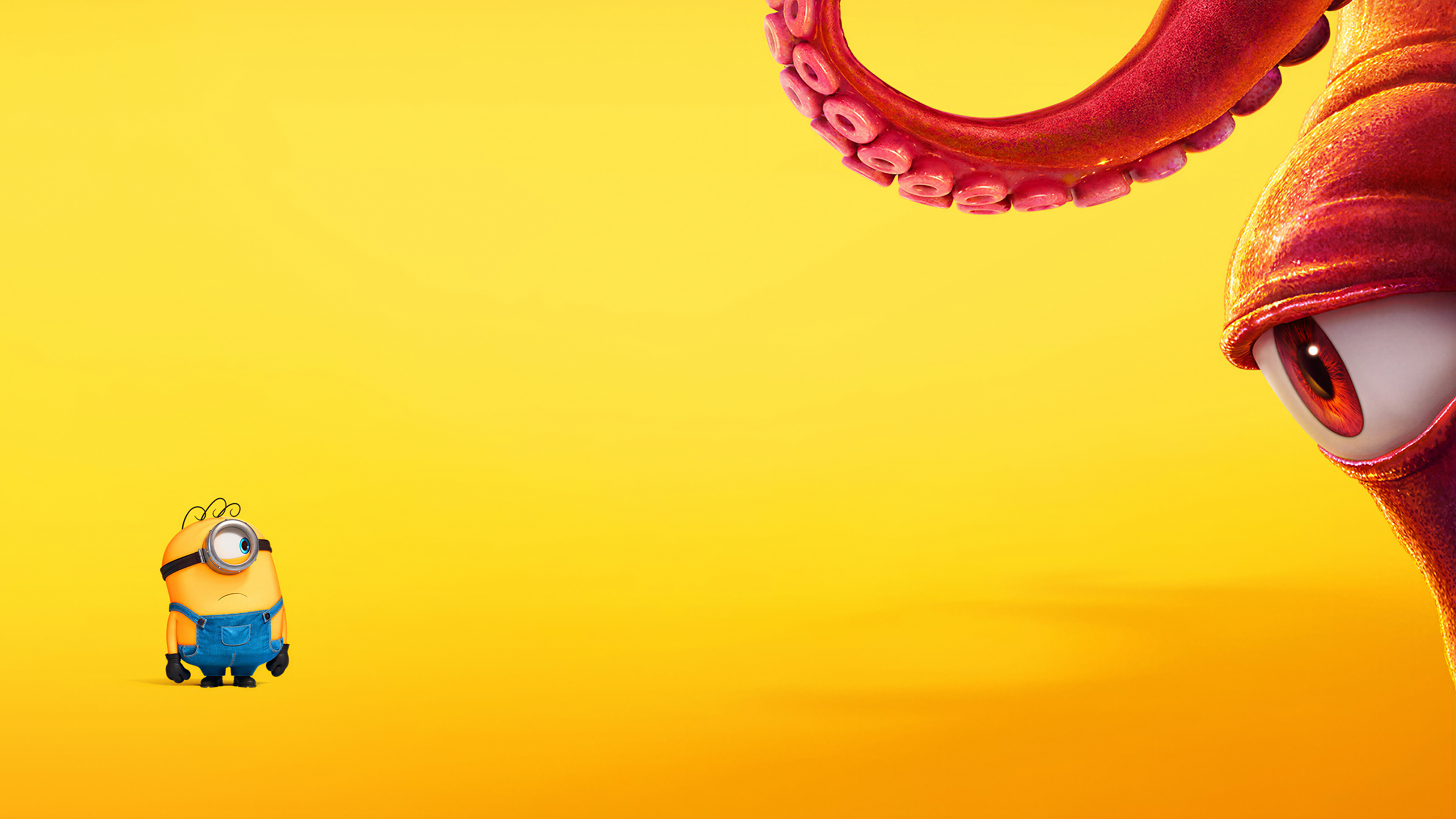 Minions & Monsters
 Supergirl (2026)
 Toy Story 5
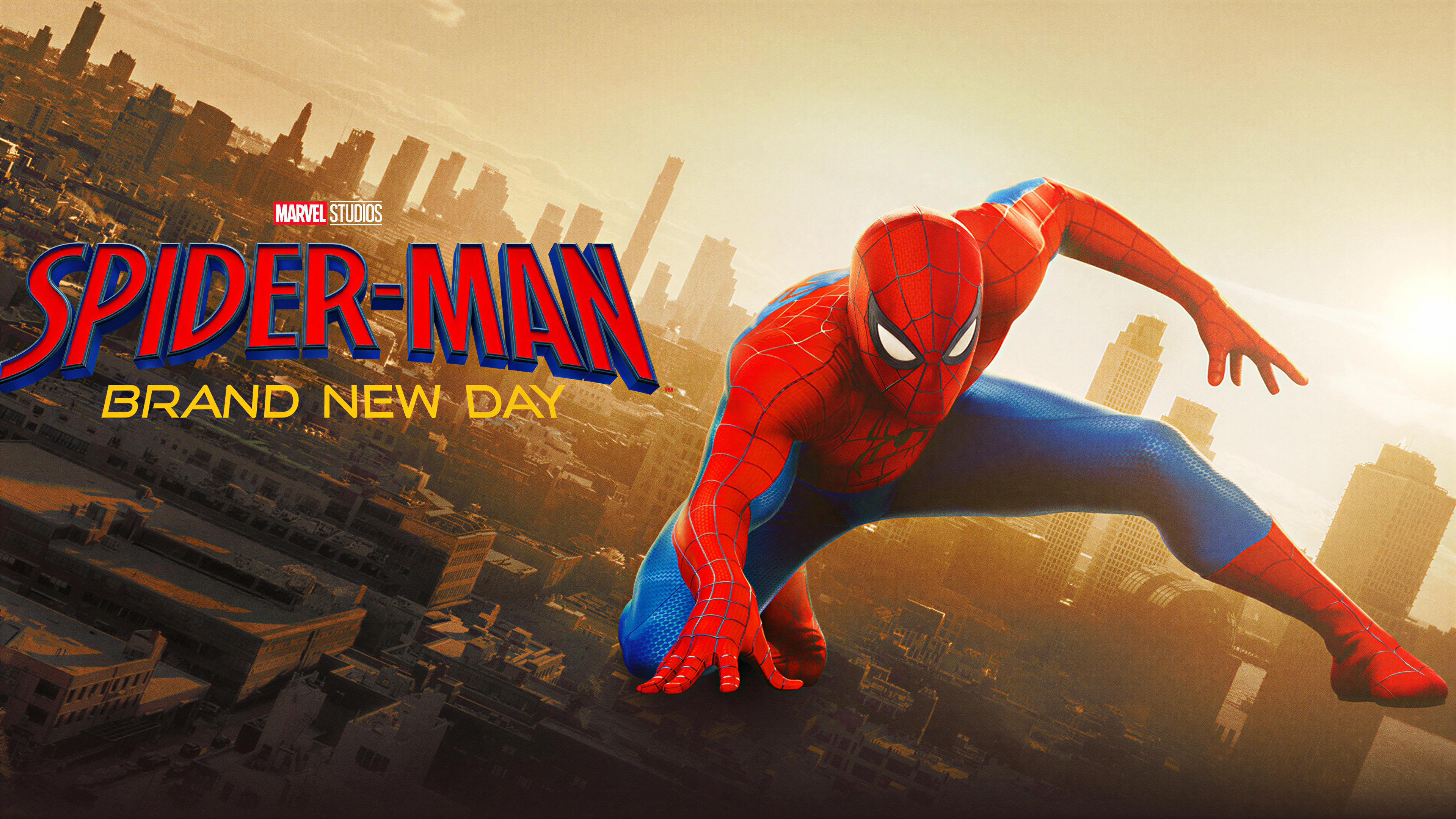 Spider-Man: Brand New Day
 Star Wars: The Mandalorian and Grogu
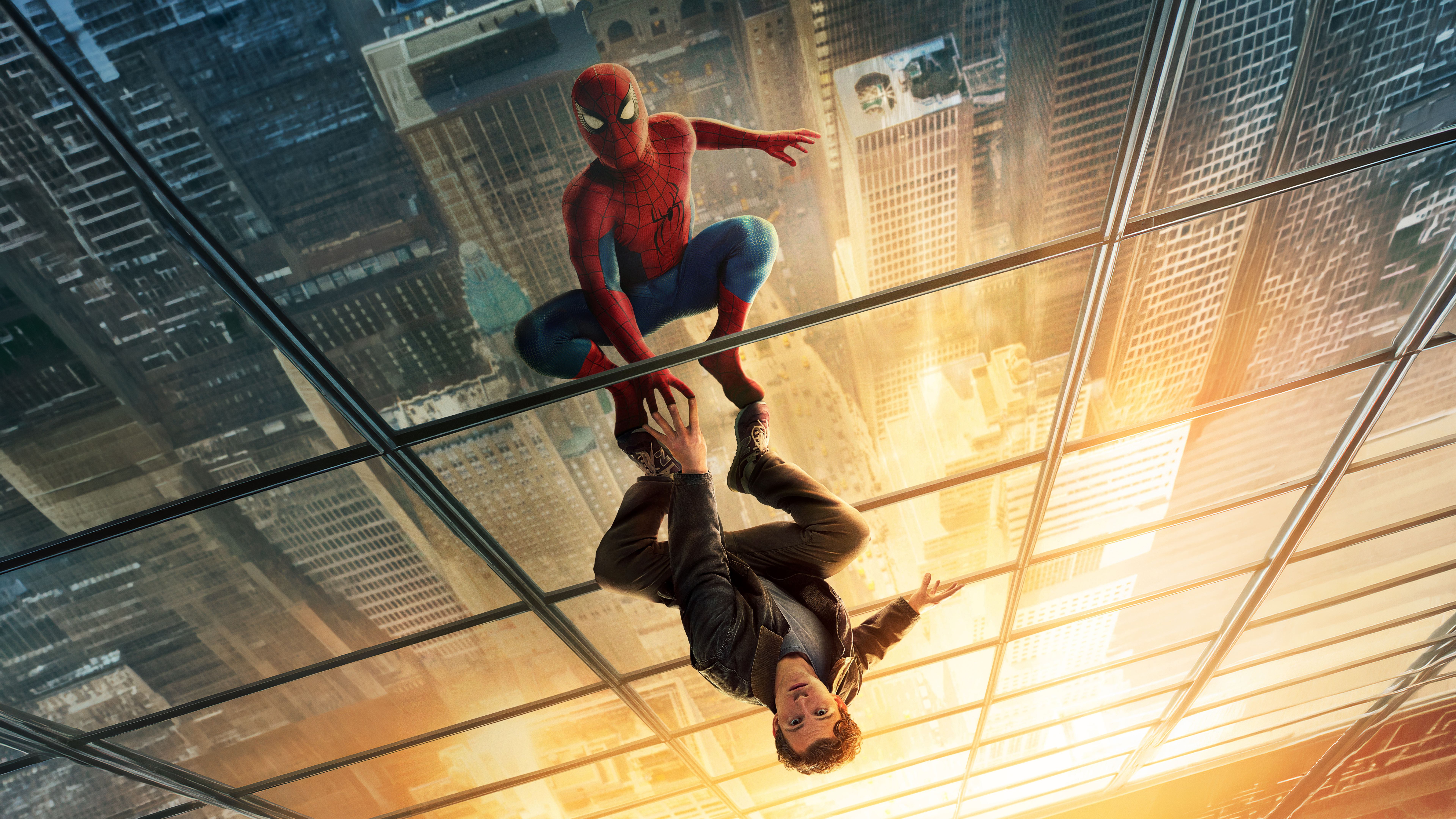 Spider-Man: Brand New Day
 Spider-Man: Brand New Day
 Odysseus
 Masters of the Universe (2026)
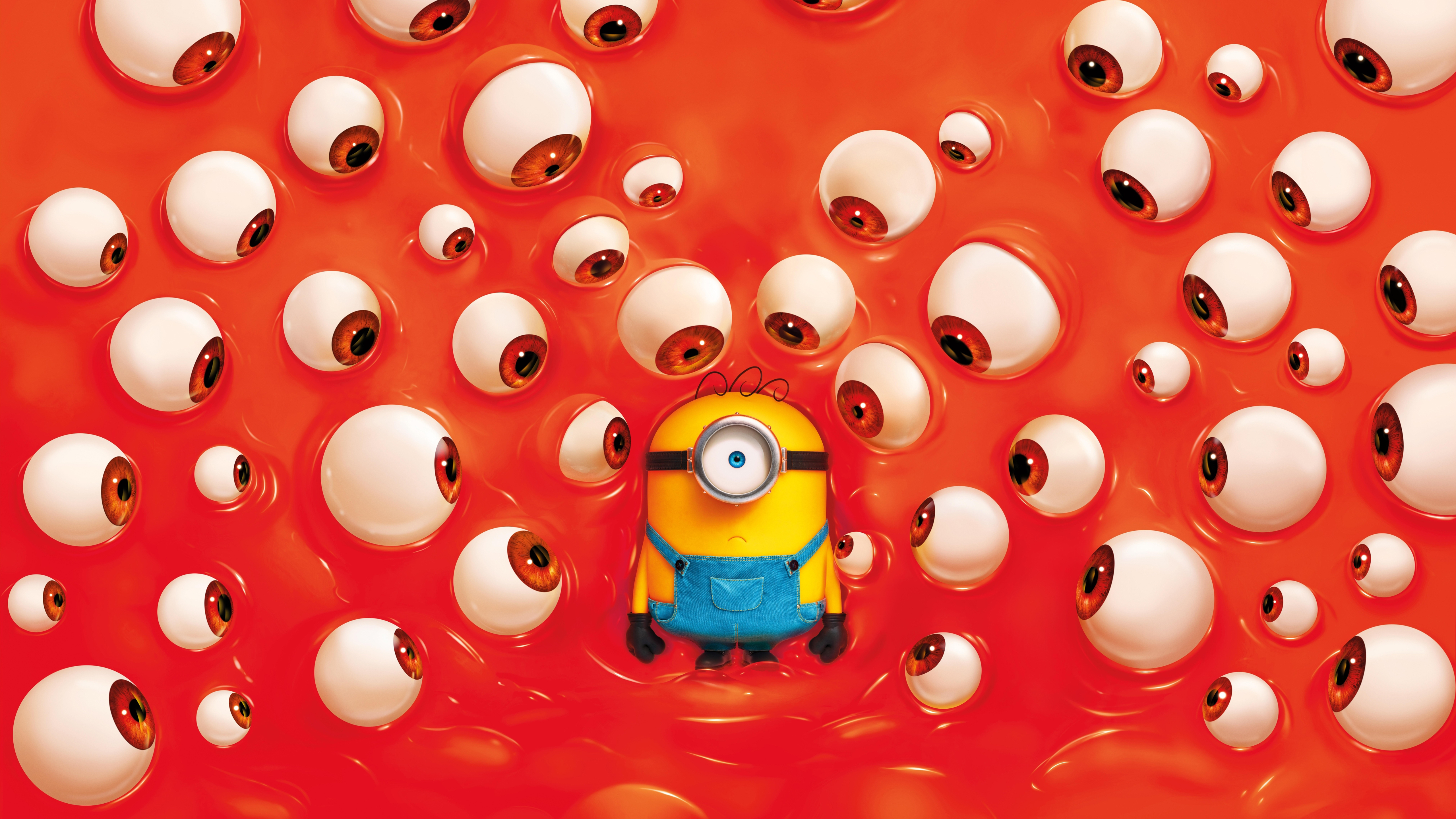 Minions & Monsters
 Masters of the Universe (2026)
 Jaafar Jackson
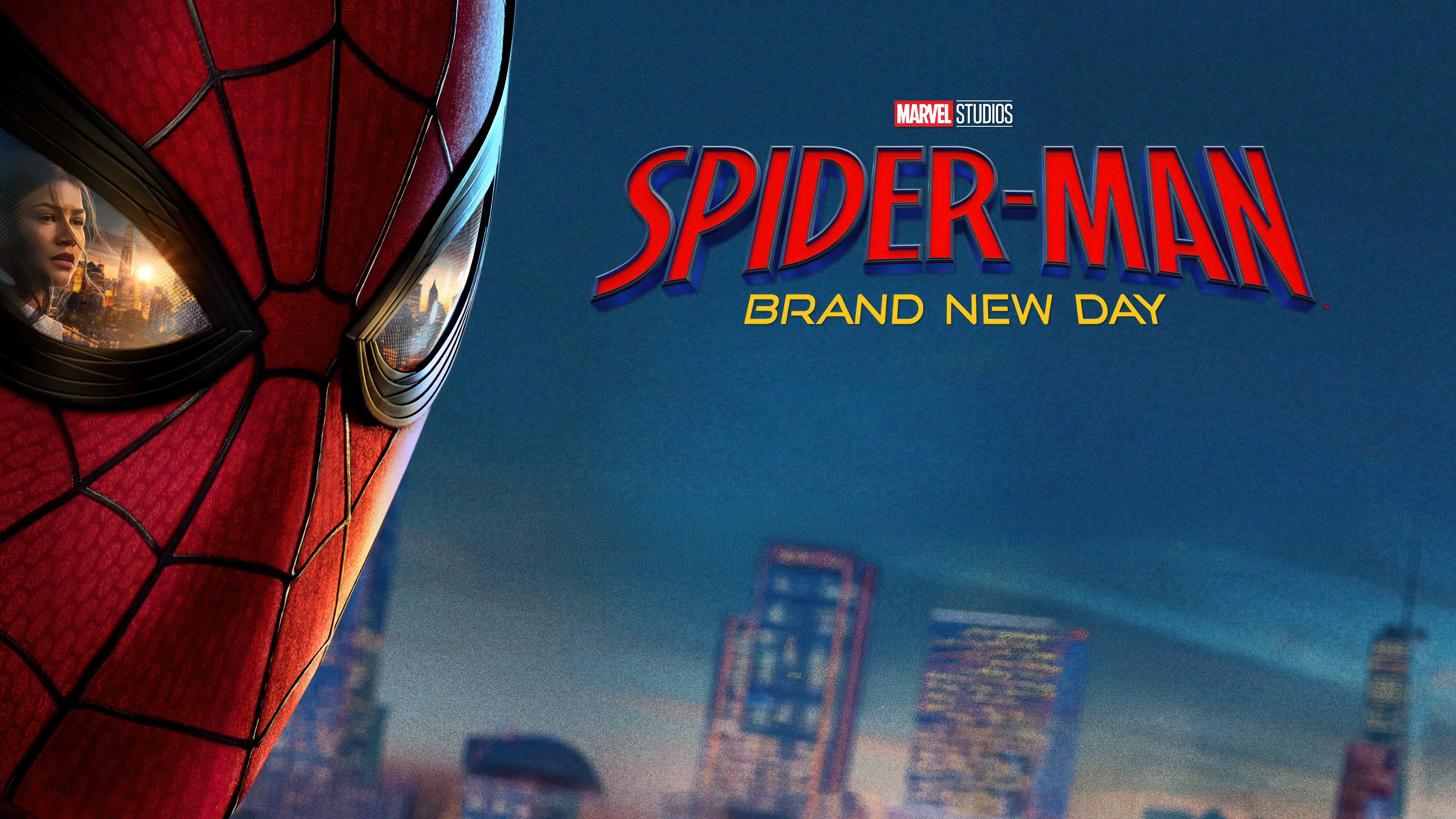 Spider-Man: Brand New Day
 Spider-Man: Brand New Day
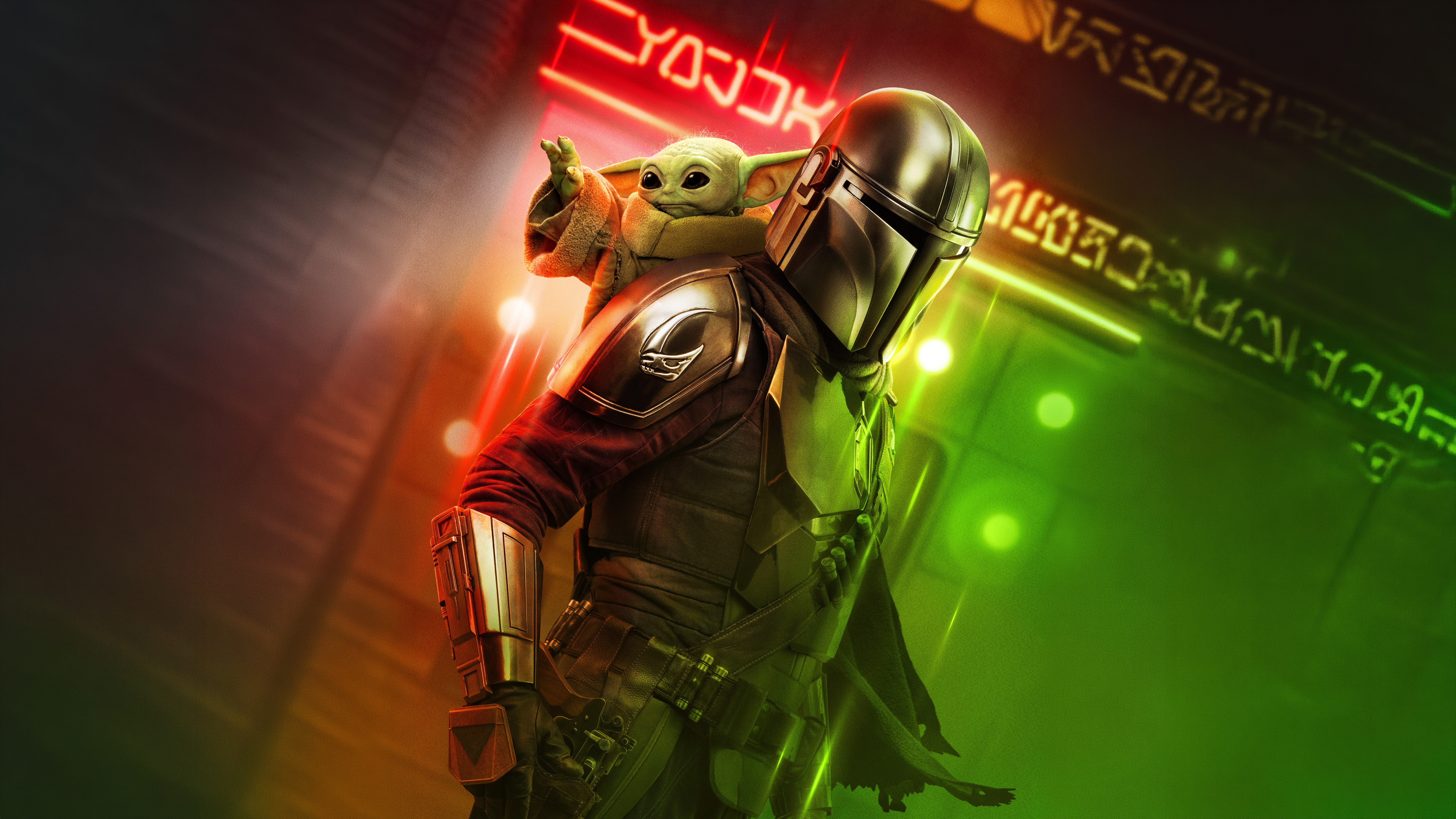 Star Wars: The Mandalorian and Grogu
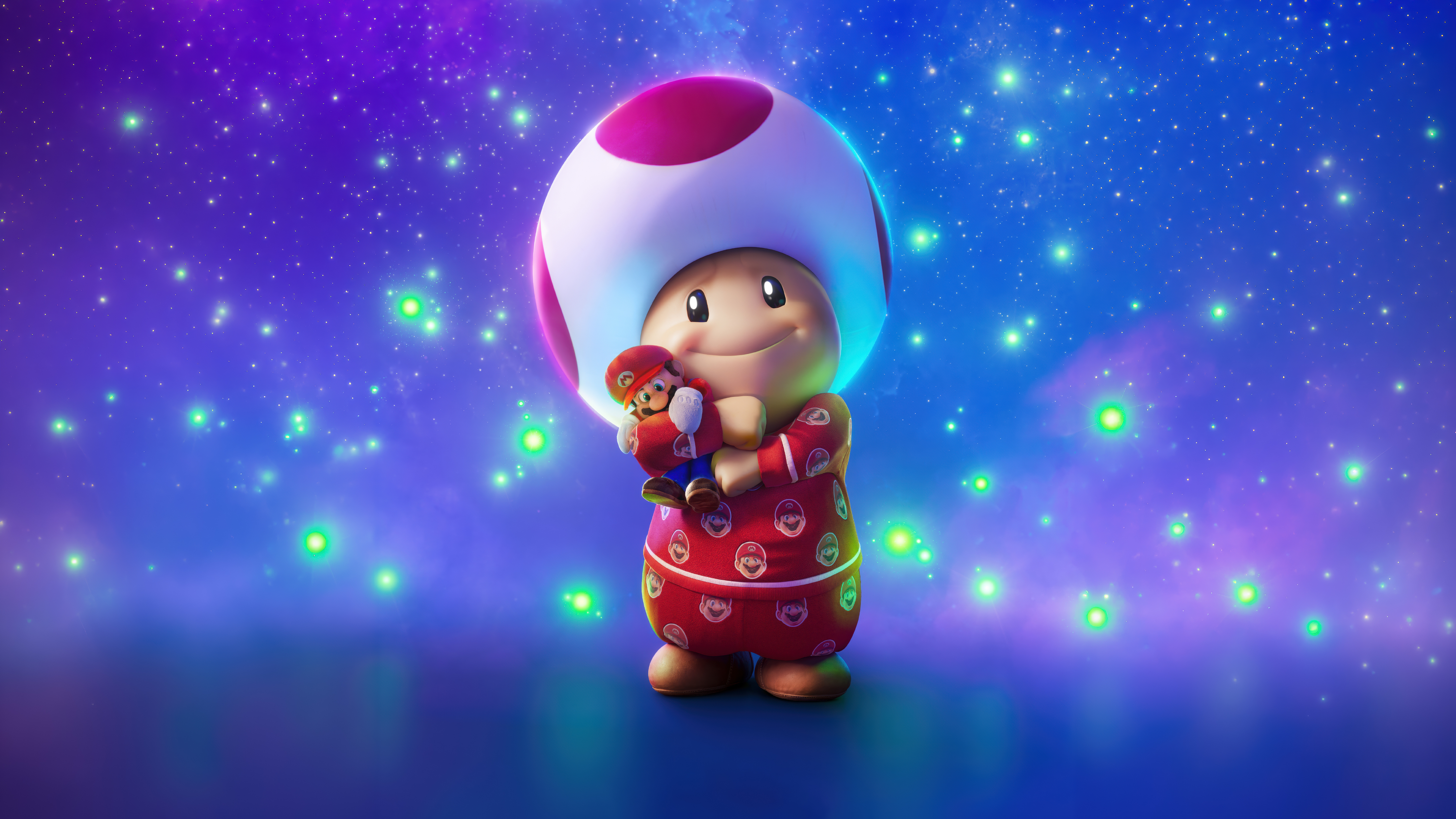 Toad
Toad The Hunger Games: Sunrise on the Reaping
 Mortal Kombat II
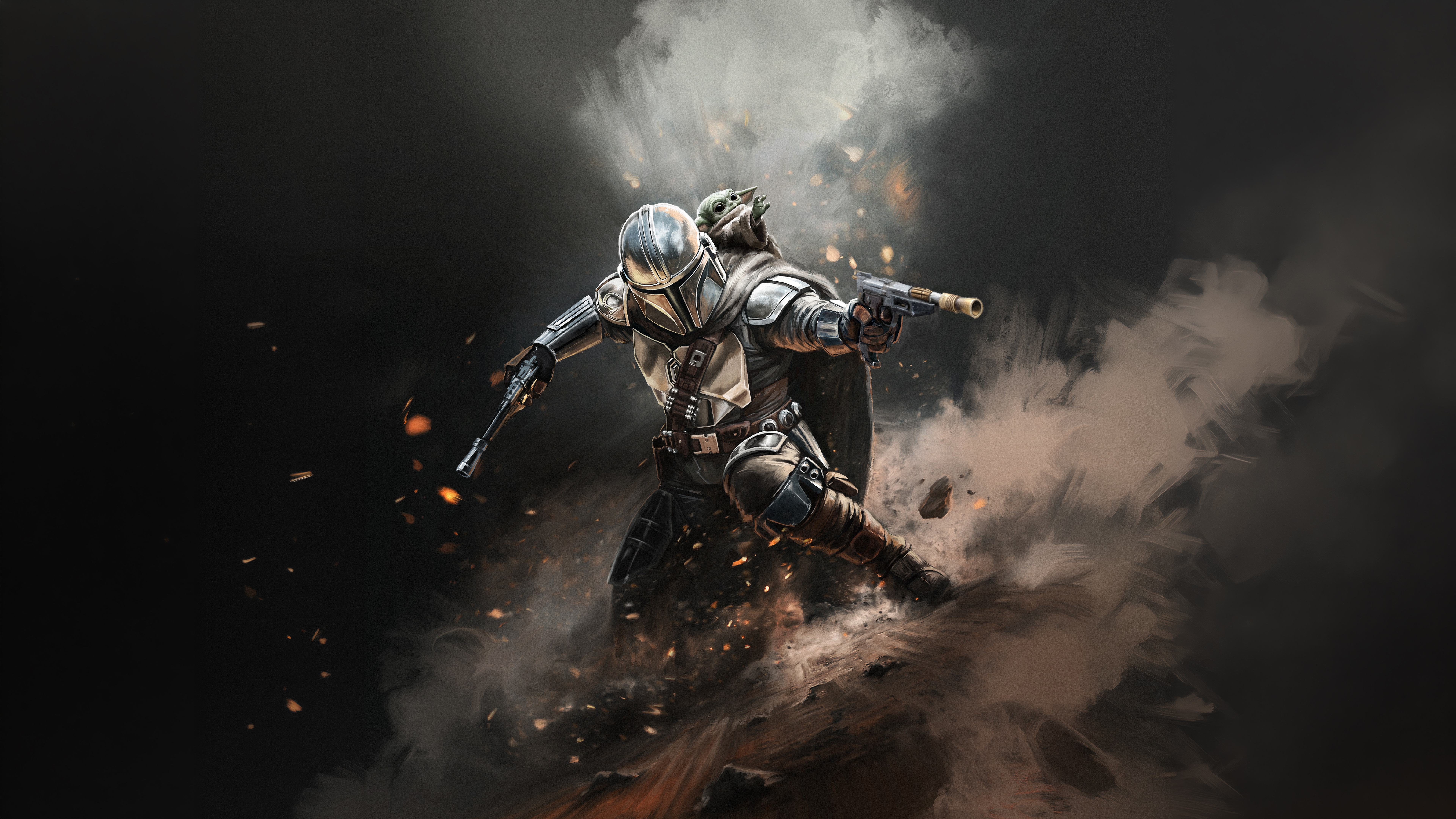 Star Wars: The Mandalorian and Grogu
 Hoppers (2026)
 Mortal Kombat II
 Peter Parker
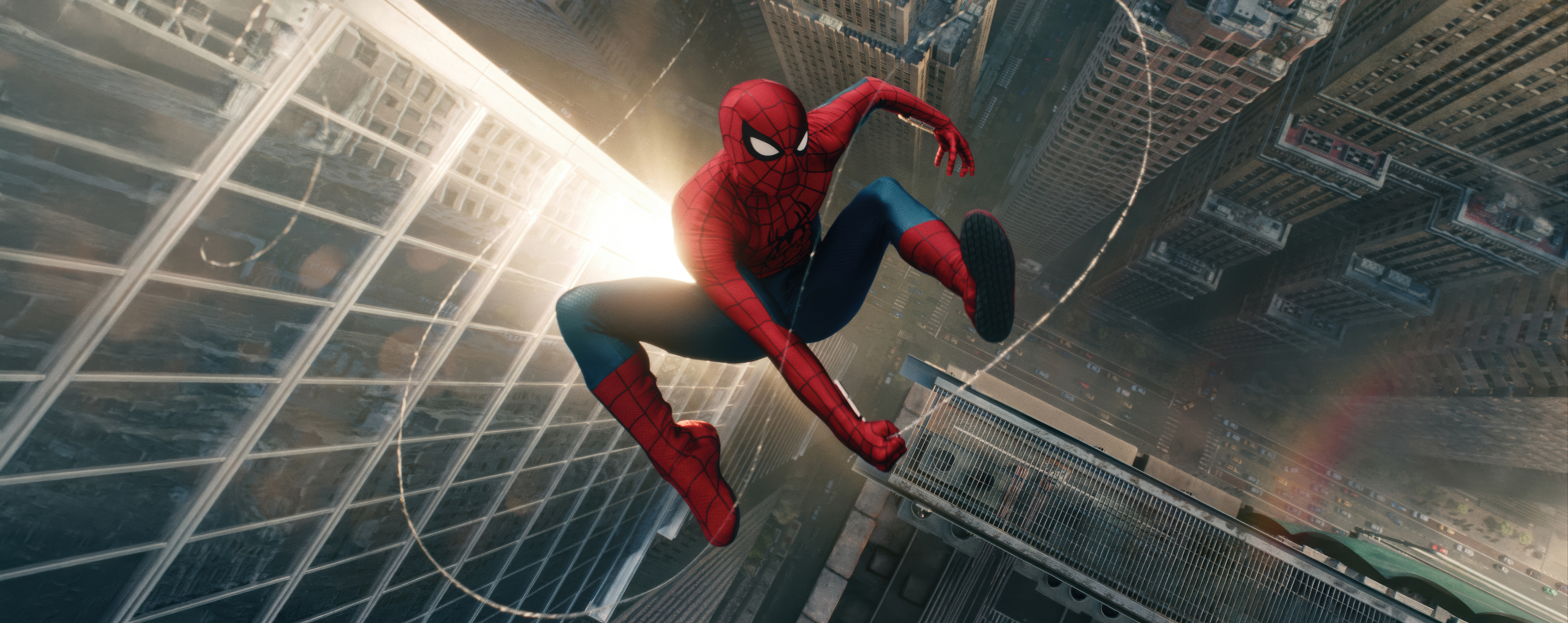 Spider-Man: Brand New Day
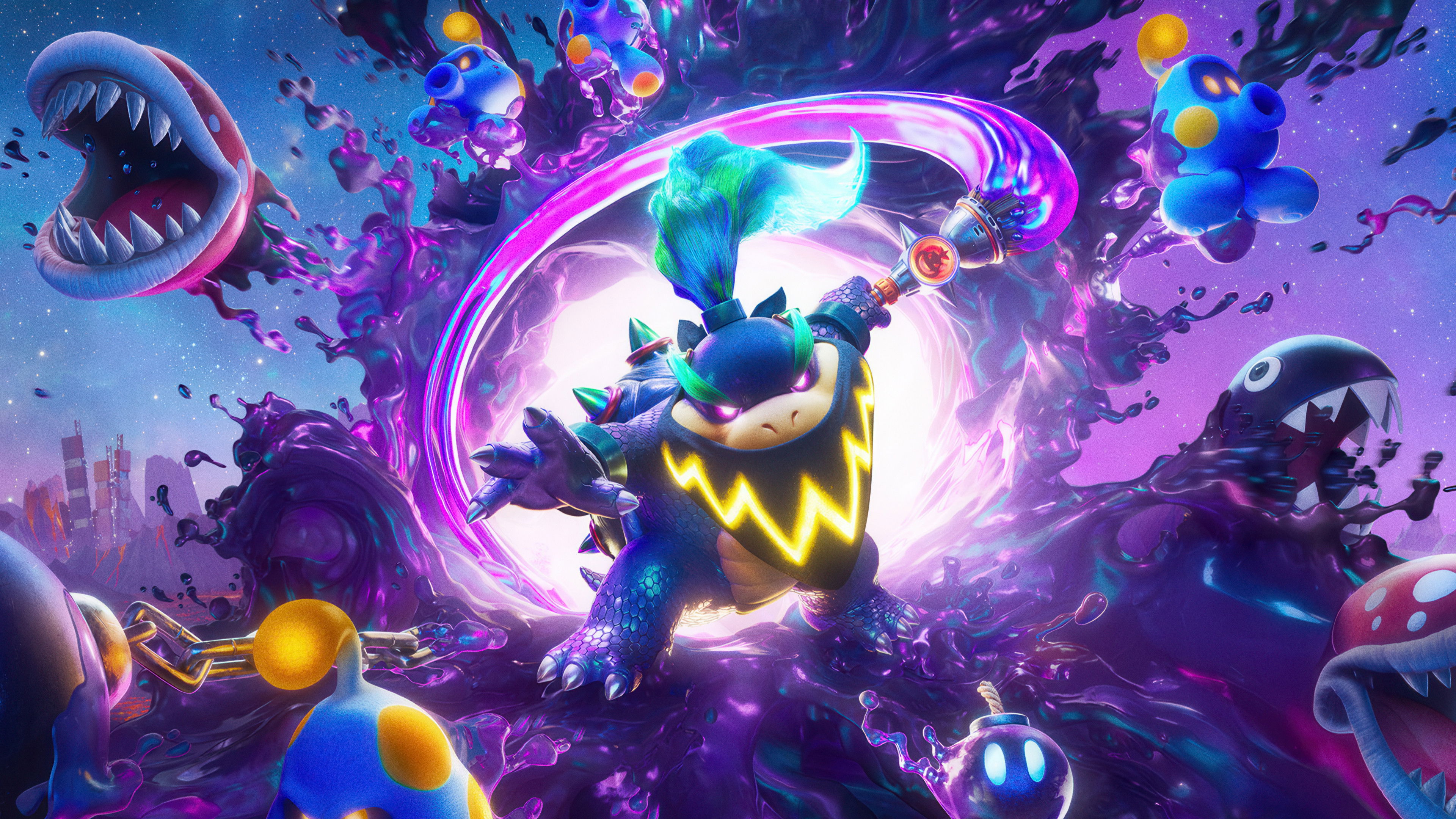 The Super Mario Galaxy Movie
 Moana (2026)
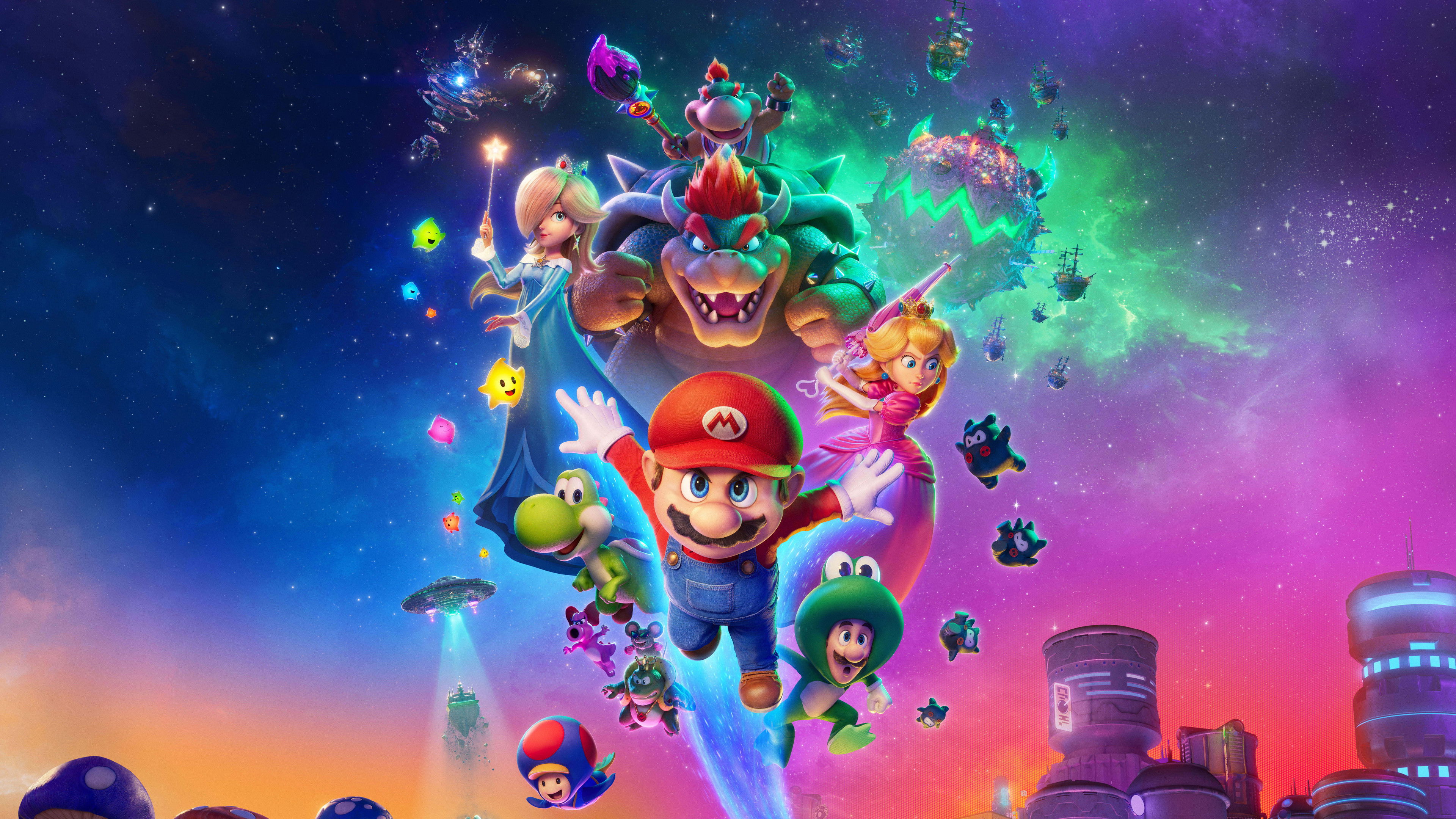 The Super Mario Galaxy Movie
 Karl Urban
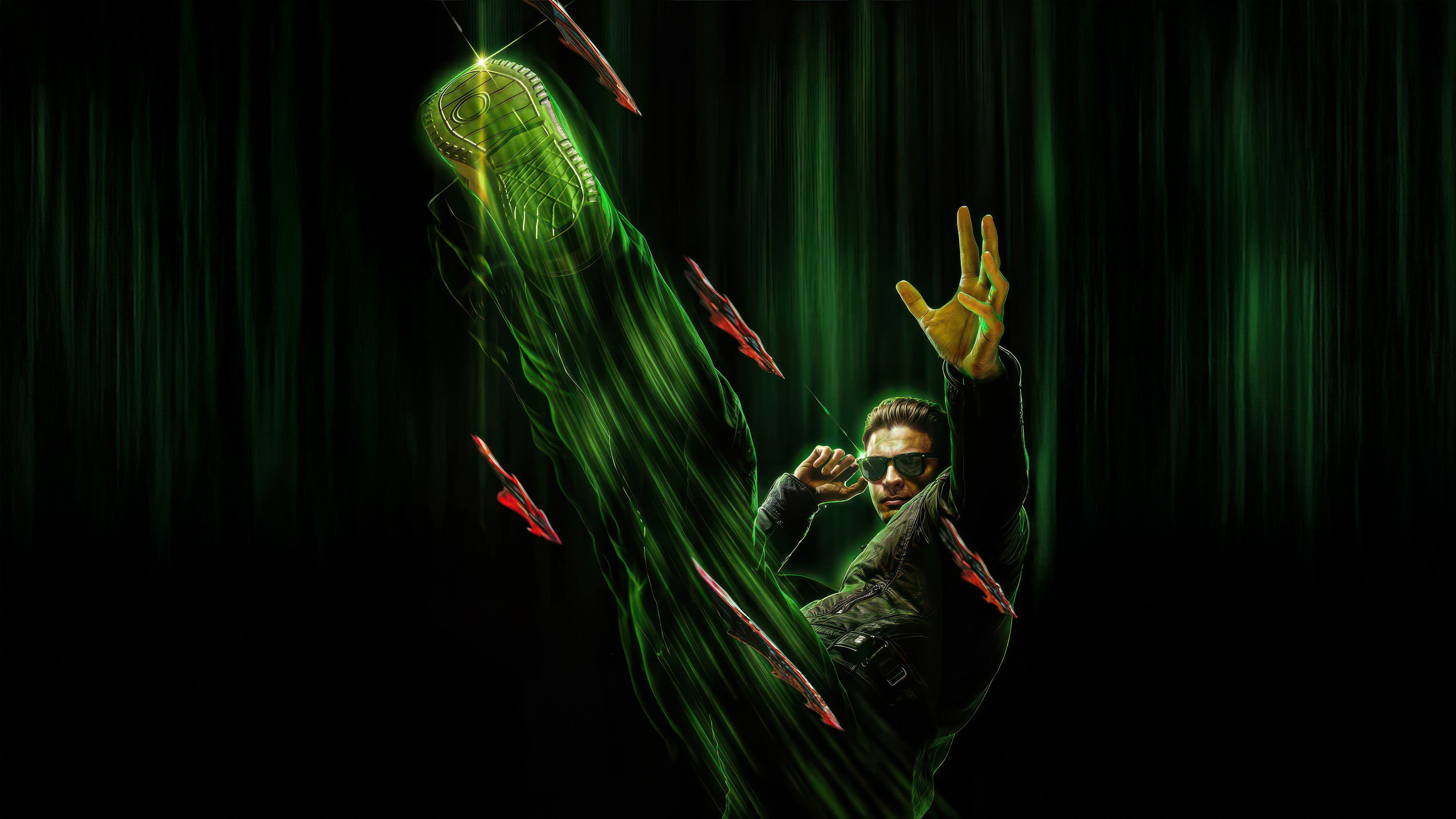 Johnny Cage
 Michael (2026)
 Ready or Not 2: Here I Come
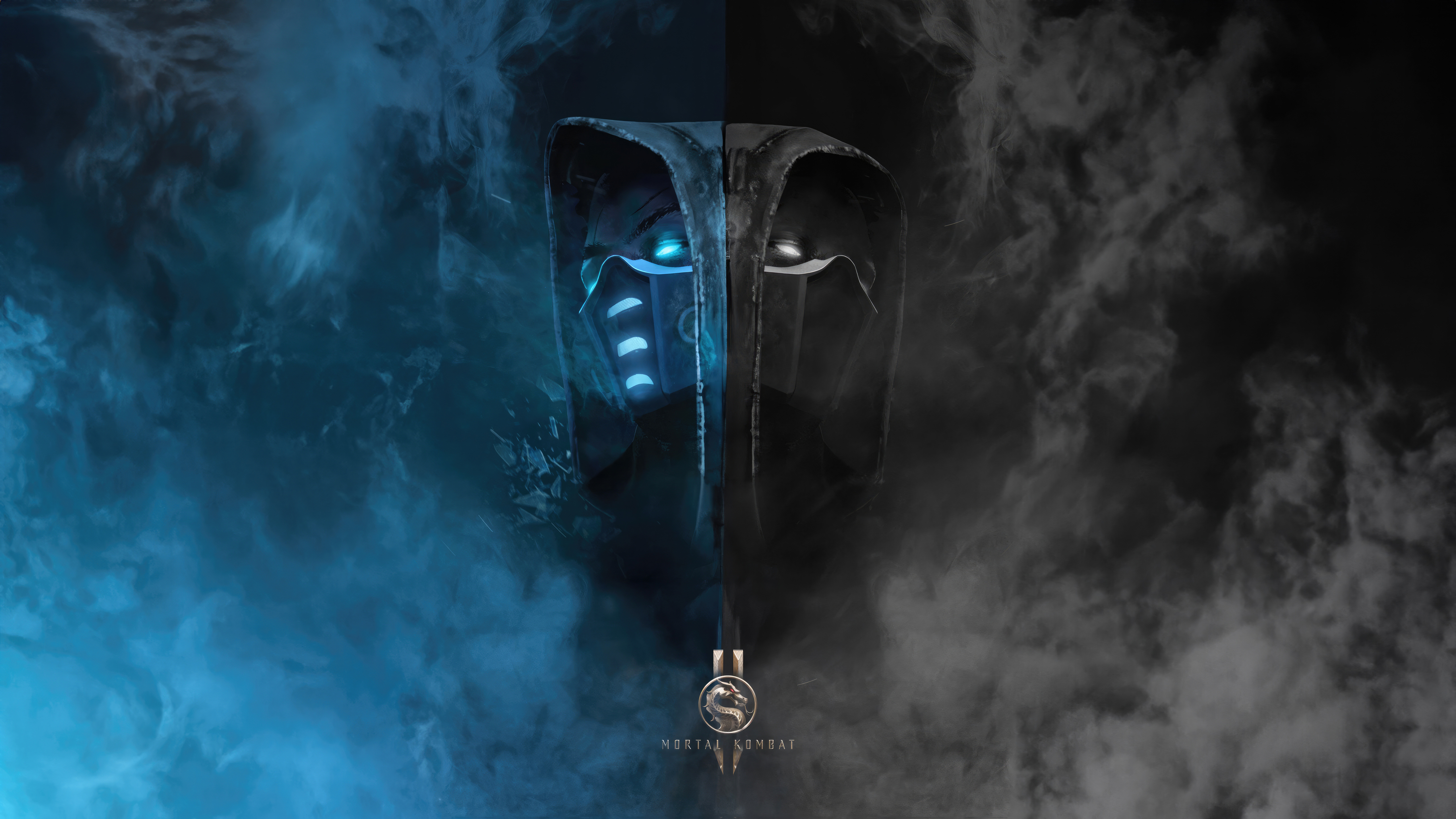 Sub-Zero vs Scorpion
 Scream 7
 Project Hail Mary
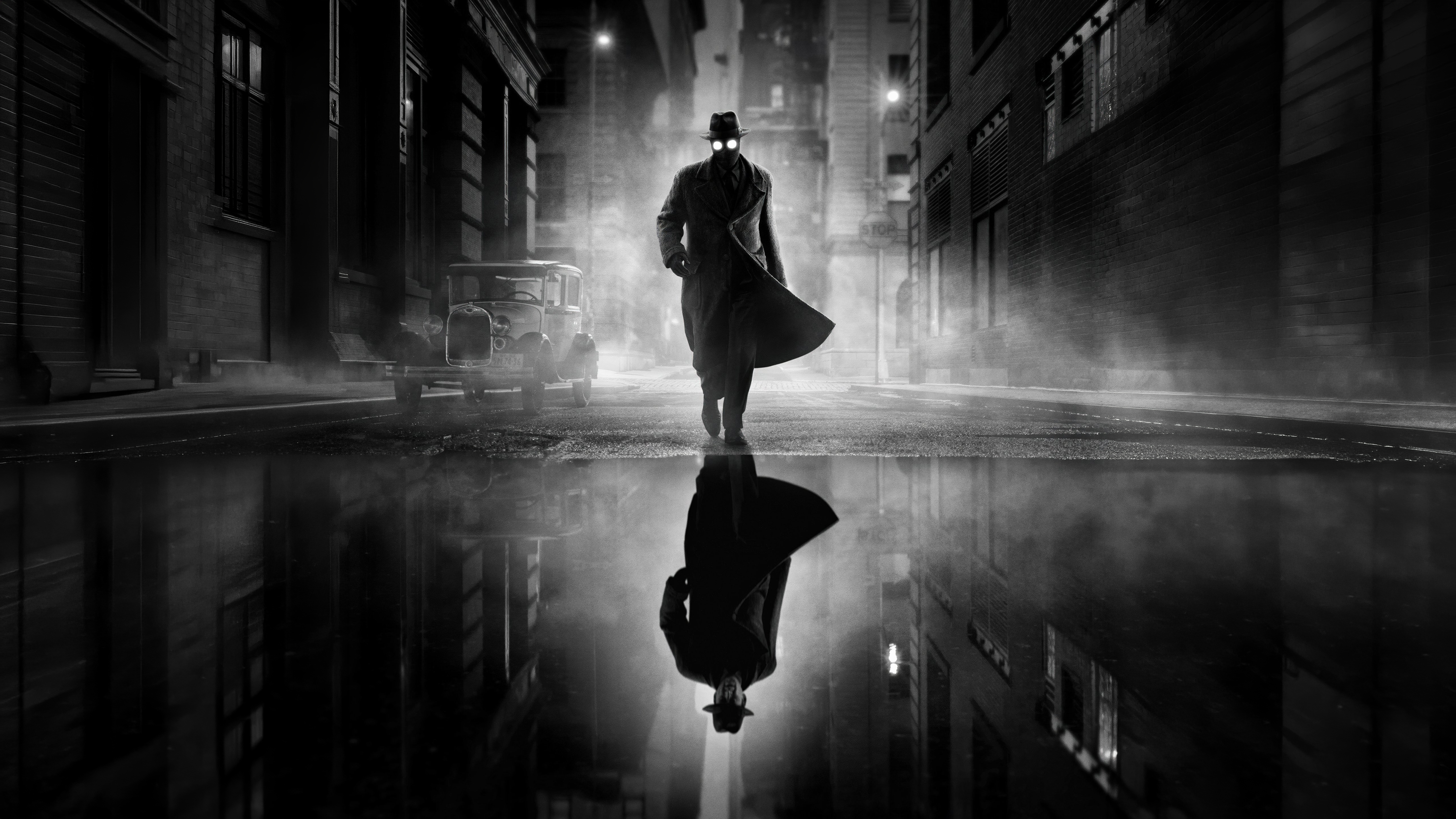 Ben Reilly
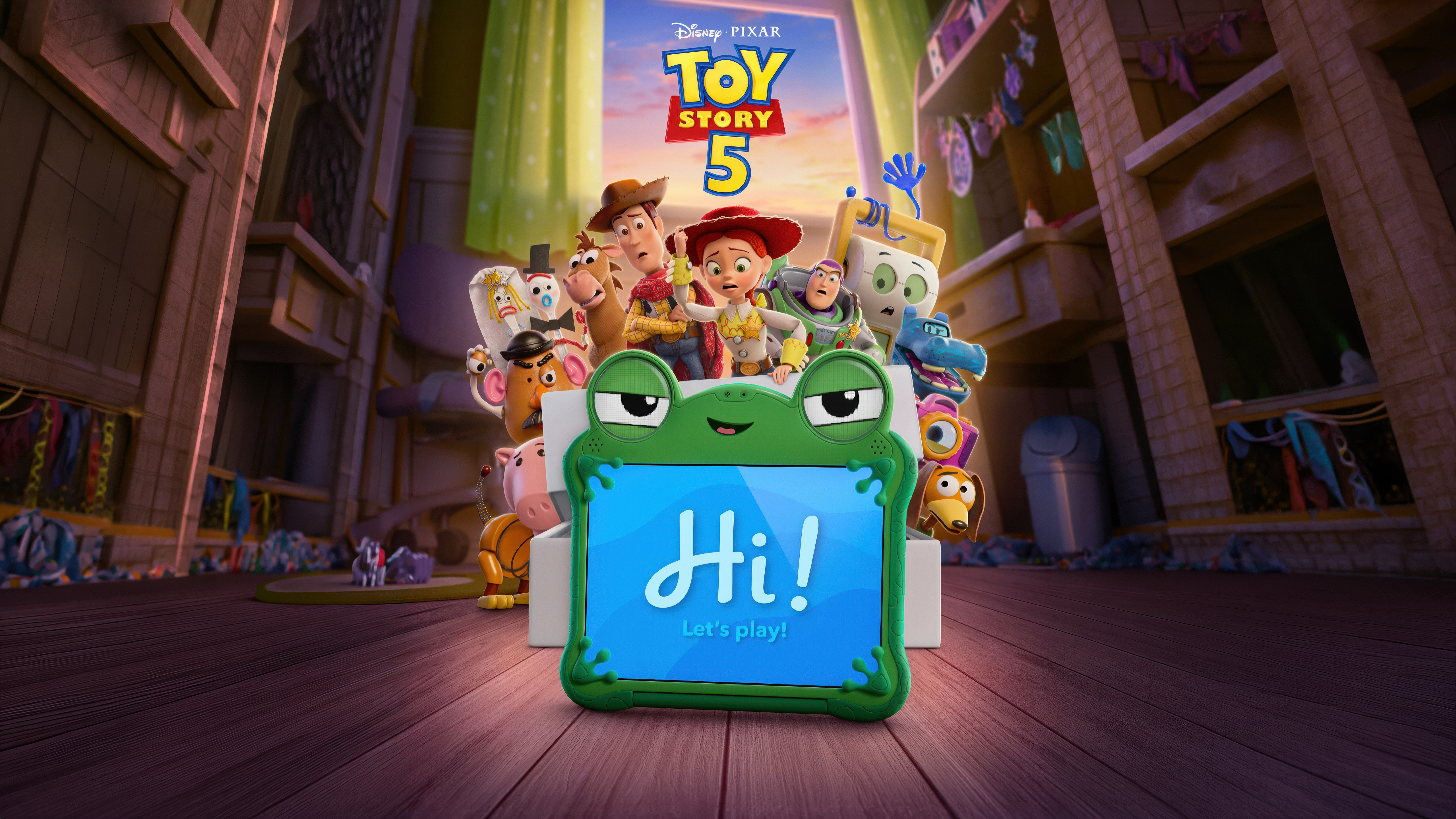 Toy Story 5
 Mortal Kombat II
 Horror
 Cold Storage (2026)
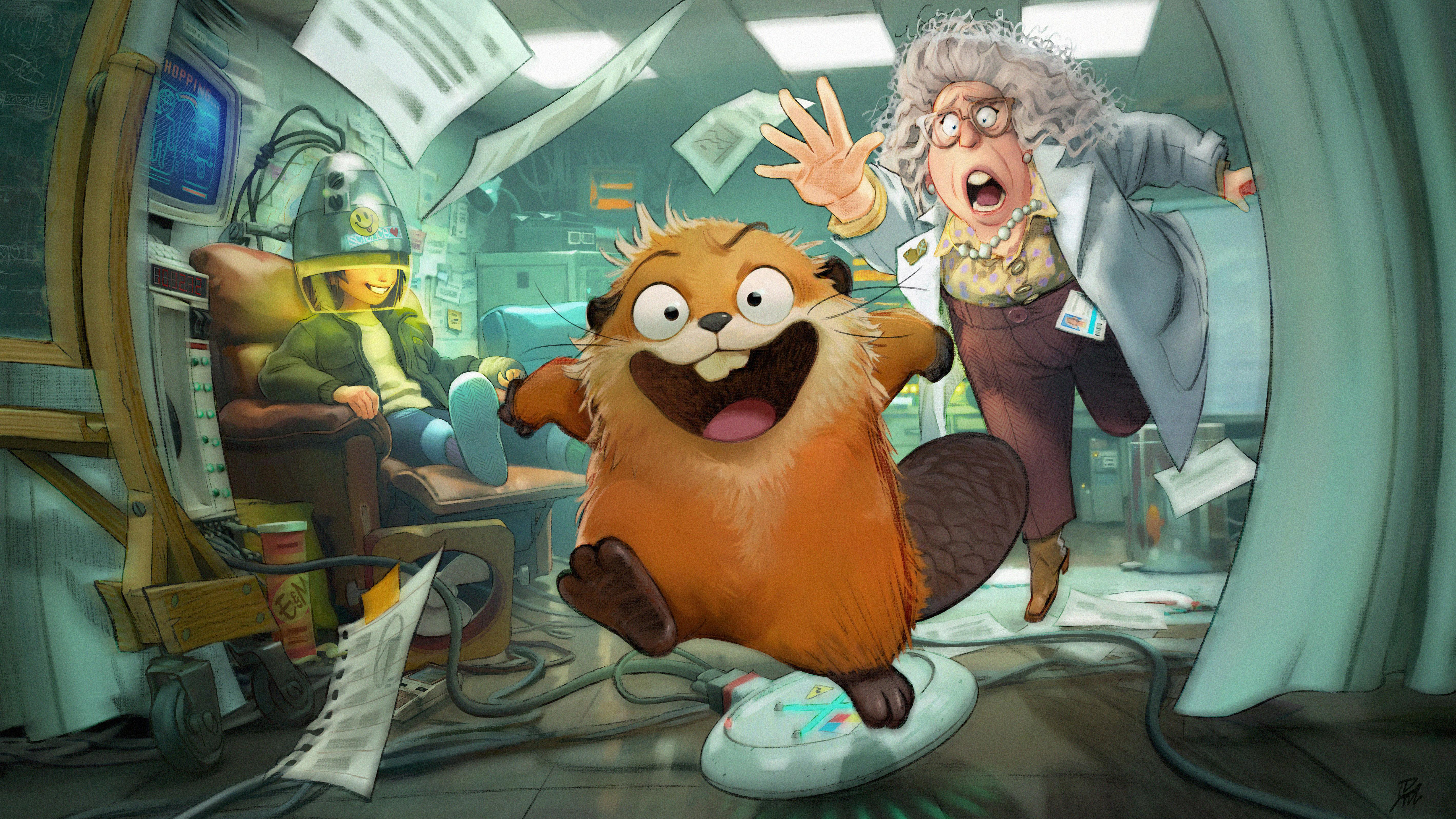 Hoppers (2026)
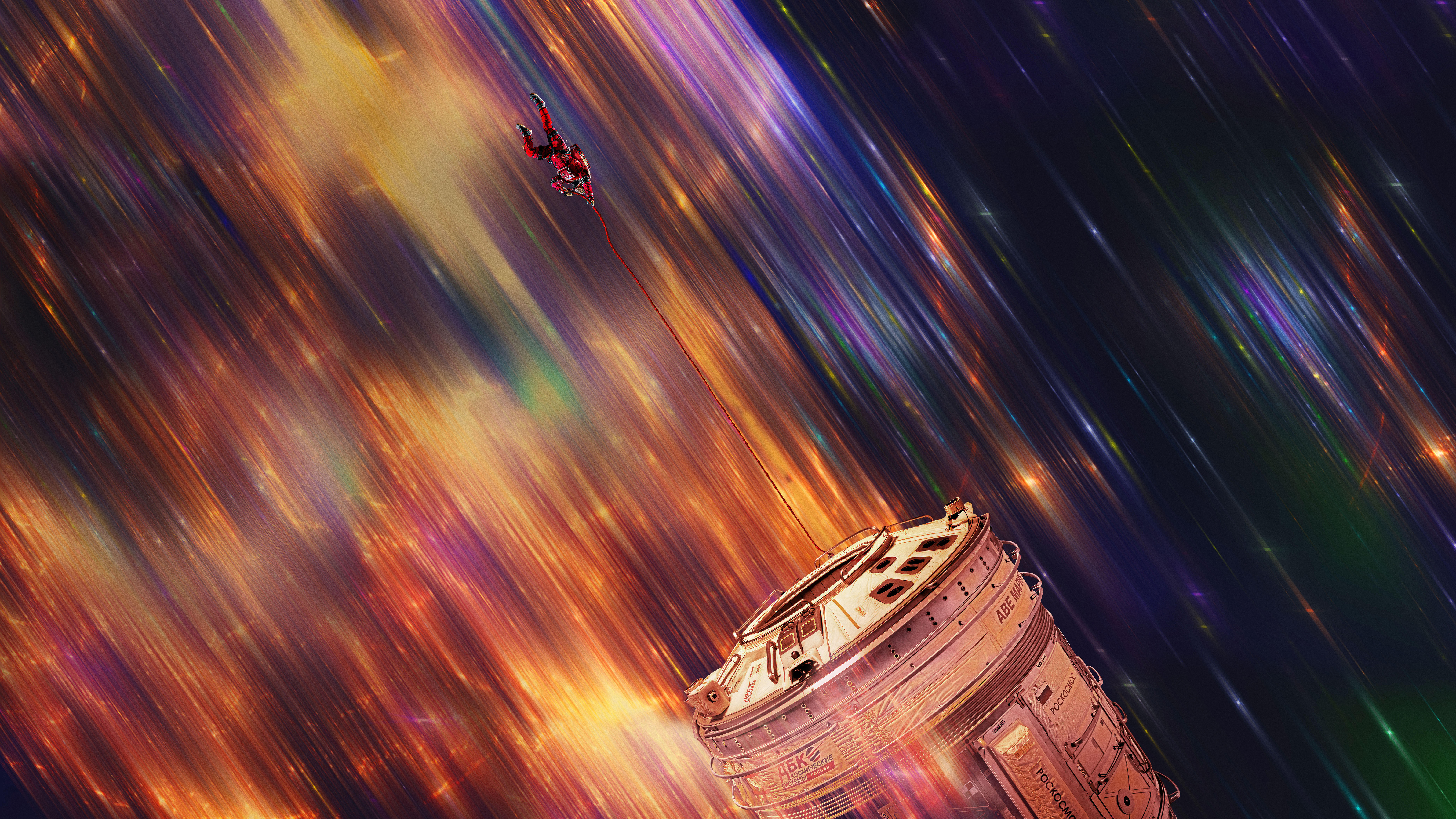 Project Hail Mary
 Ghostface
 Michael (2026)
Das könnte dir gefallen
 Supergirl19 Bilder
 202641 Bilder
 Superhelden37 Bilder
 Filme 20279 Bilder
 Poster47 Bilder
 Filmposter45 Bilder
 Jason Momoa25 Bilder
 Charakterposter44 Bilder
 Spider-Man31 Bilder
 Marvel Comics45 Bilder
 Animation43 Bilder
 Disney42 Bilder
 Godzilla28 Bilder
 Star Wars42 Bilder
 DC Comics41 Bilder
 Serien 202638 Bilder
 Pixar37 Bilder
 Harley Quinn15 Bilder
 Sci-Fi-Filme9 Bilder
 Ultrawide46 Bilder
 Batman41 Bilder
 Gal Gadot28 Bilder
 Captain America44 Bilder
 Animationsserien41 Bilder
 Wonder Woman27 Bilder
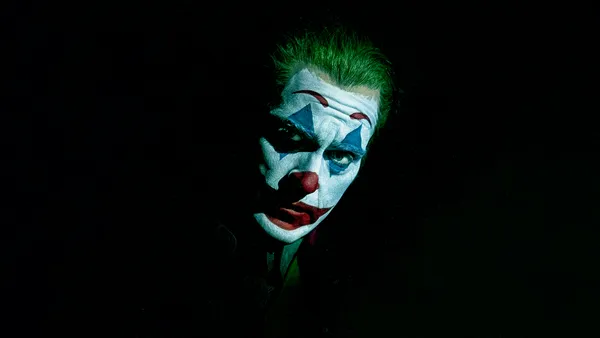 Joker10 Bilder
 Marvel Cinematic Universe27 Bilder
 Margot Robbie26 Bilder
 Thunderbolts12 Bilder
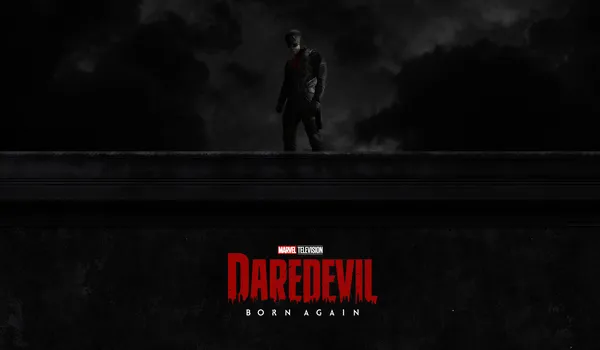 Daredevil32 Bilder
So richtest du das Hintergrundbild auf deinem Gerät ein
Das passende Bild gefunden? Lade es über den Download-Button herunter und folge den Schritten unten — in wenigen Sekunden erledigt, am Computer wie am Smartphone.
Windows
- Klicke auf Download — das Bild landet im Ordner „Downloads“
- Rechtsklick auf die heruntergeladene Datei und „Als Desktophintergrund festlegen“ wählen
- Mehrere Monitore? Unter Einstellungen → Personalisierung → Hintergrund legst du fest, wo das Bild erscheint
macOS
- Klicke auf Download, um das Bild auf dem Mac zu speichern
- Öffne Systemeinstellungen → Hintergrundbild
- Klicke auf „Foto hinzufügen“, wähle das Bild aus und nimm „Bildschirm ausfüllen“
iPhone / iPad
- Tippe auf Download und dann auf „In Fotos sichern“
- Öffne die Fotos-App und wähle das gespeicherte Bild
- Tippe auf Teilen → „Als Hintergrund verwenden“, passe den Ausschnitt an und bestätige mit „Festlegen“
Android
- Tippe auf Download — das Bild wird in der Galerie gespeichert
- Öffne die Galerie (oder Google Fotos) und wähle das Bild aus
- Wähle im Menü „Als Hintergrund festlegen“ und entscheide: Startbildschirm, Sperrbildschirm oder beides