BMW M3 Hintergrundbilder
 BMW M3 Touring 24h
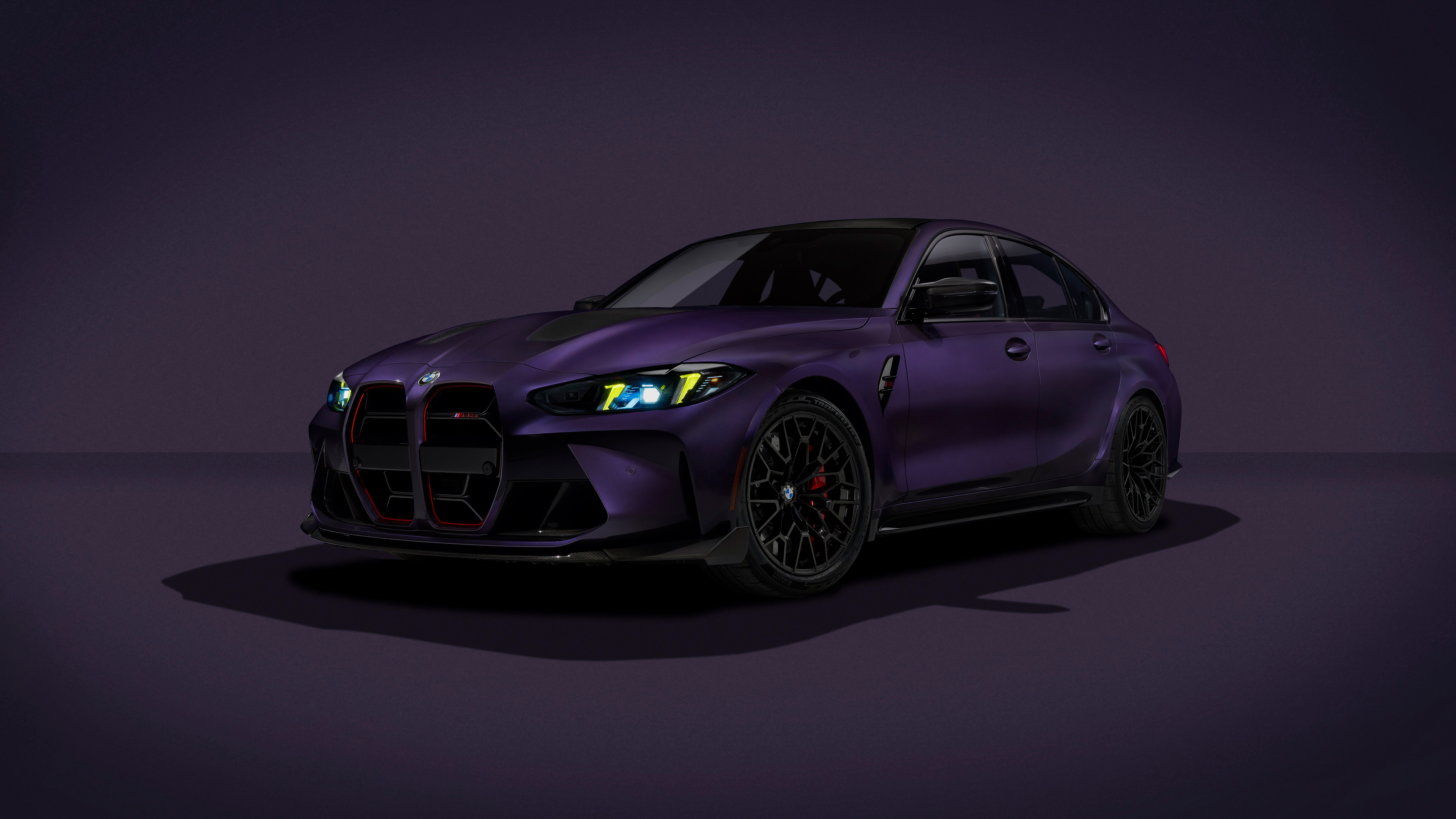 BMW M3 CS Handschalter
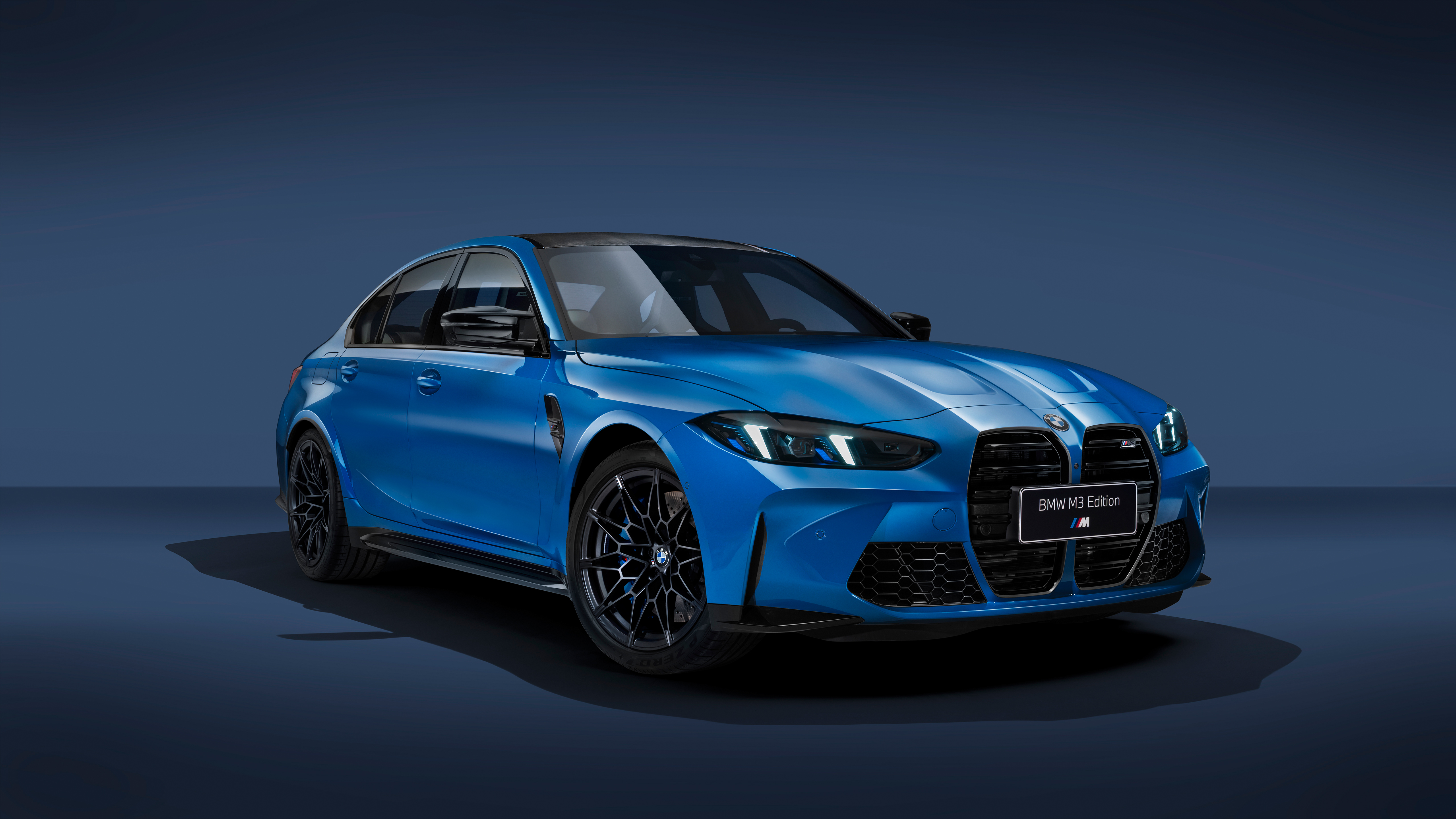 BMW M3 Competition Edition 40 Jahre
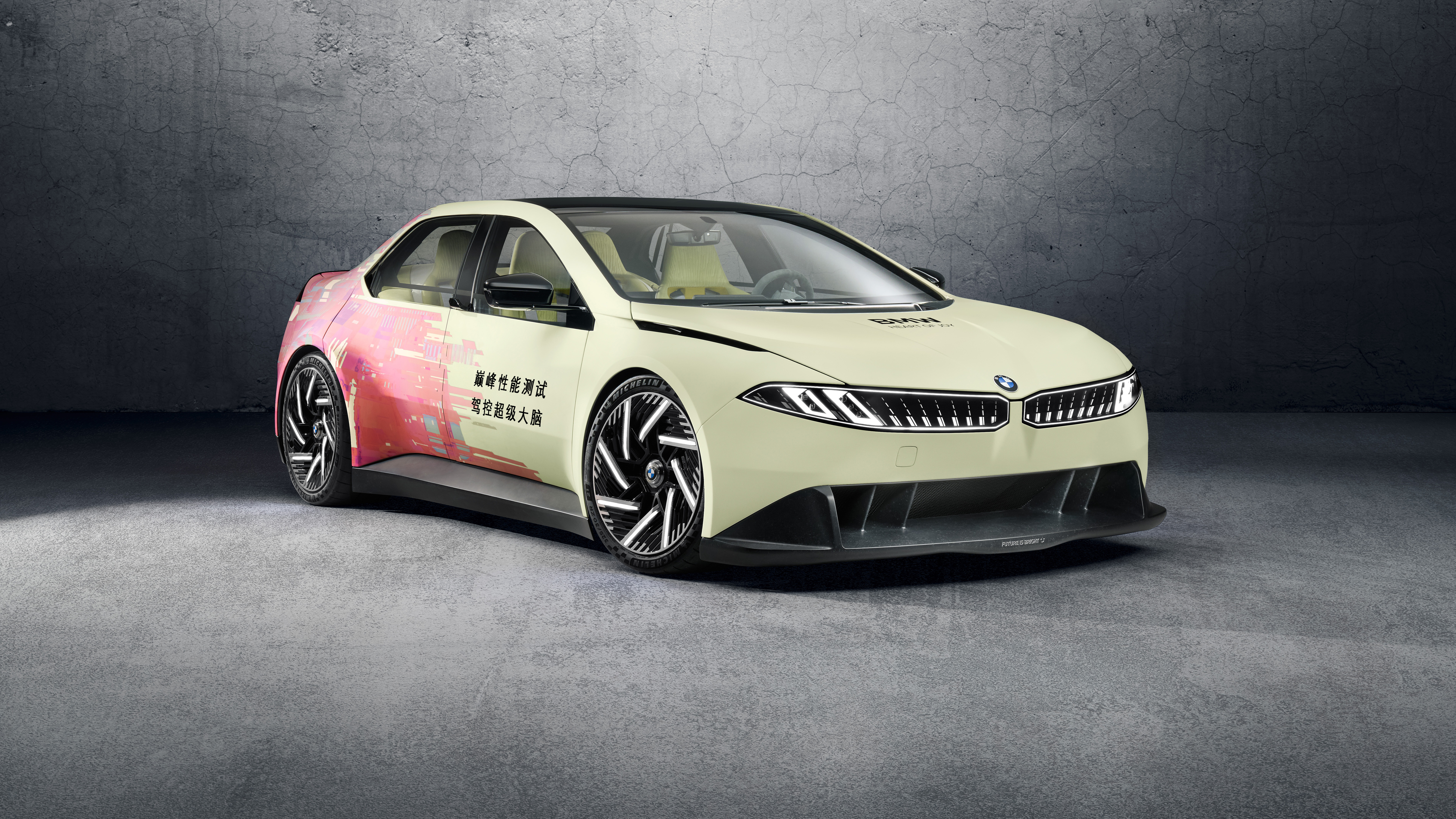 BMW M3 Electric
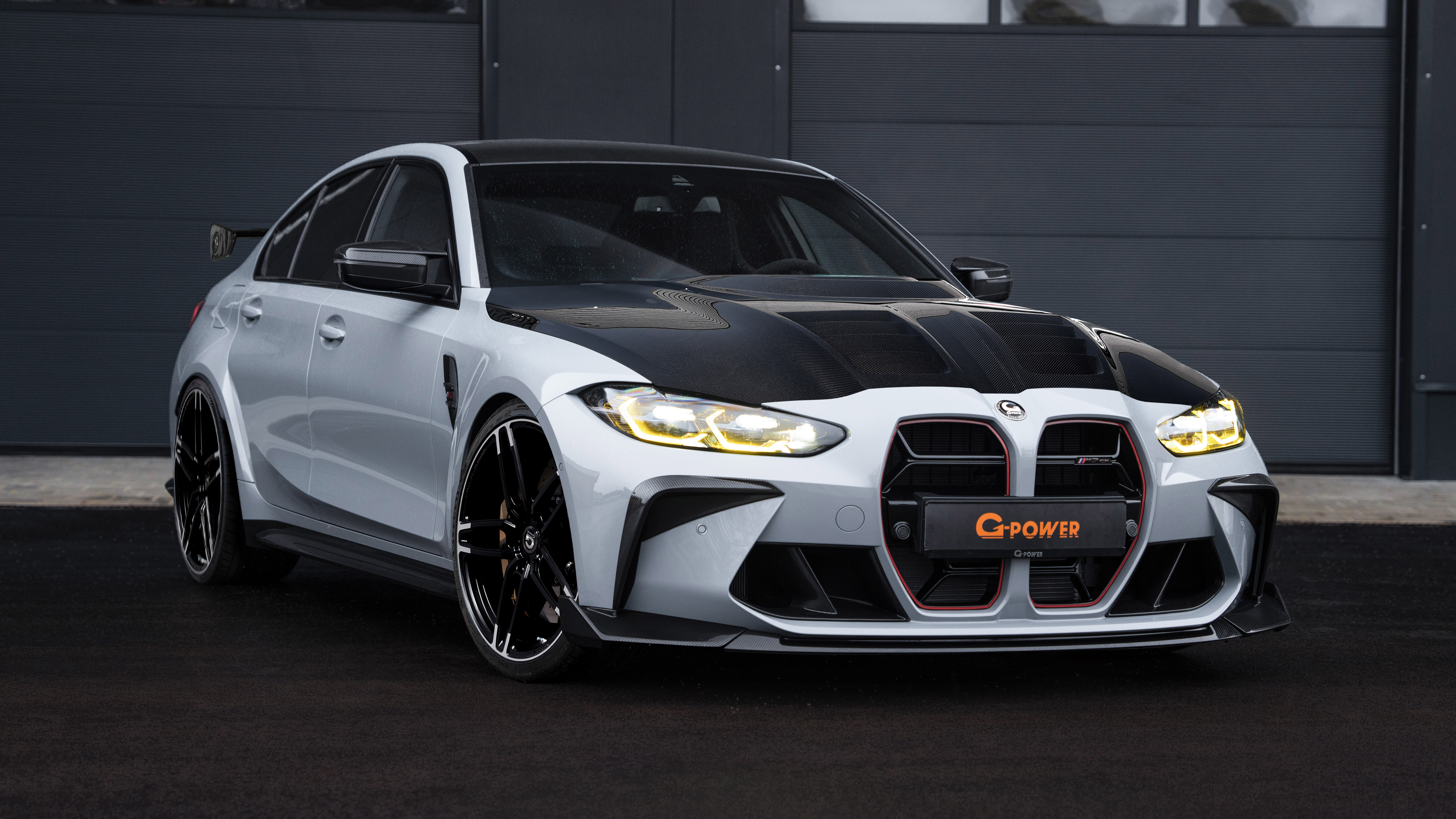 BMW M3 CS
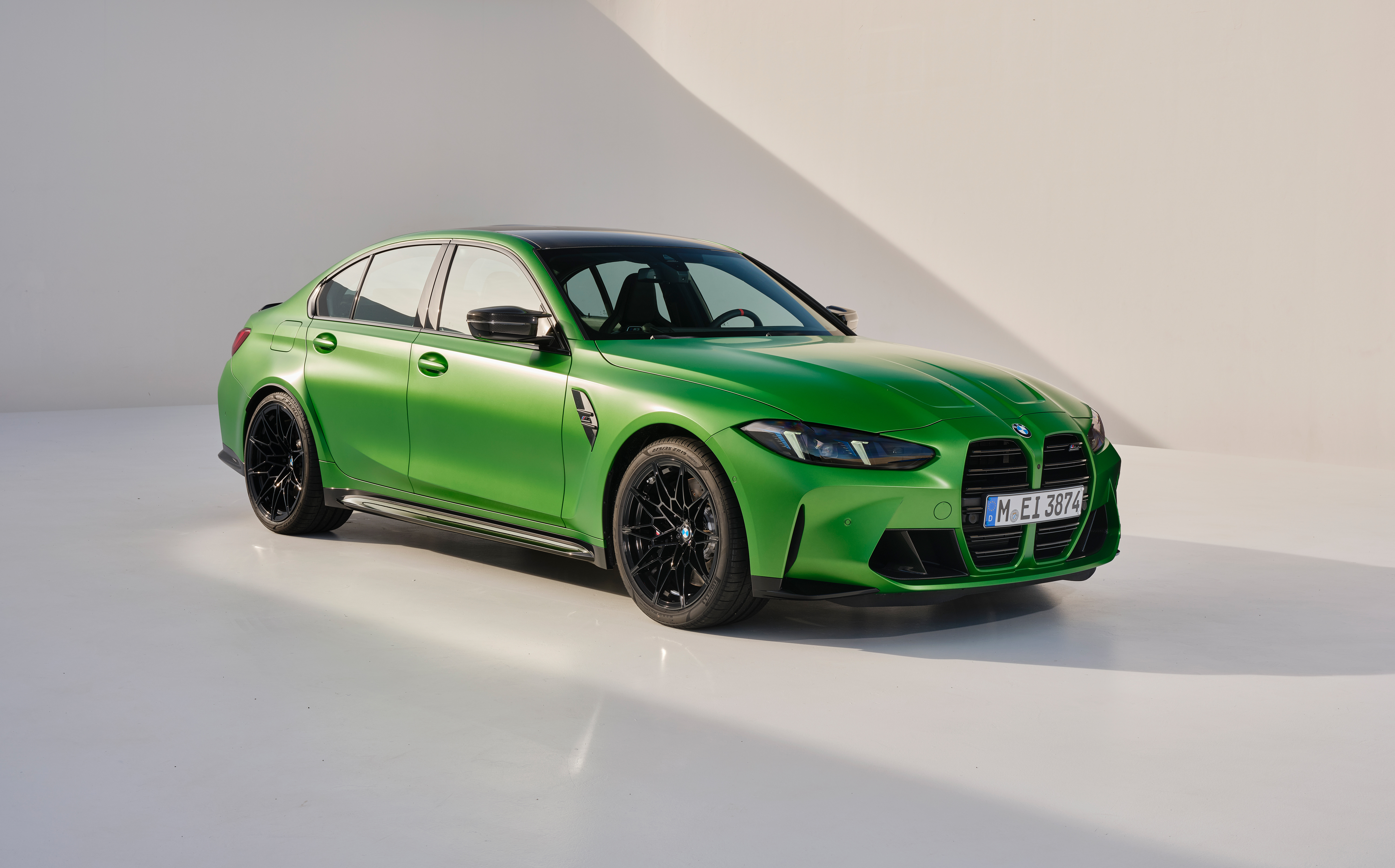 BMW M3 Competition
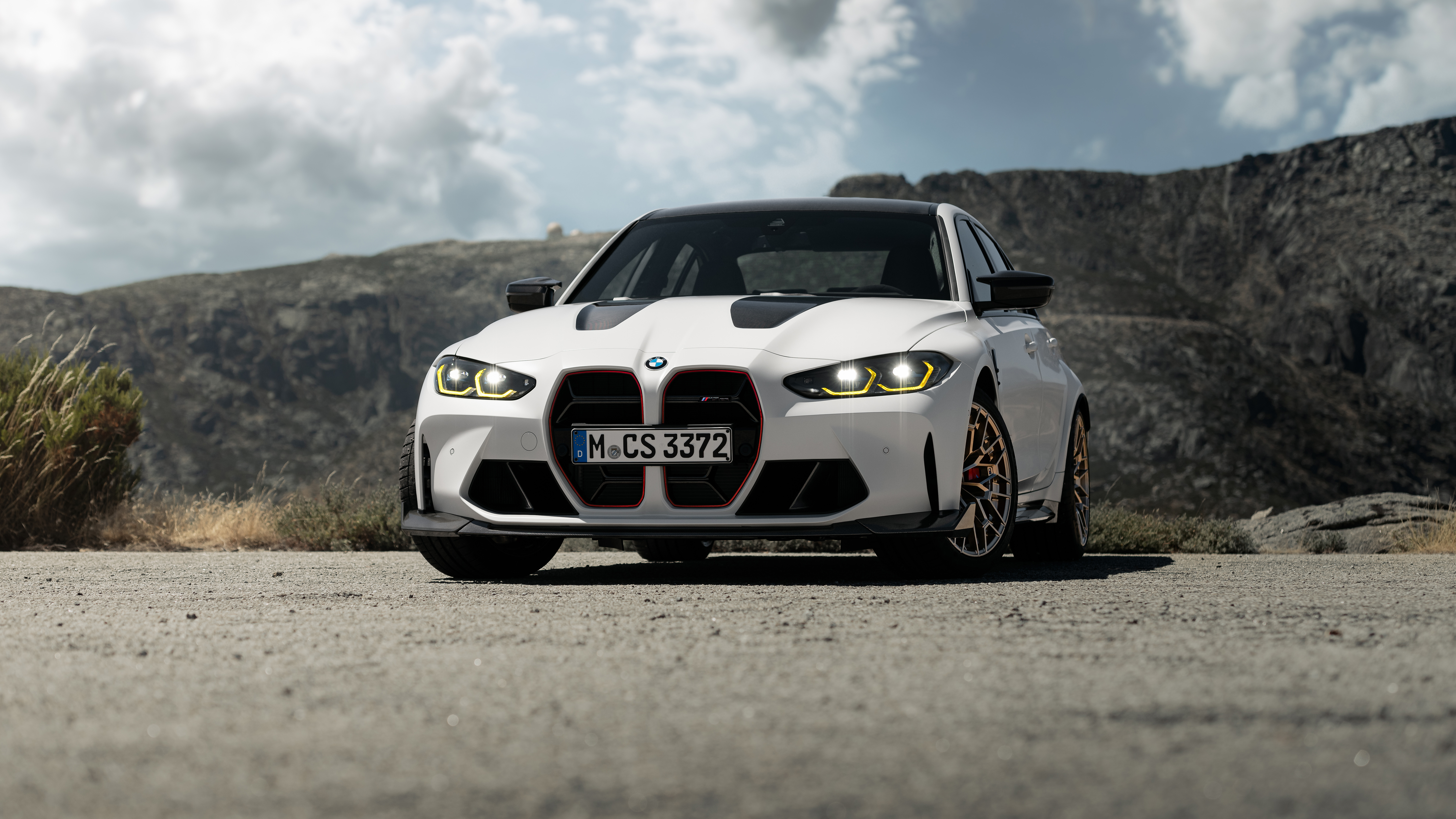 BMW M3 CS
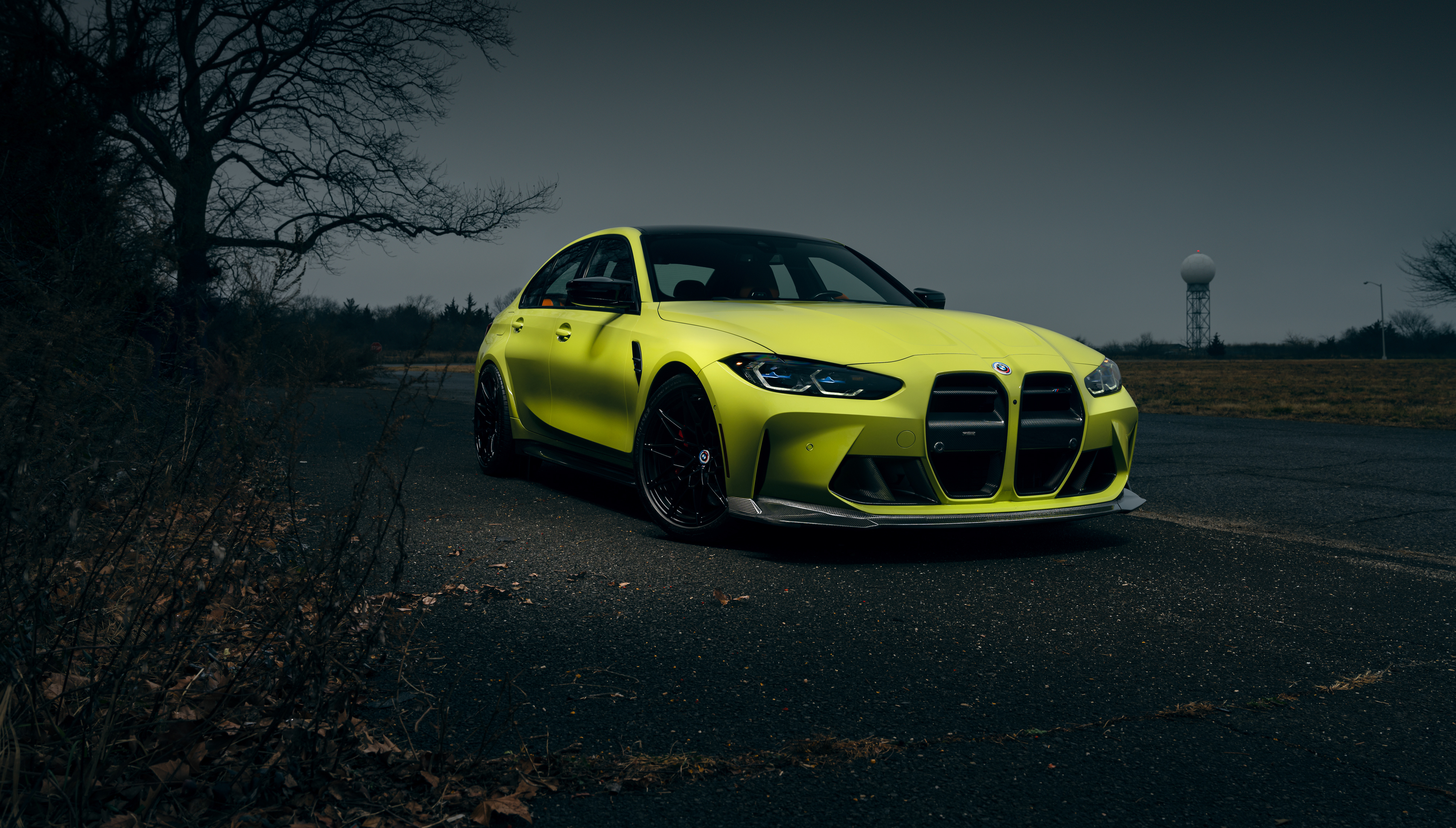 BMW M3 Competition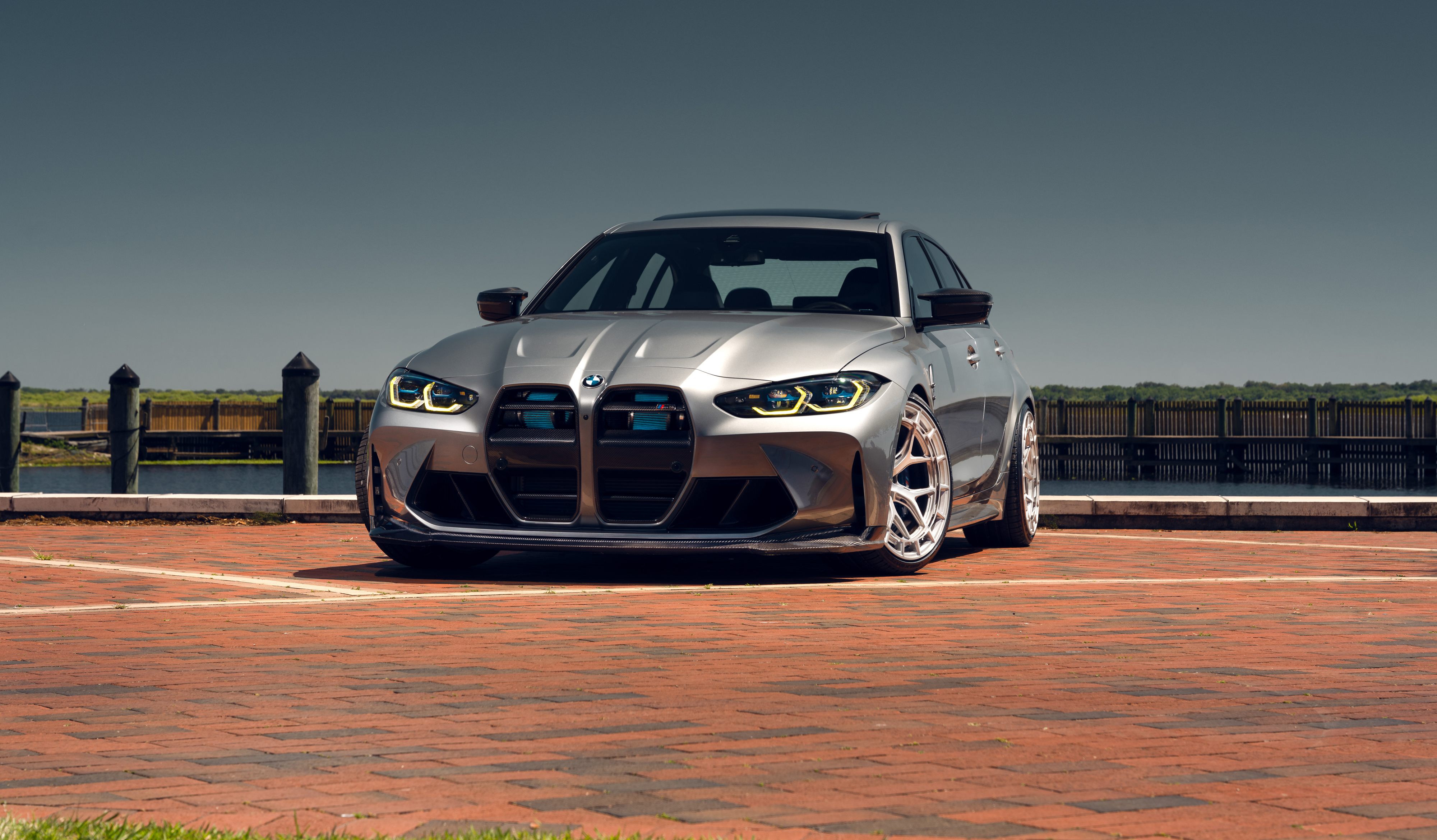
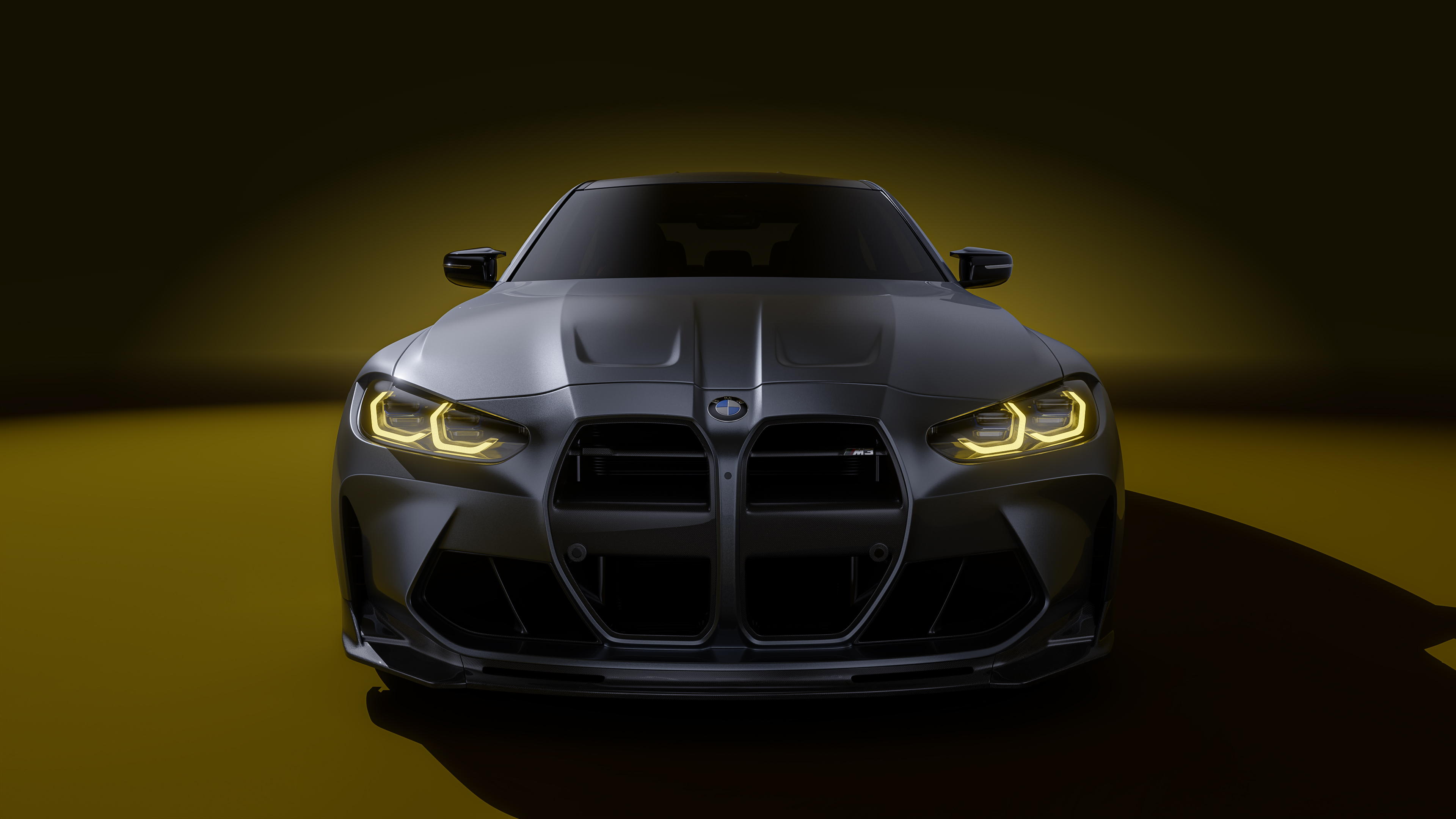
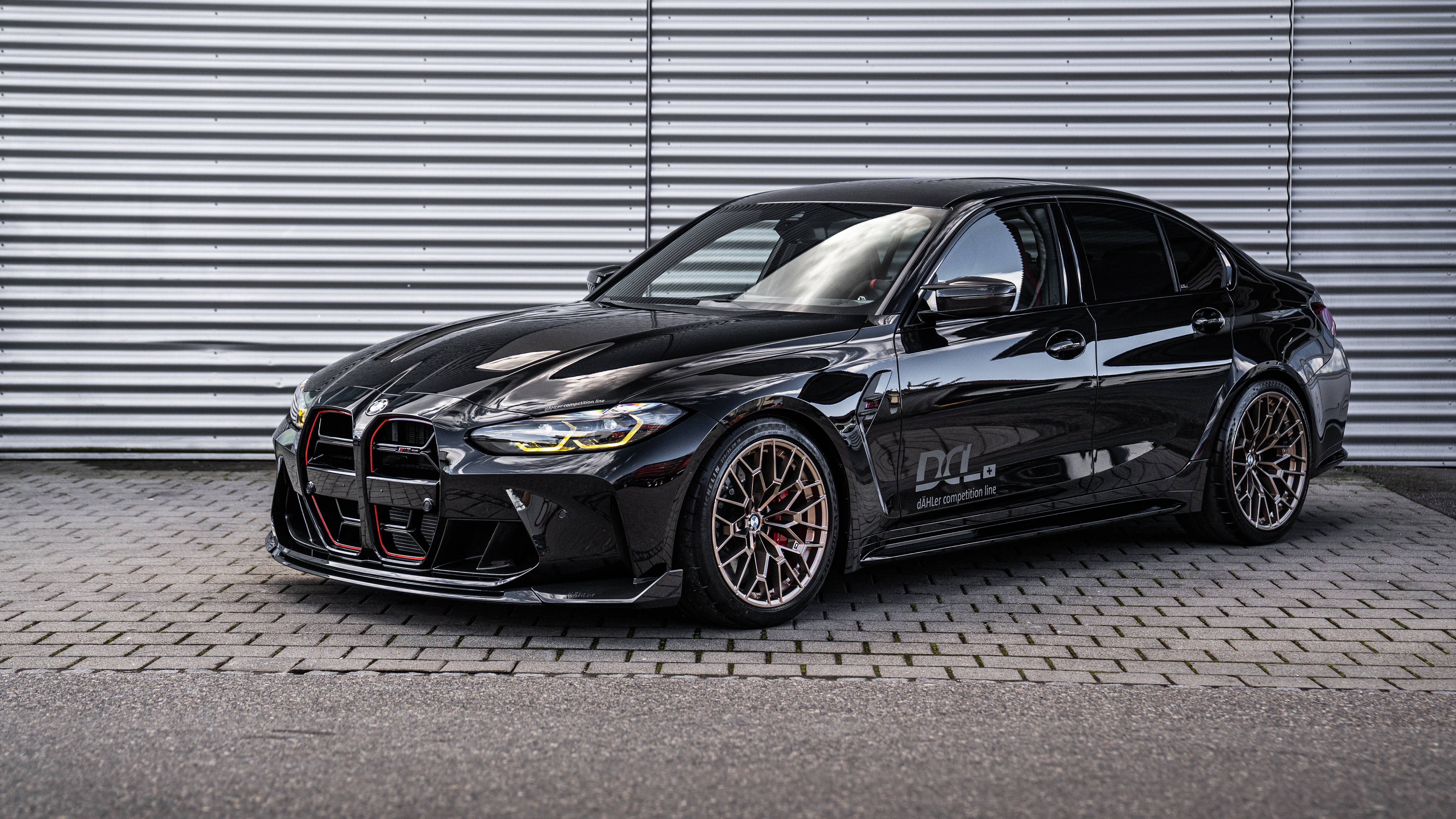 BMW M3 CS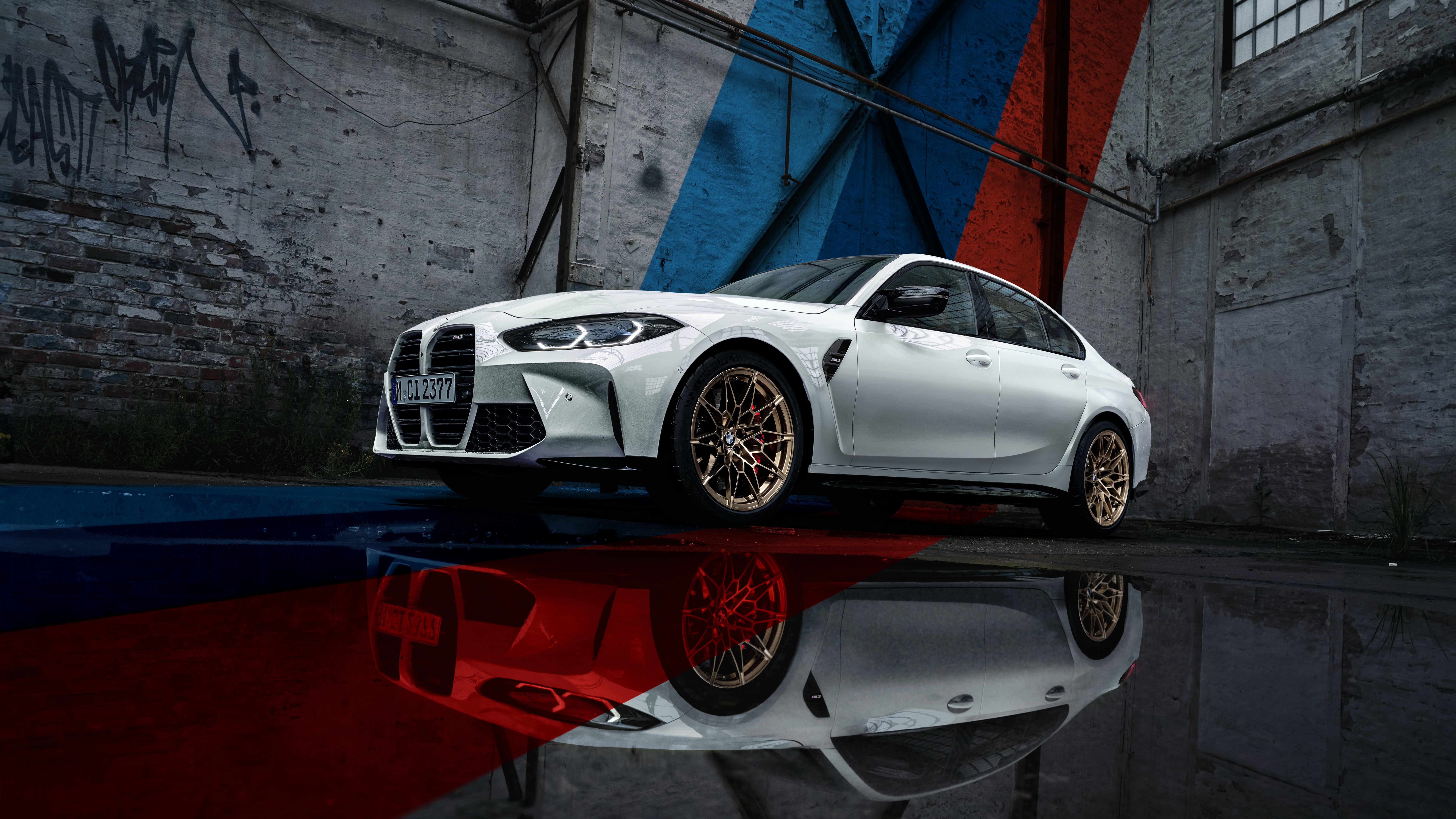
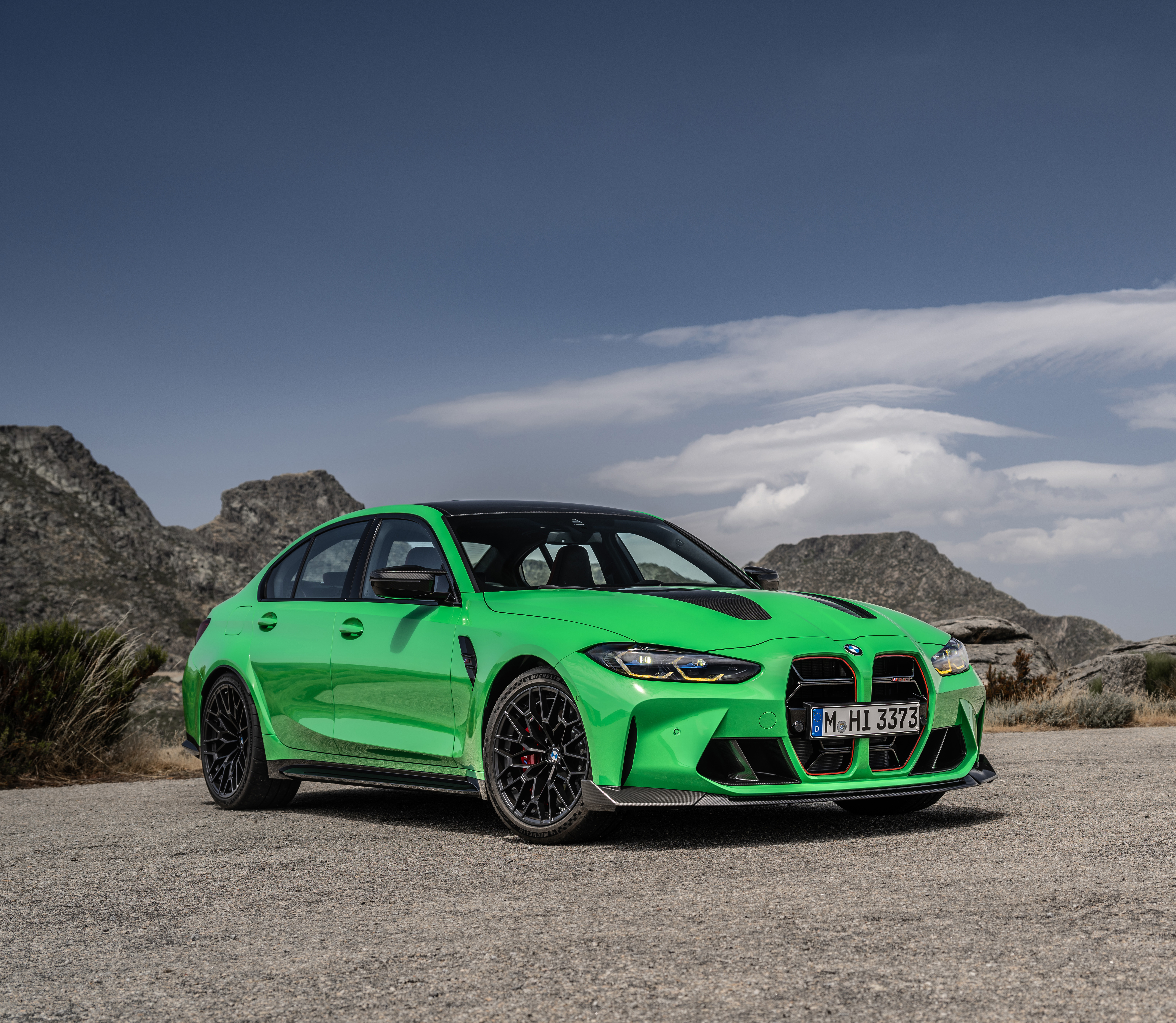 BMW M3 CS
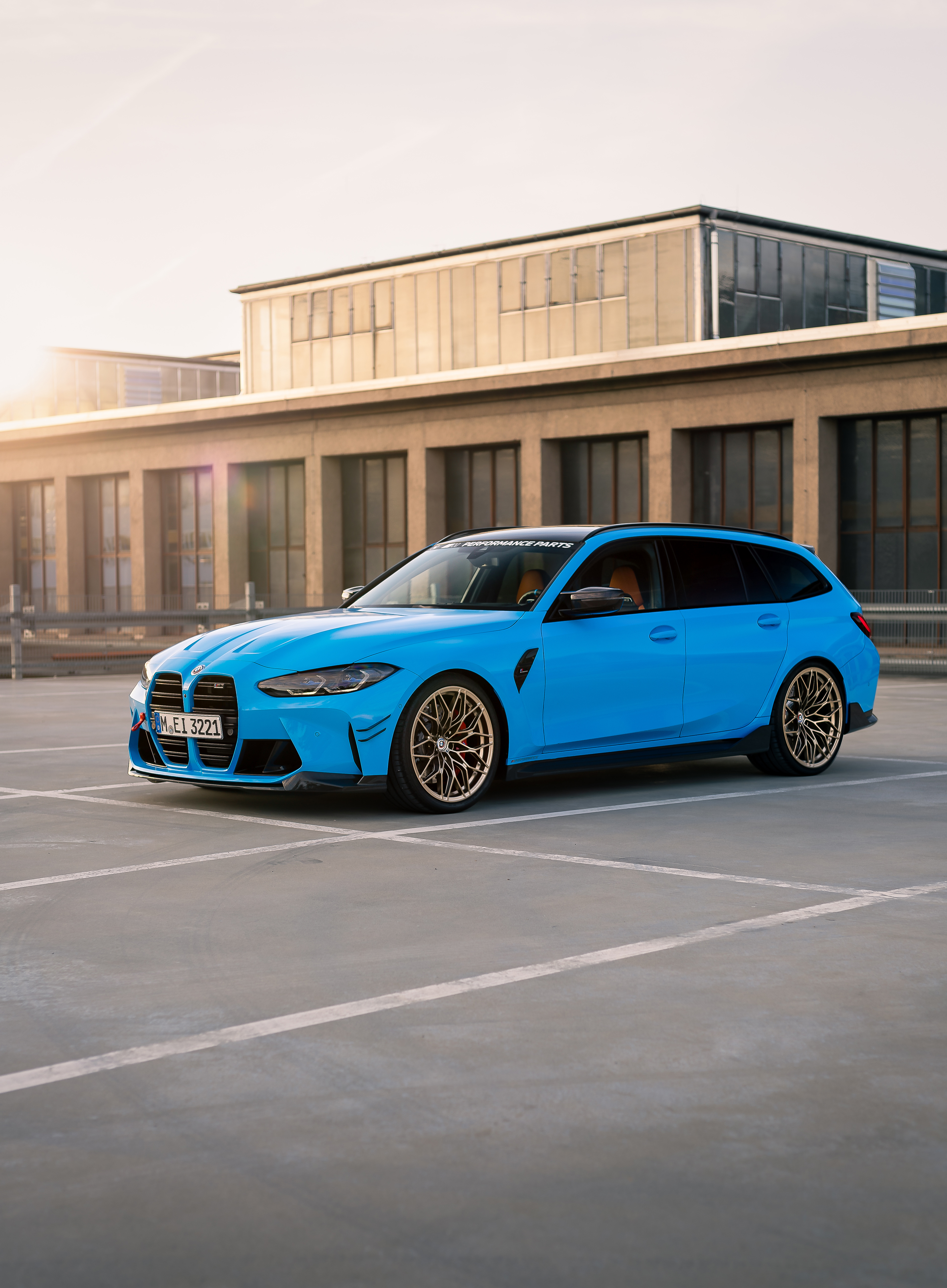 BMW M3 Competition M xDrive
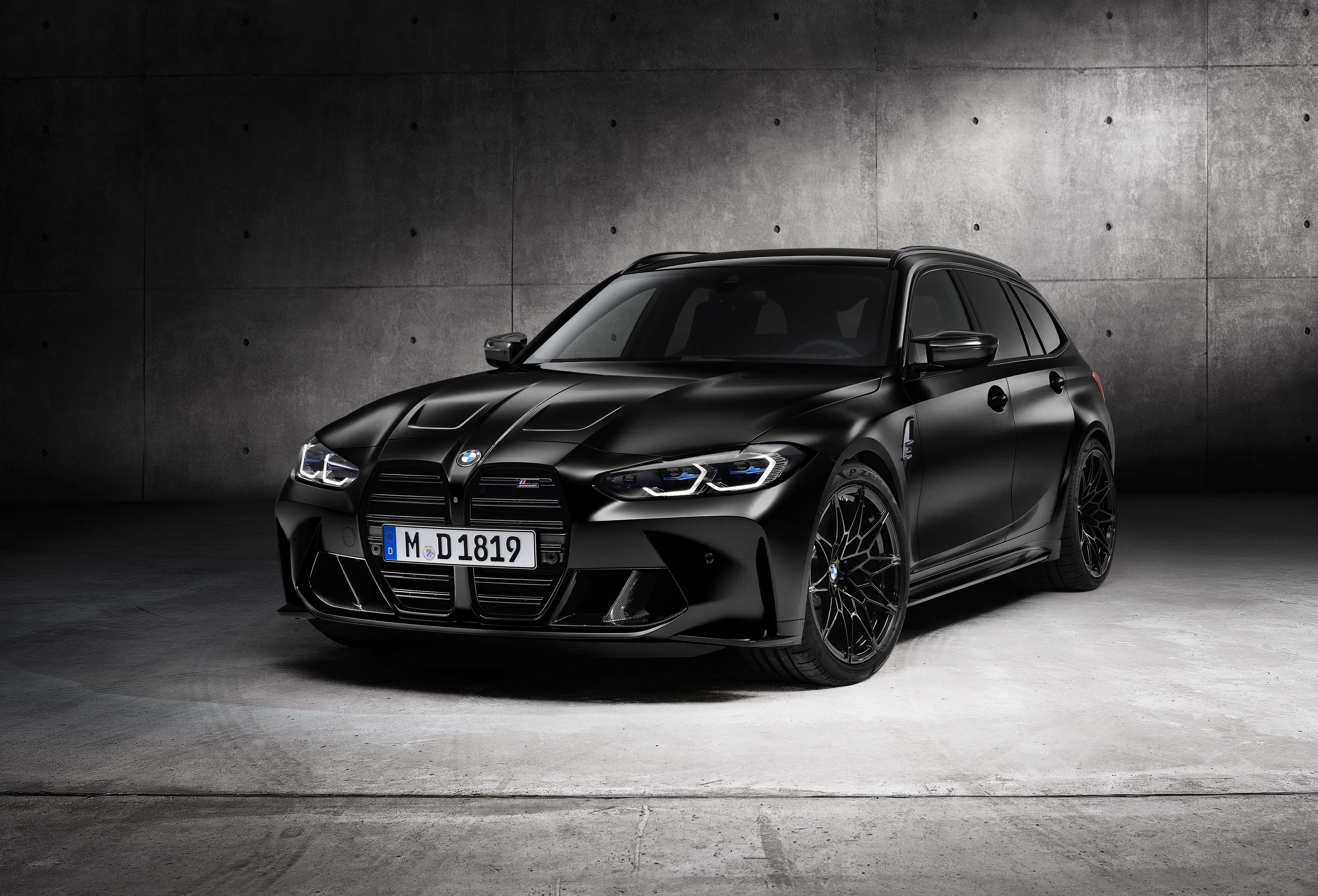 BMW M3 Competition Touring
 Alpina B3 Touring
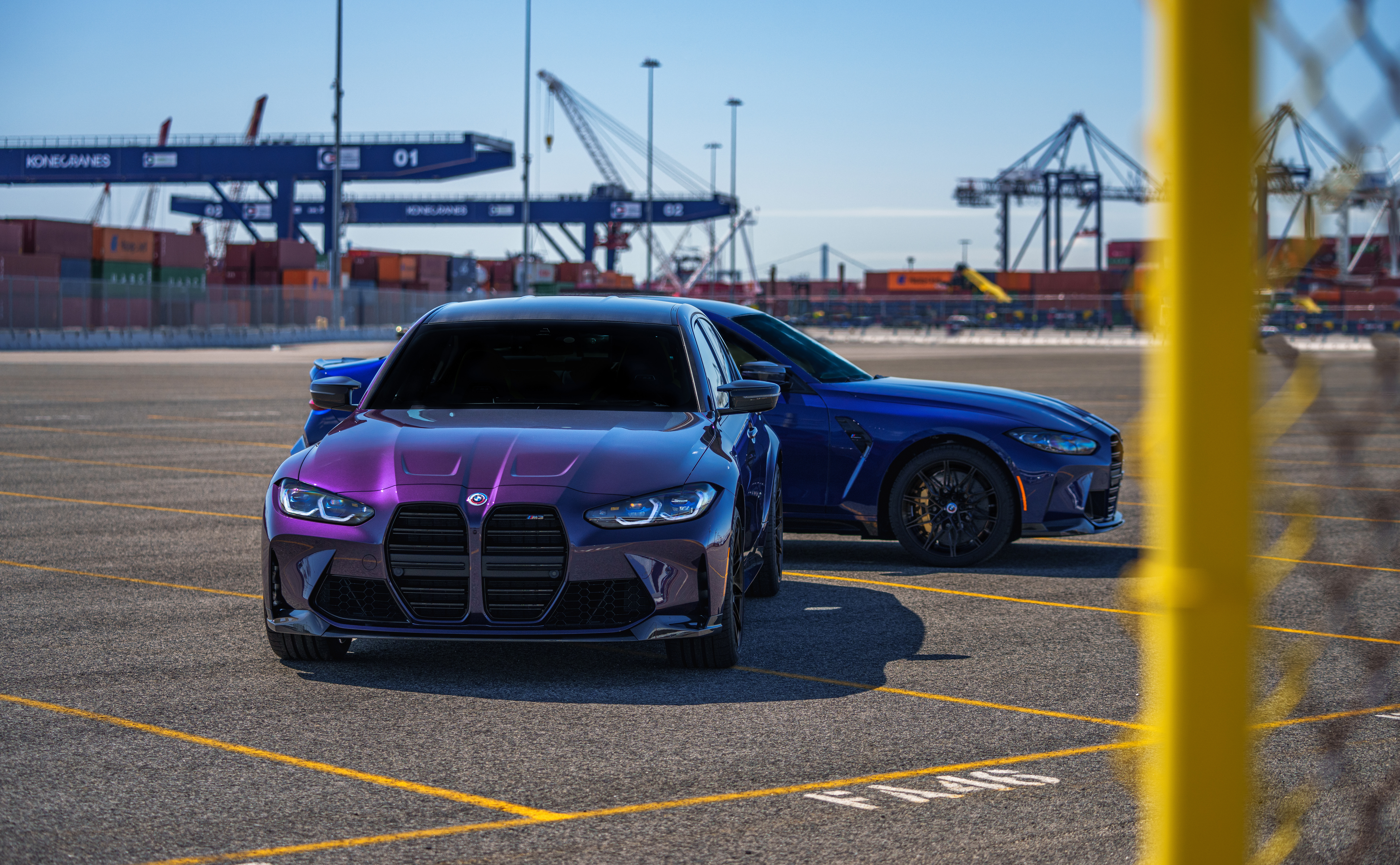 BMW M3 Competition M xDrive
 Alpina D3 S Limousine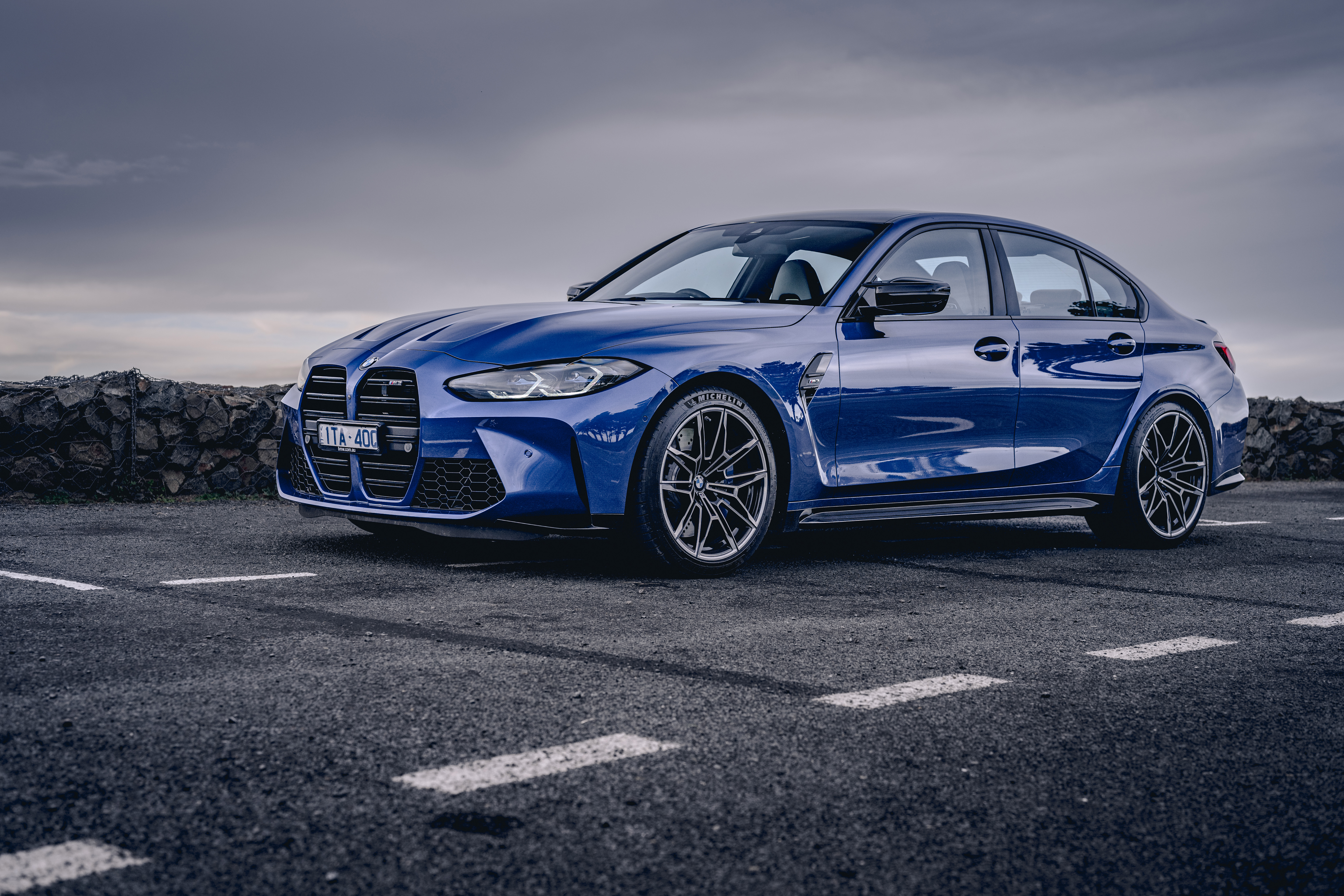
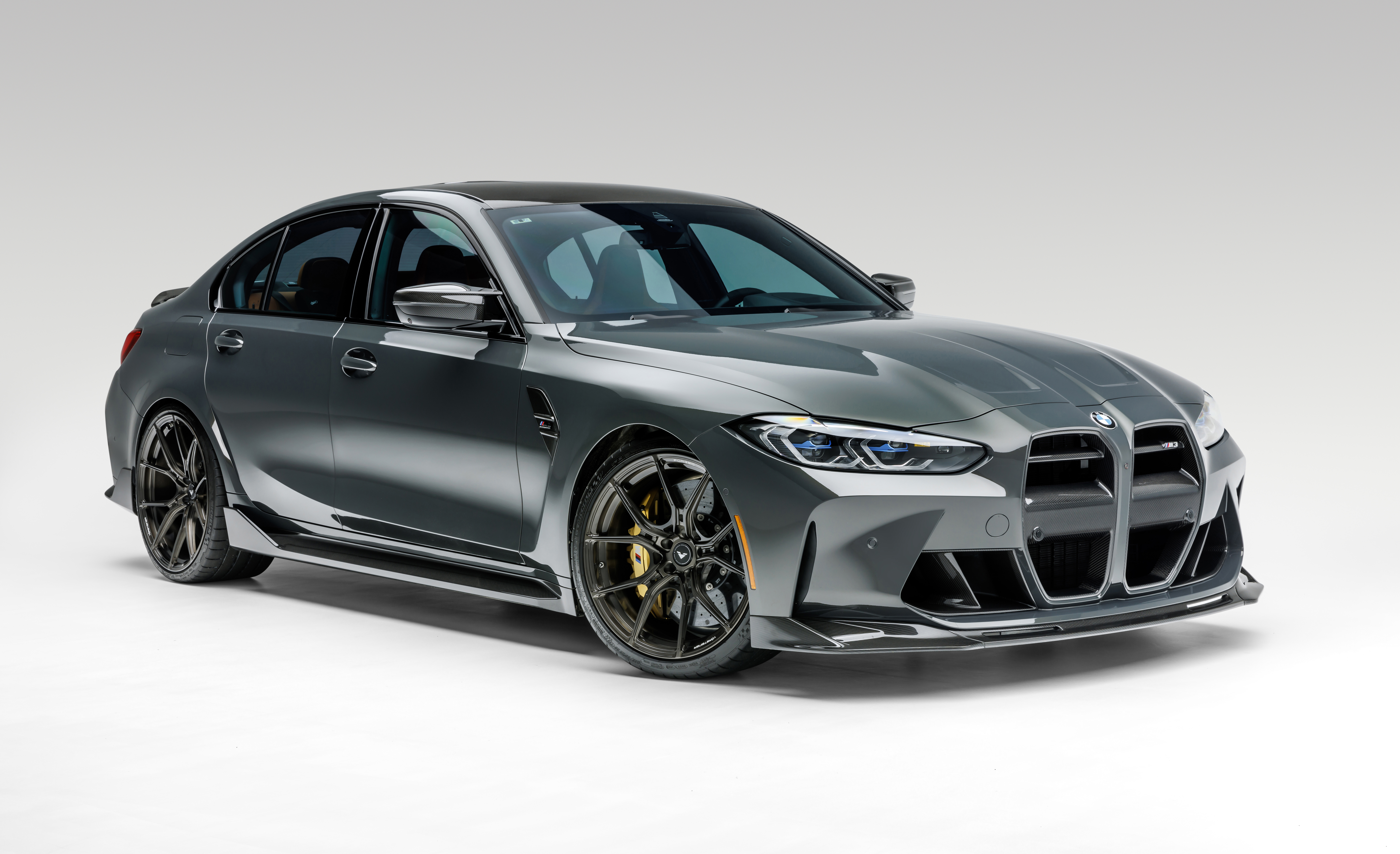 Vorsteiner BMW M3 VRS Aero Program
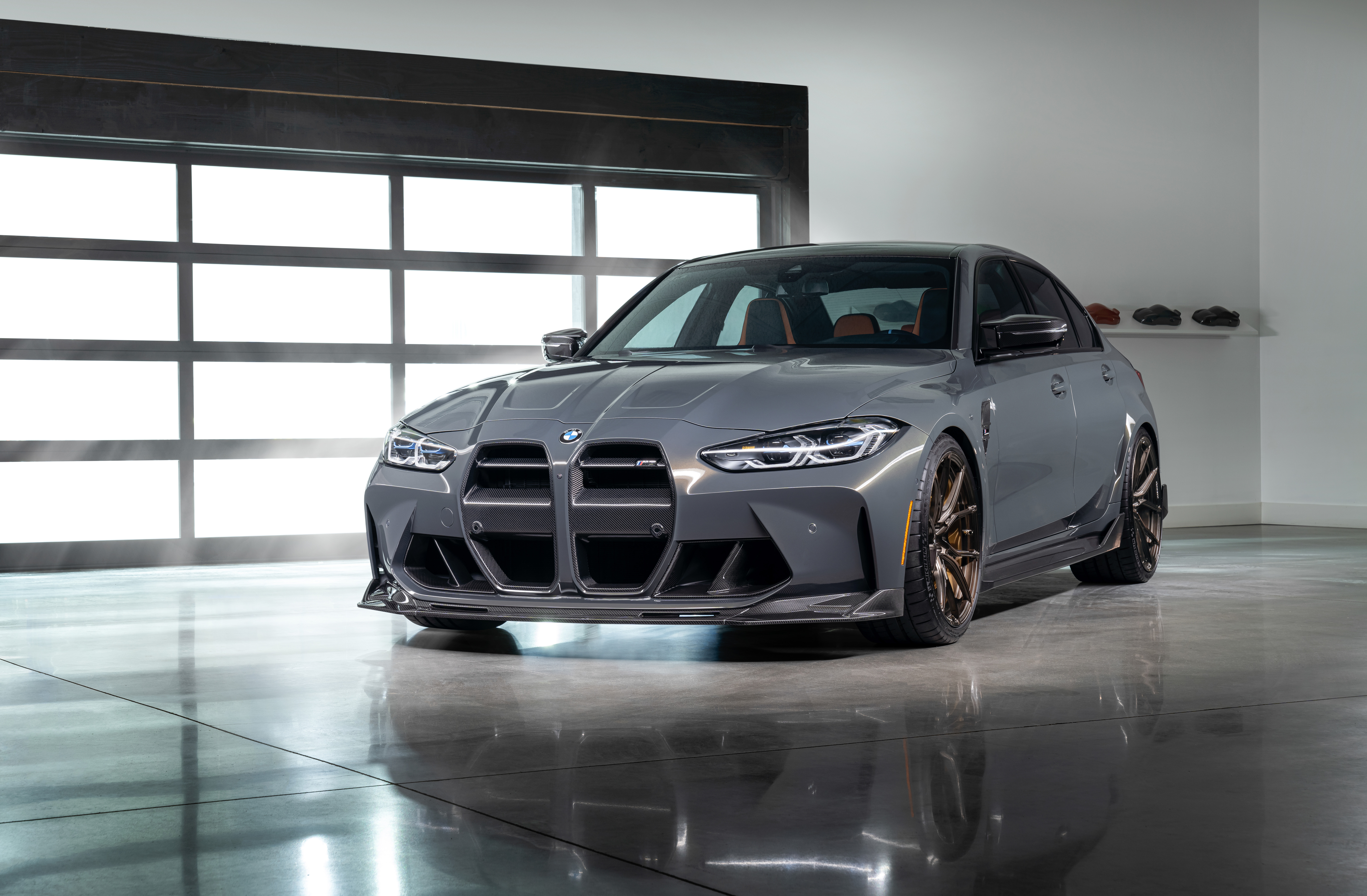 Vorsteiner BMW M3 VRS Aero Program
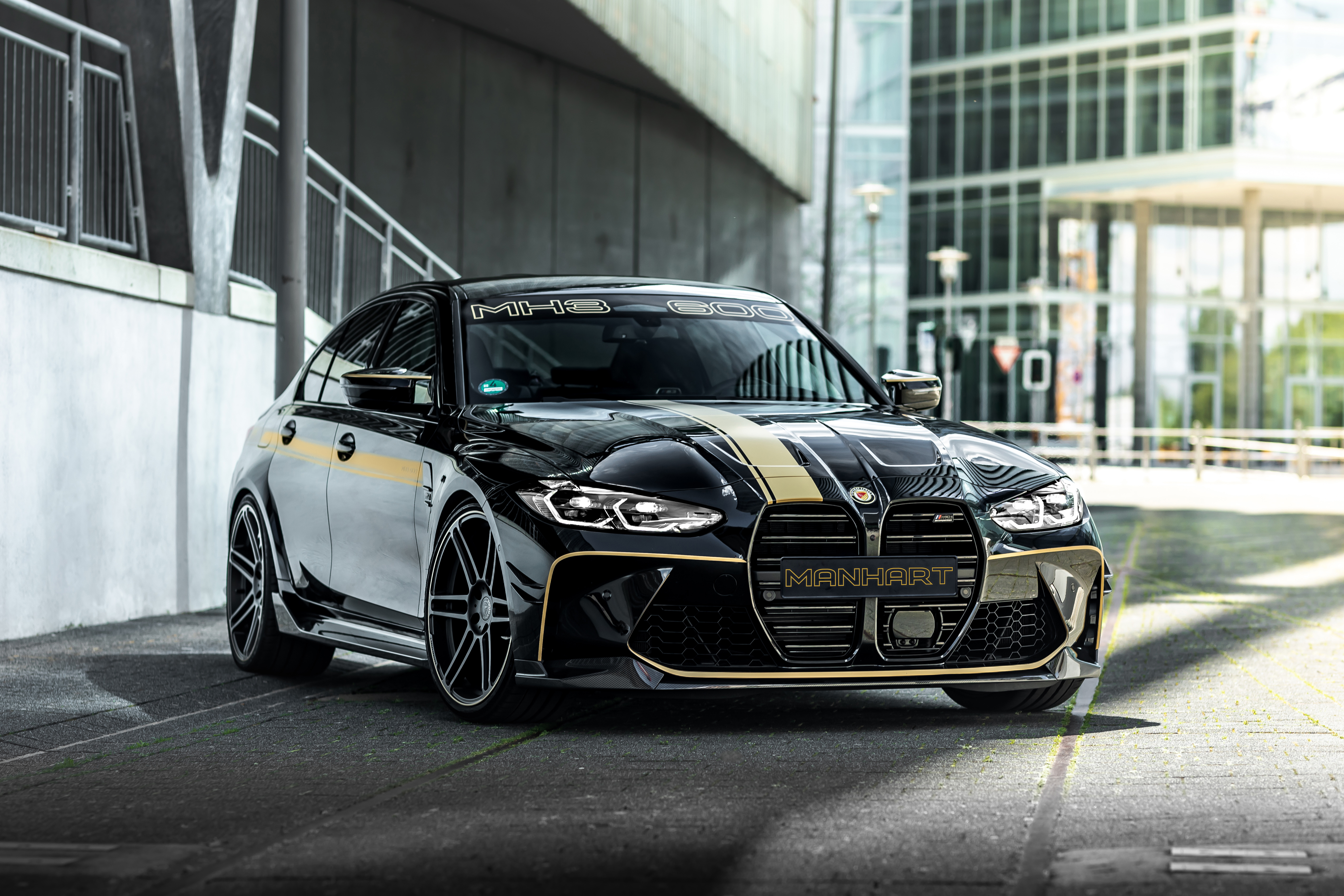 Manhart MH3 600
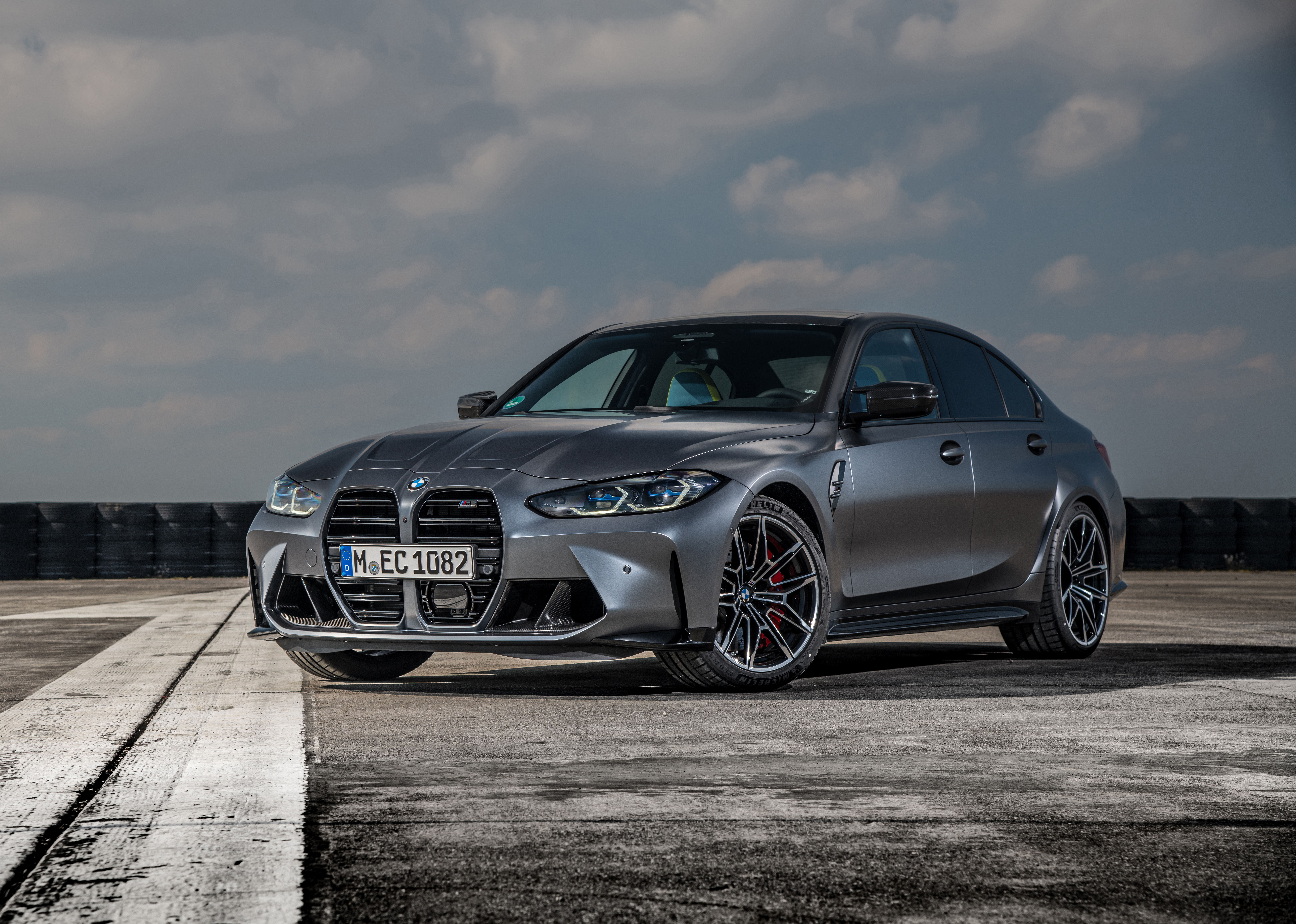 BMW M3 Competition xDrive
 BMW M4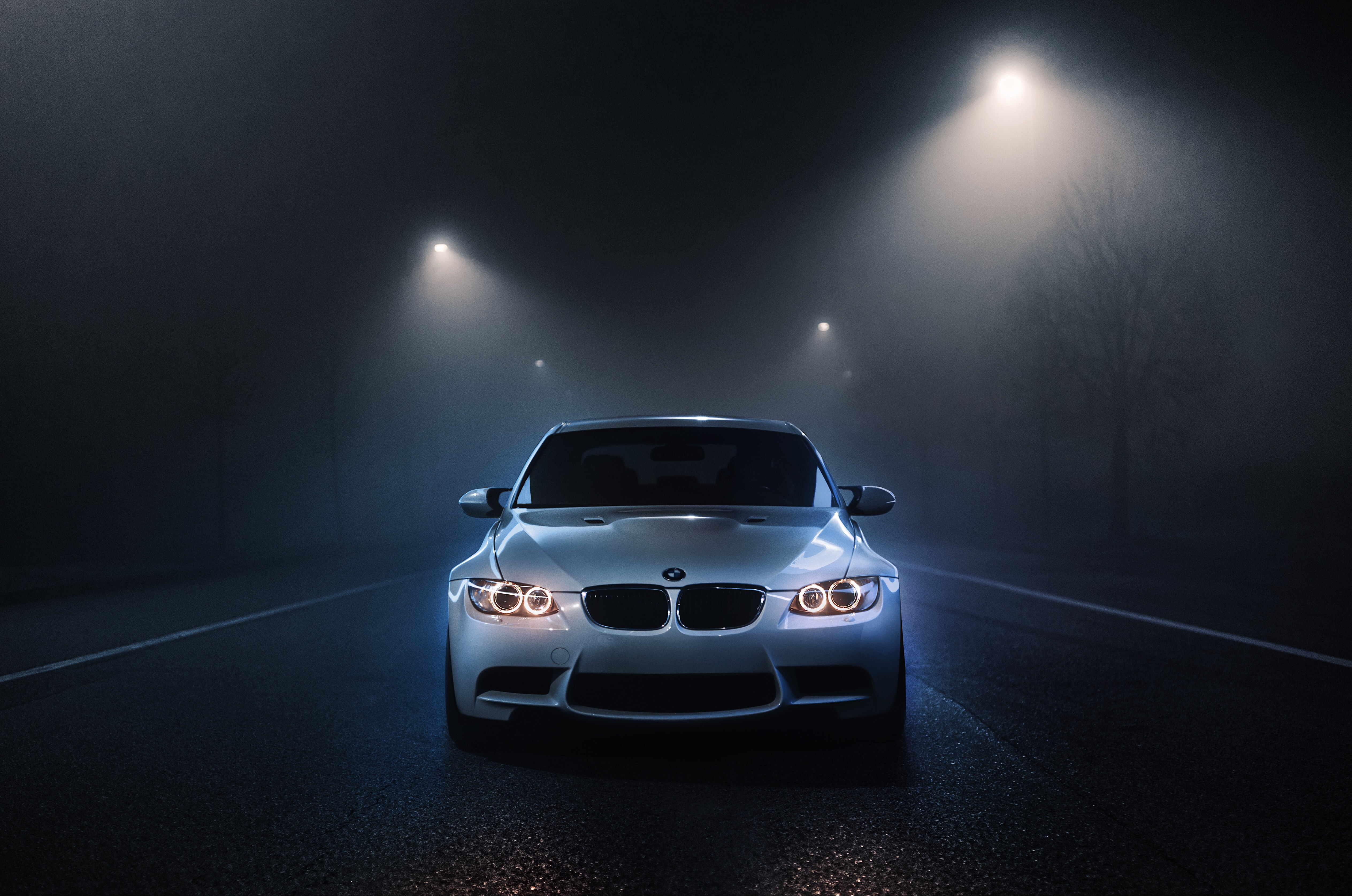
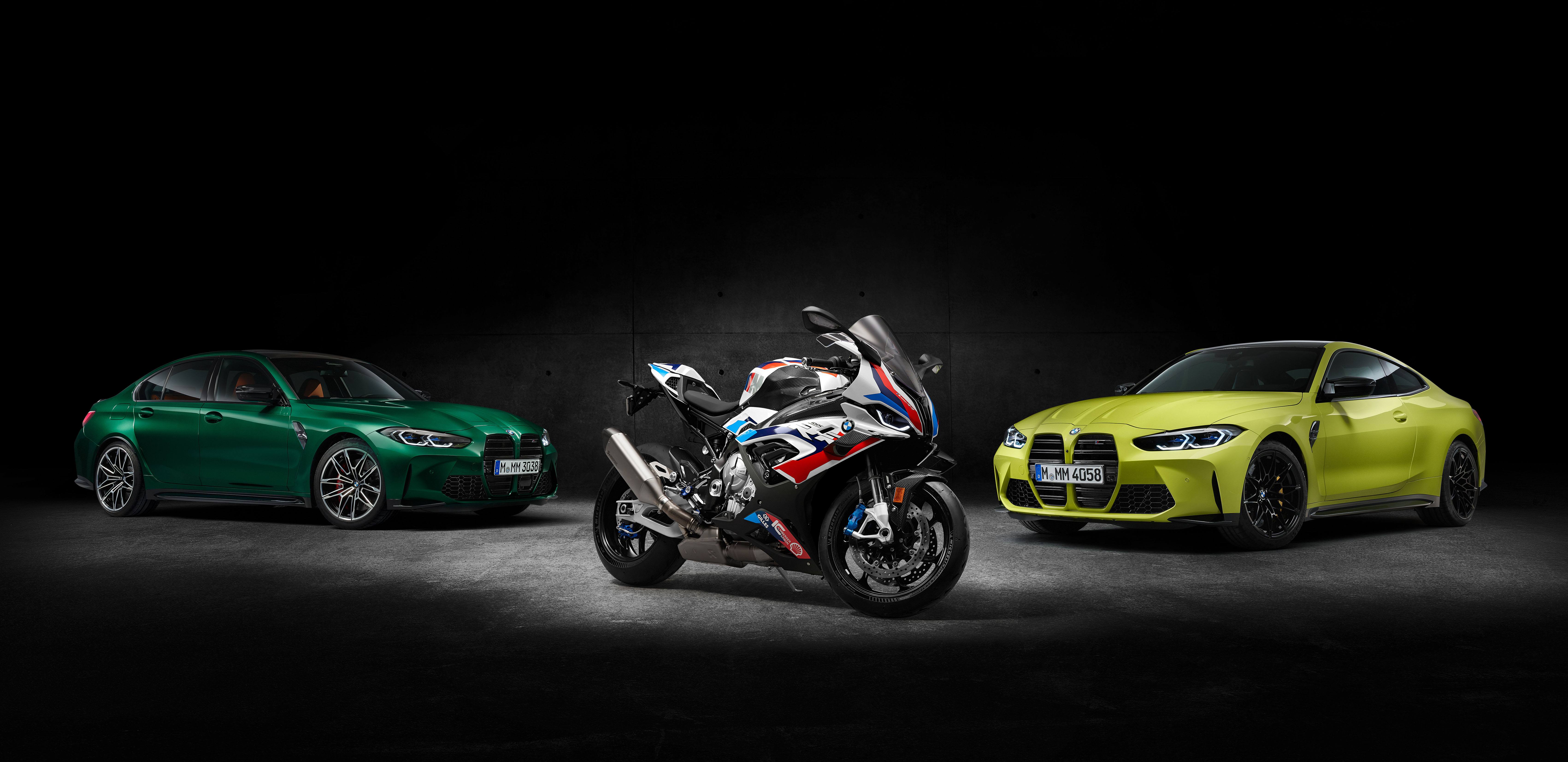 BMW M 1000 RR
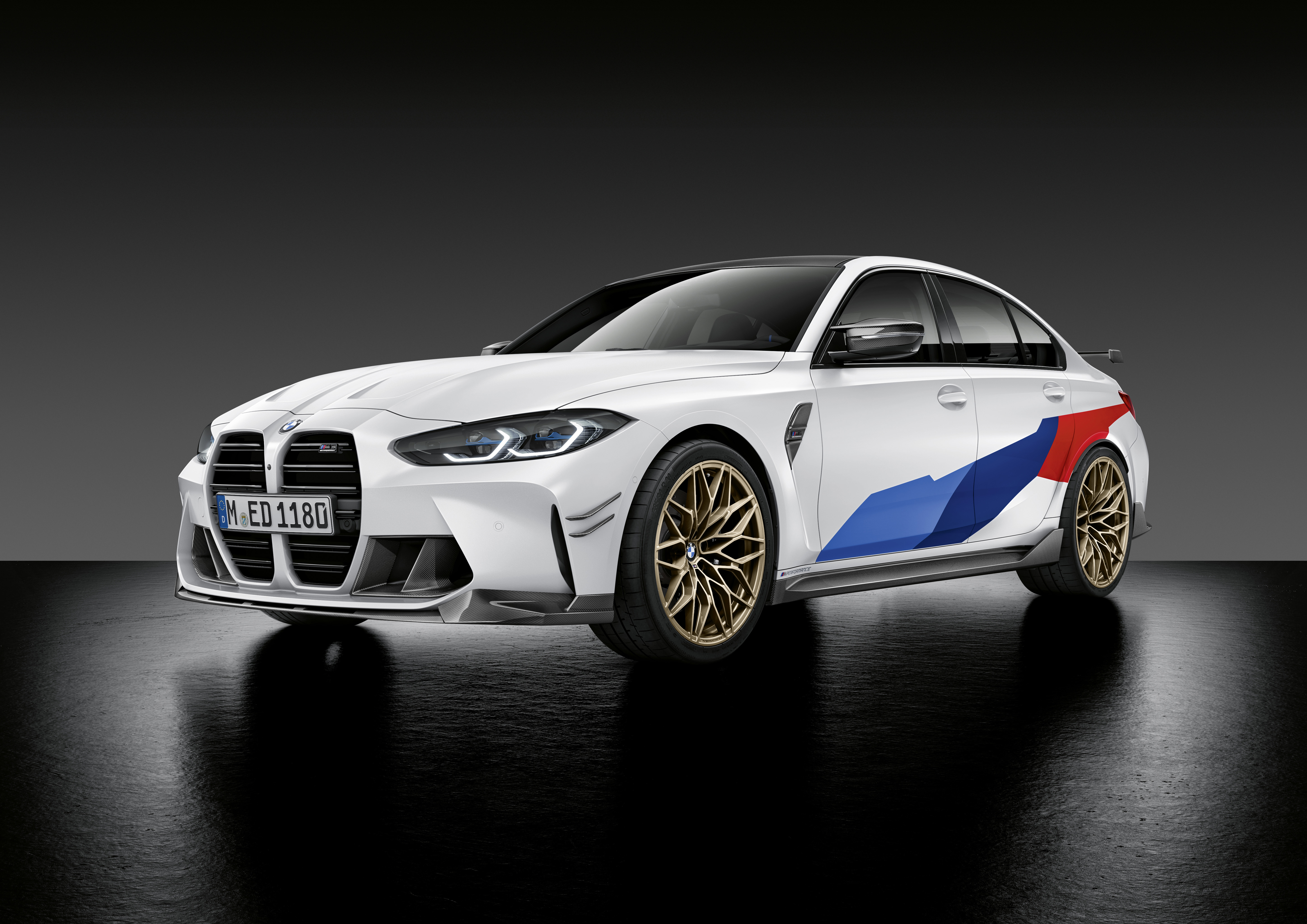 BMW M3 Competition
Das könnte dir gefallen
 BMW M441 Bilder
 BMW46 Bilder
 BMW M515 Bilder
 M Performance Parts10 Bilder
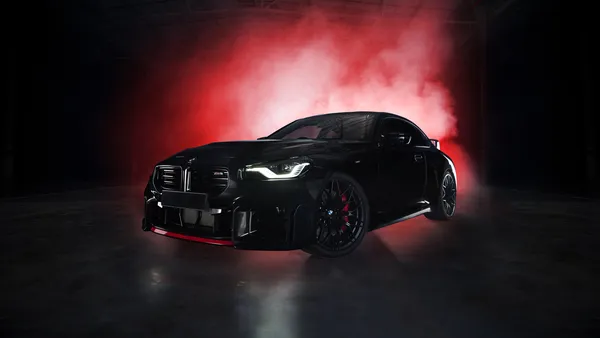 BMW M210 Bilder
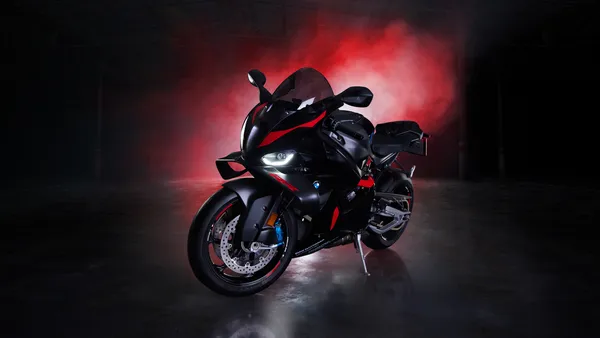 BMW M 1000 RR24 Bilder
 BMW XM13 Bilder
 BMW iX5 Bilder
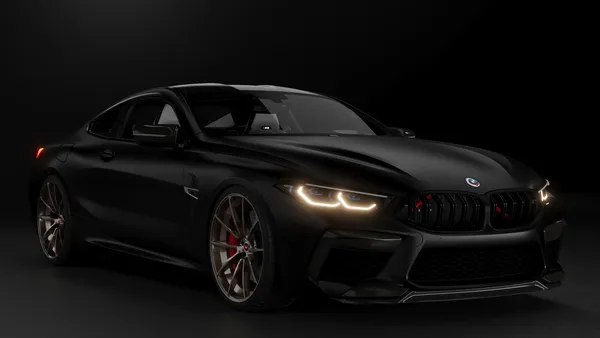 BMW M812 Bilder
 BMW i55 Bilder
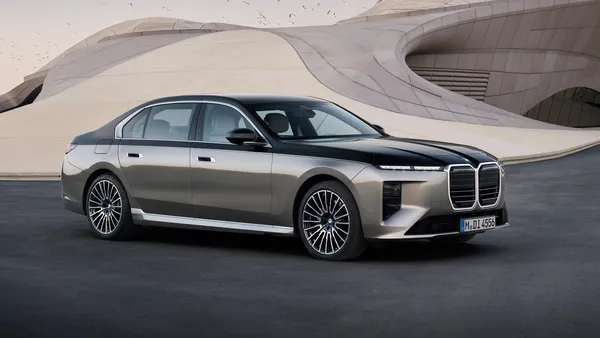 BMW 7er22 Bilder
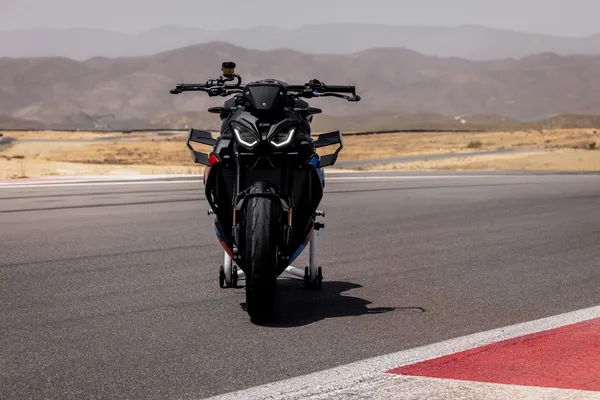 BMW M 1000 R7 Bilder
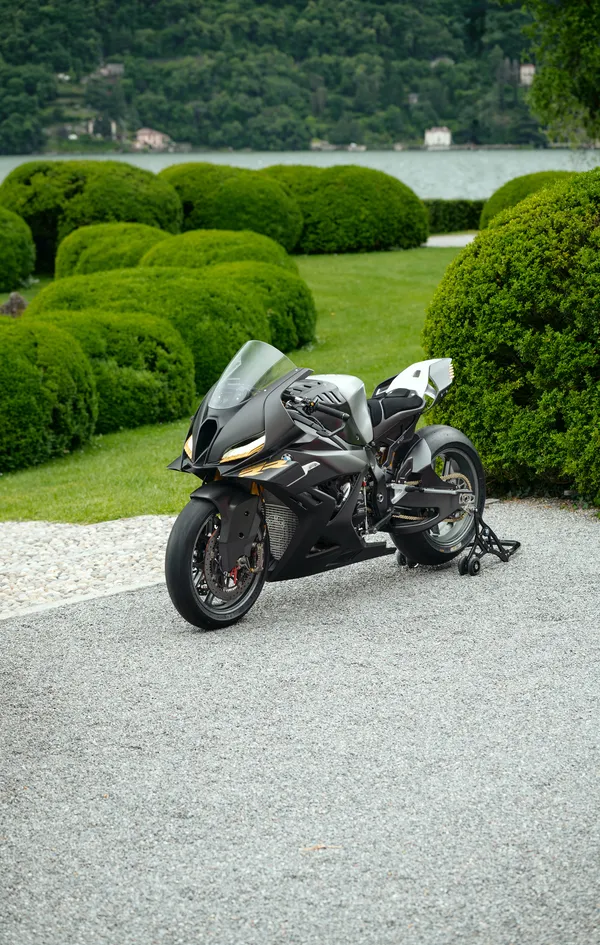 BMW Motorrad13 Bilder
 BMW M Hybrid V89 Bilder
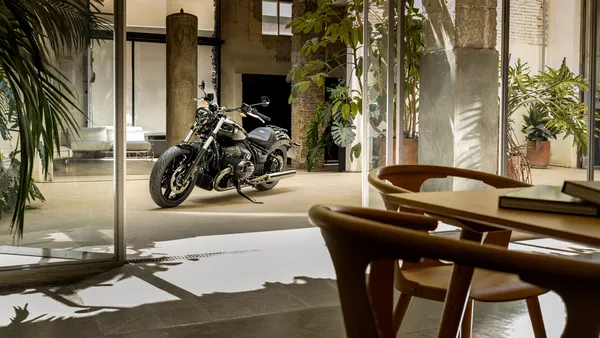 BMW R 1818 Bilder
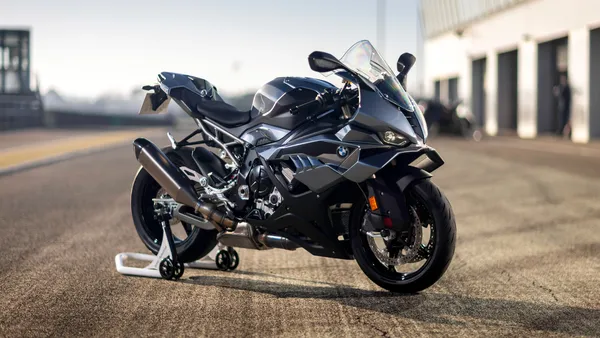 BMW S 1000 RR10 Bilder
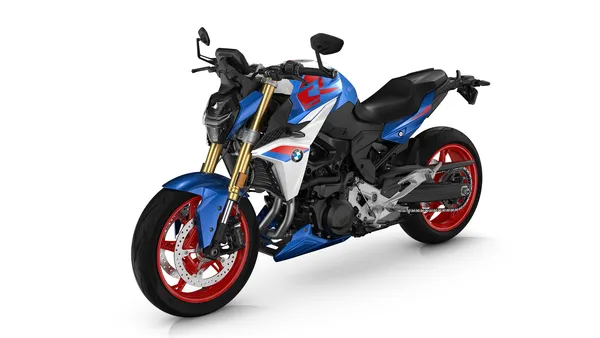 BMW F 900 R5 Bilder
 BMW 8er8 Bilder
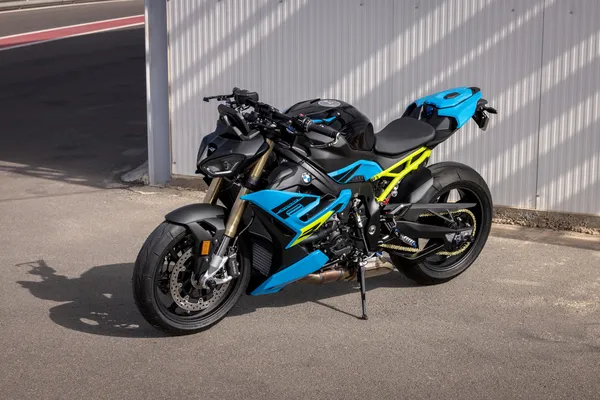 BMW S1000R7 Bilder
 G-Power7 Bilder
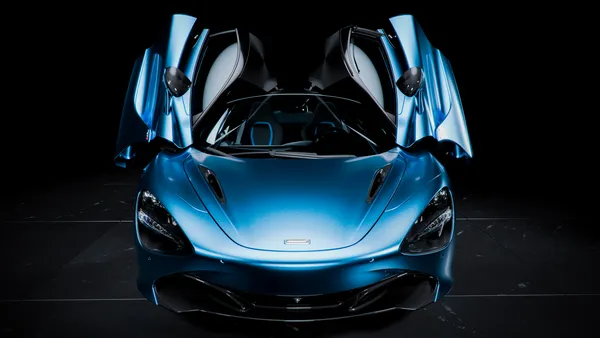 McLaren 720S20 Bilder
 Tuning32 Bilder
 Rennwagen35 Bilder
 Safety Car6 Bilder
 McLaren43 Bilder
 Porsche 911 GT338 Bilder
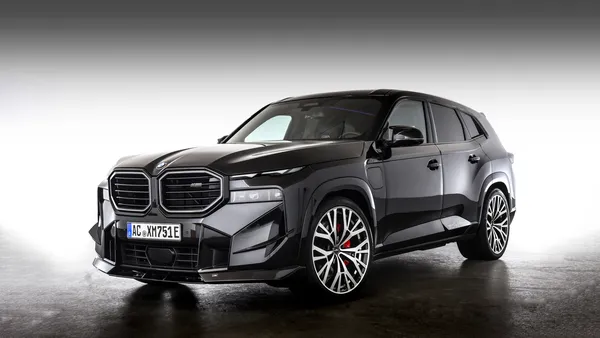 AC Schnitzer17 Bilder
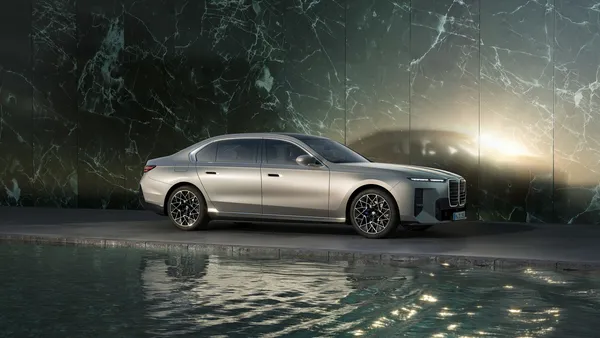 Limousinen47 Bilder
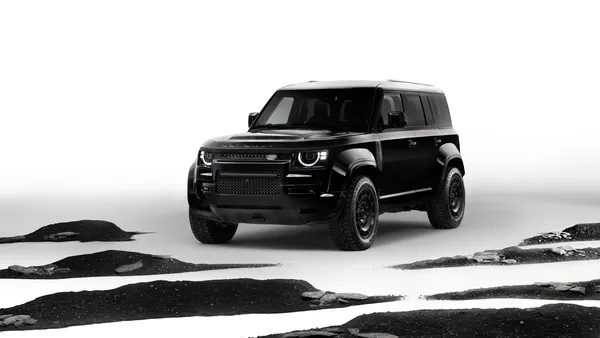 Black Edition14 Bilder
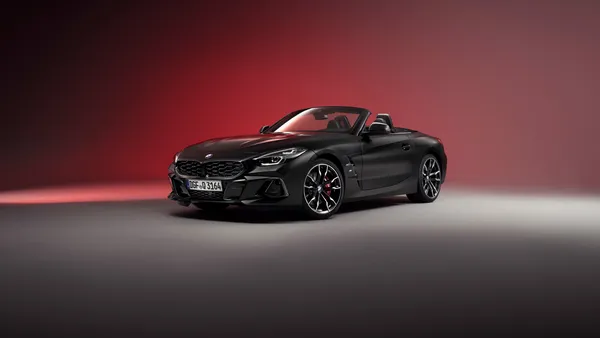 Final Edition13 Bilder
So richtest du das Hintergrundbild auf deinem Gerät ein
Das passende Bild gefunden? Lade es über den Download-Button herunter und folge den Schritten unten — in wenigen Sekunden erledigt, am Computer wie am Smartphone.
Windows
- Klicke auf Download — das Bild landet im Ordner „Downloads“
- Rechtsklick auf die heruntergeladene Datei und „Als Desktophintergrund festlegen“ wählen
- Mehrere Monitore? Unter Einstellungen → Personalisierung → Hintergrund legst du fest, wo das Bild erscheint
macOS
- Klicke auf Download, um das Bild auf dem Mac zu speichern
- Öffne Systemeinstellungen → Hintergrundbild
- Klicke auf „Foto hinzufügen“, wähle das Bild aus und nimm „Bildschirm ausfüllen“
iPhone / iPad
- Tippe auf Download und dann auf „In Fotos sichern“
- Öffne die Fotos-App und wähle das gespeicherte Bild
- Tippe auf Teilen → „Als Hintergrund verwenden“, passe den Ausschnitt an und bestätige mit „Festlegen“
Android
- Tippe auf Download — das Bild wird in der Galerie gespeichert
- Öffne die Galerie (oder Google Fotos) und wähle das Bild aus
- Wähle im Menü „Als Hintergrund festlegen“ und entscheide: Startbildschirm, Sperrbildschirm oder beides