Arcane-Hintergrundbilder
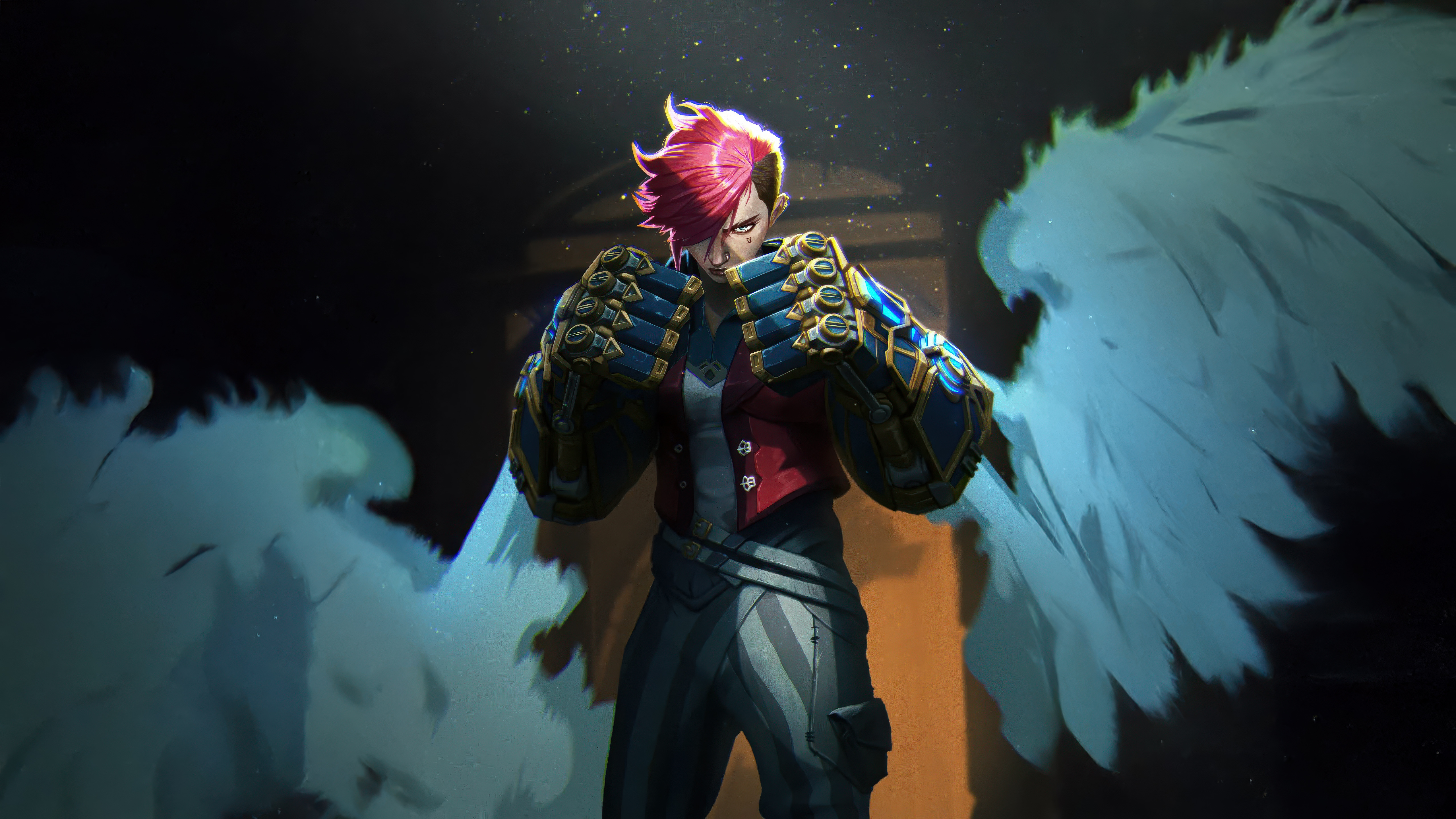 Arcane Vi
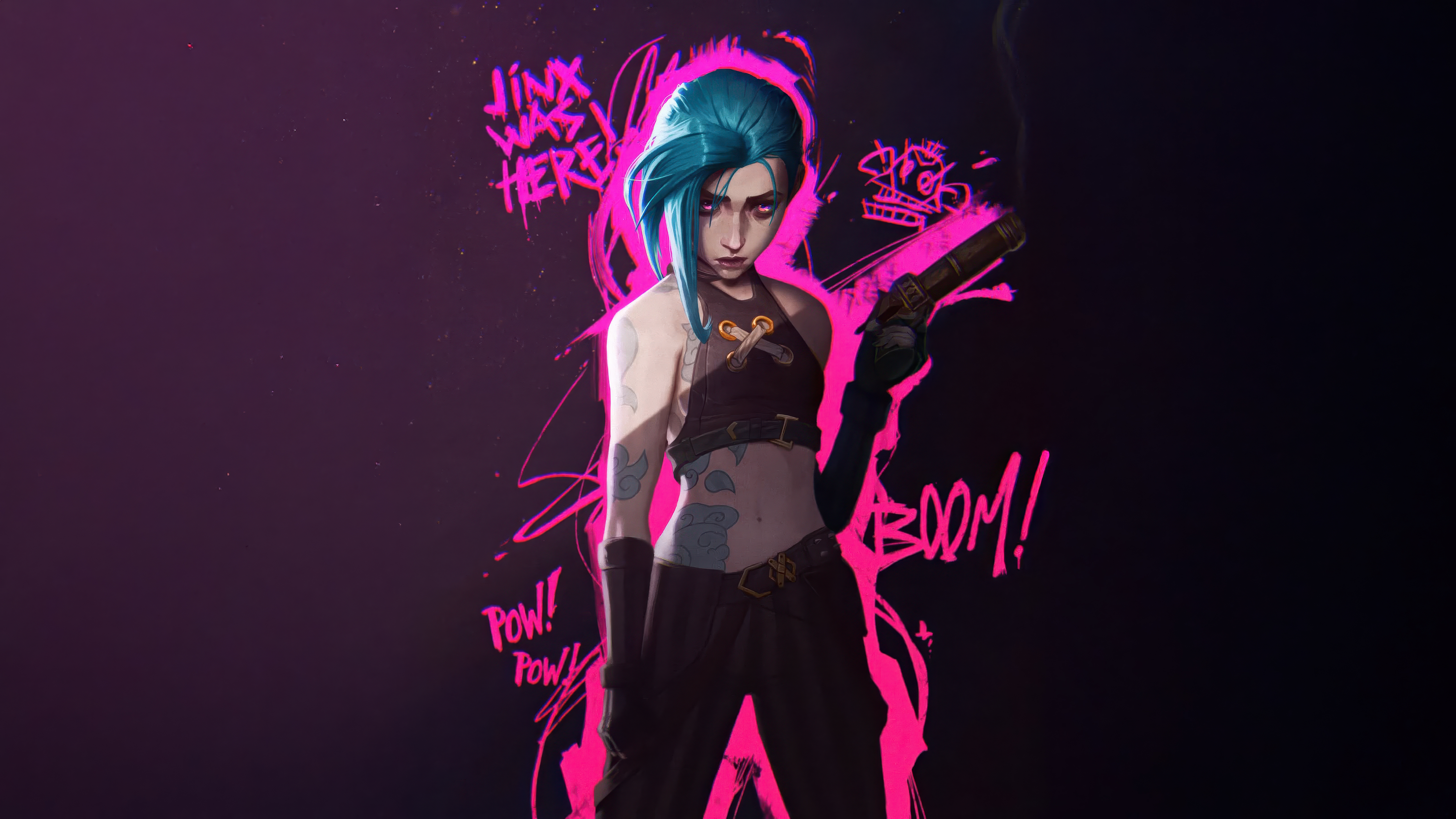 Jinx
Jinx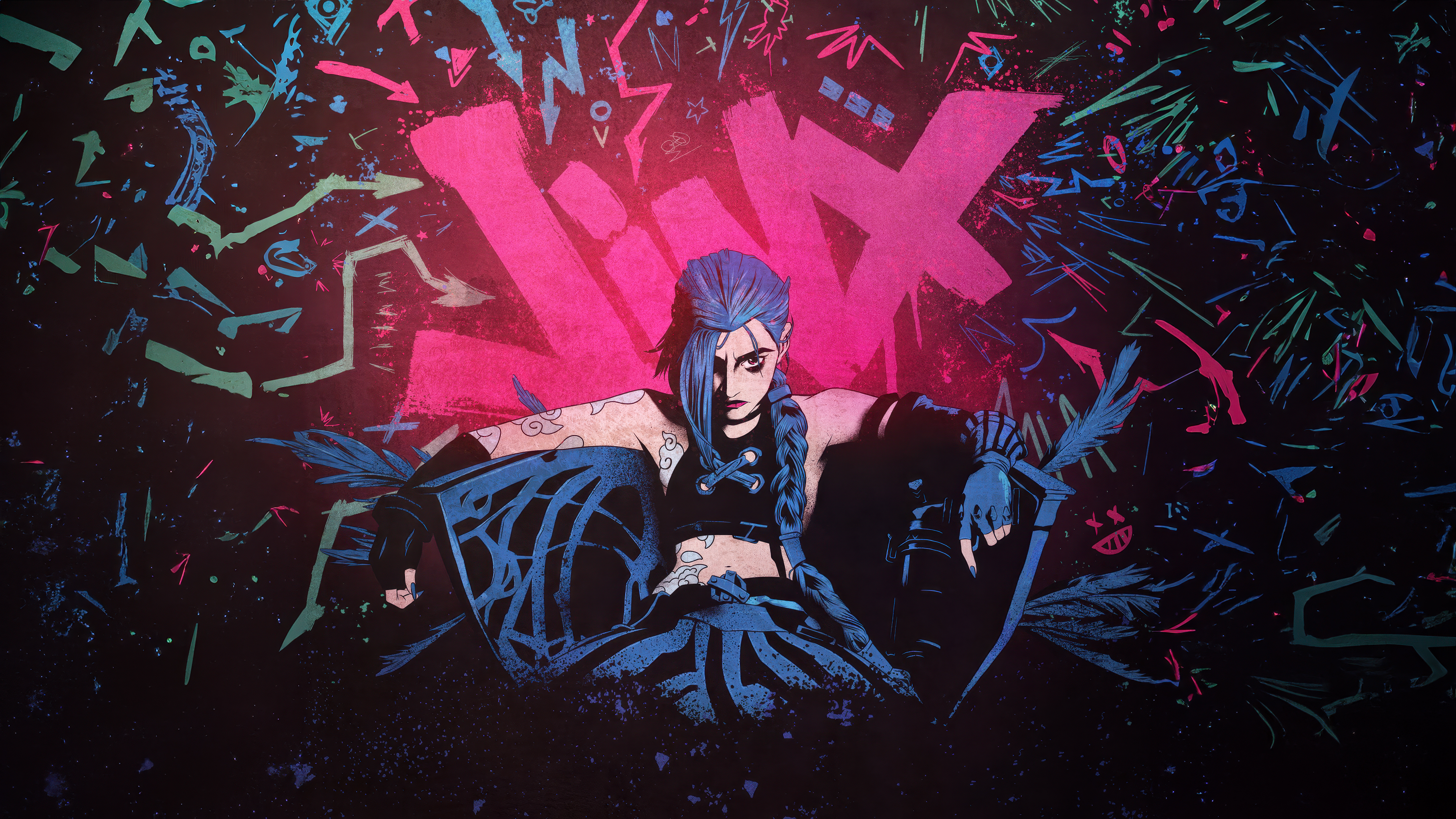 Jinx
Jinx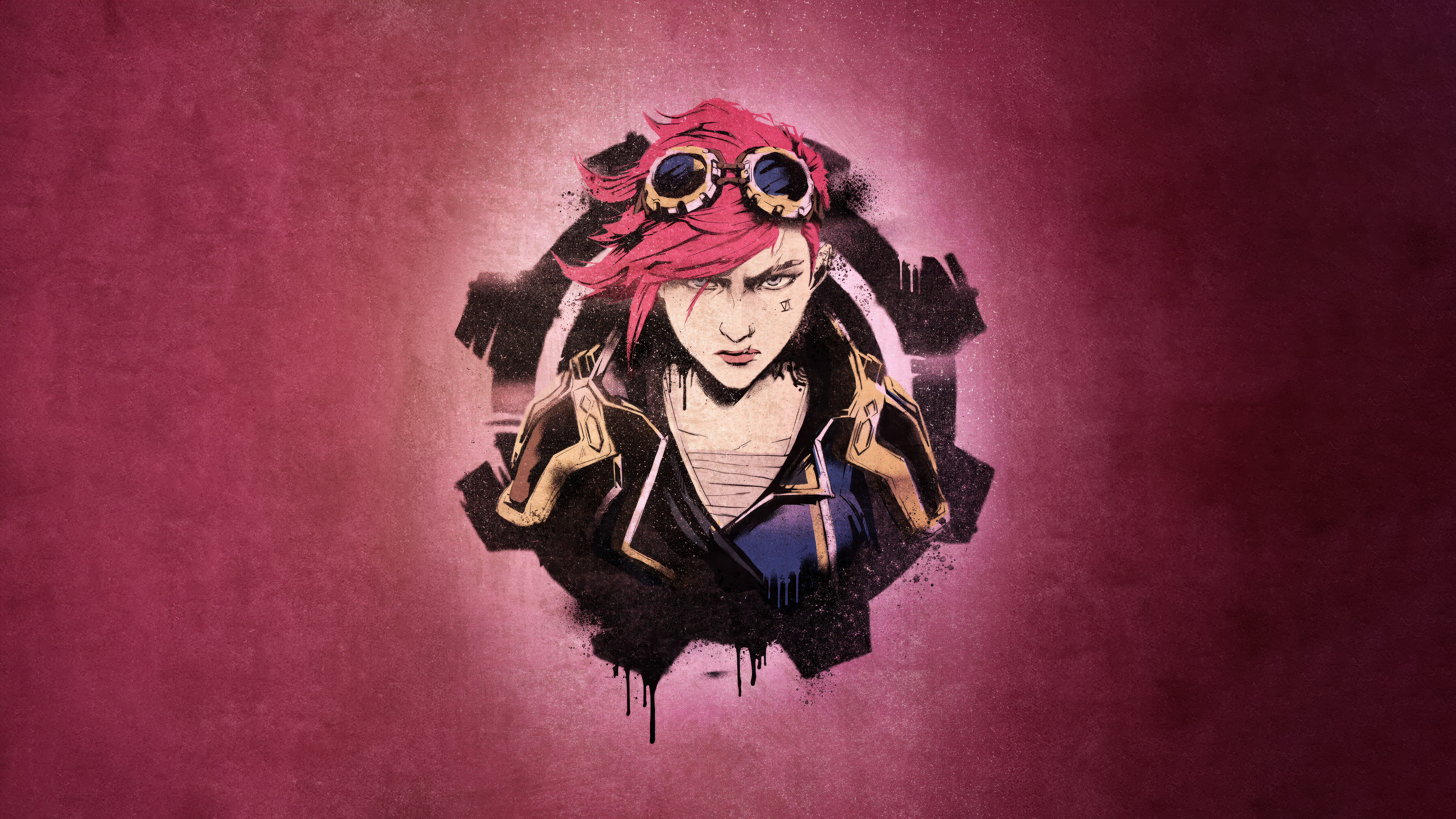 Vi (LoL)
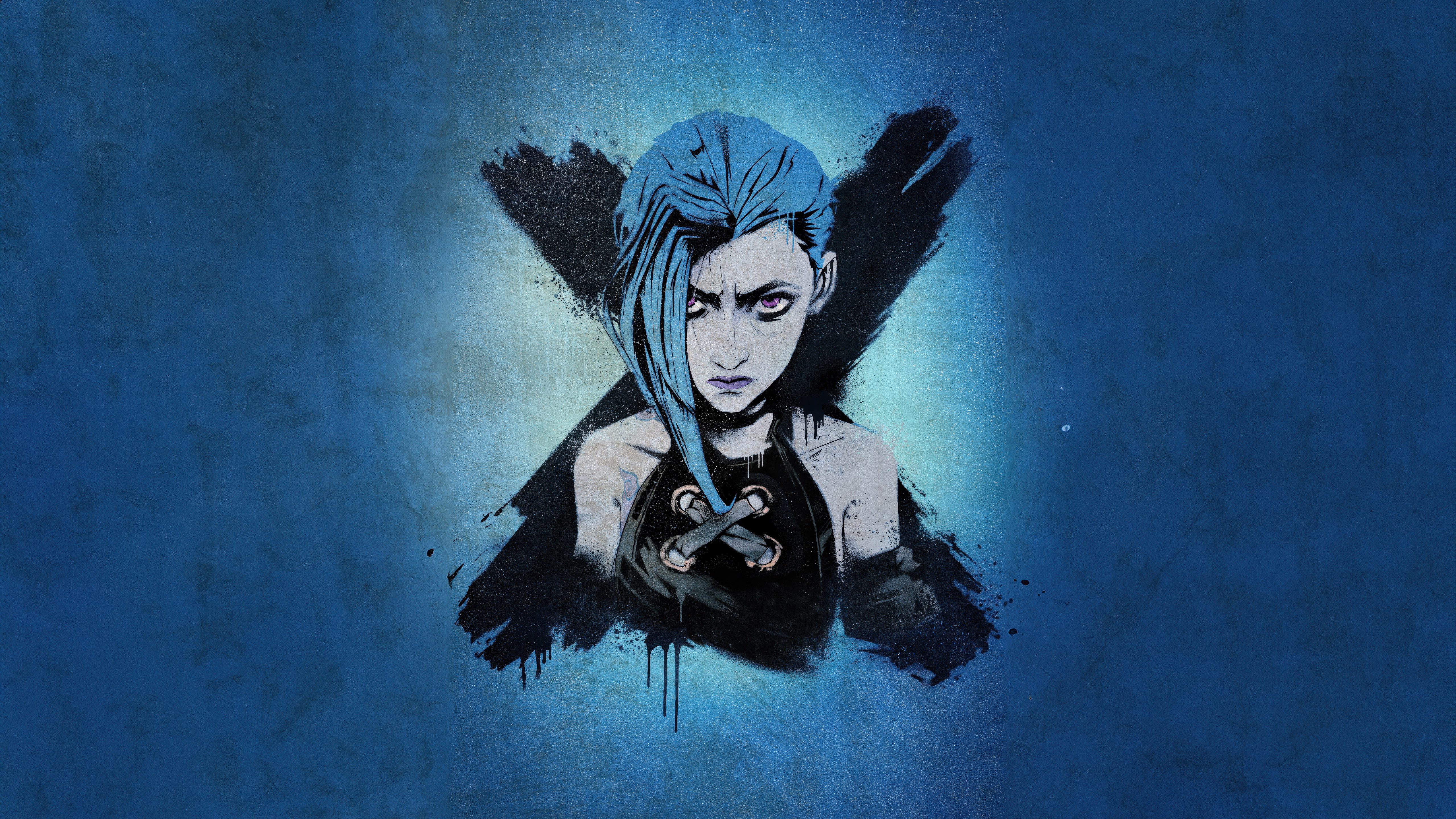 Jinx
Jinx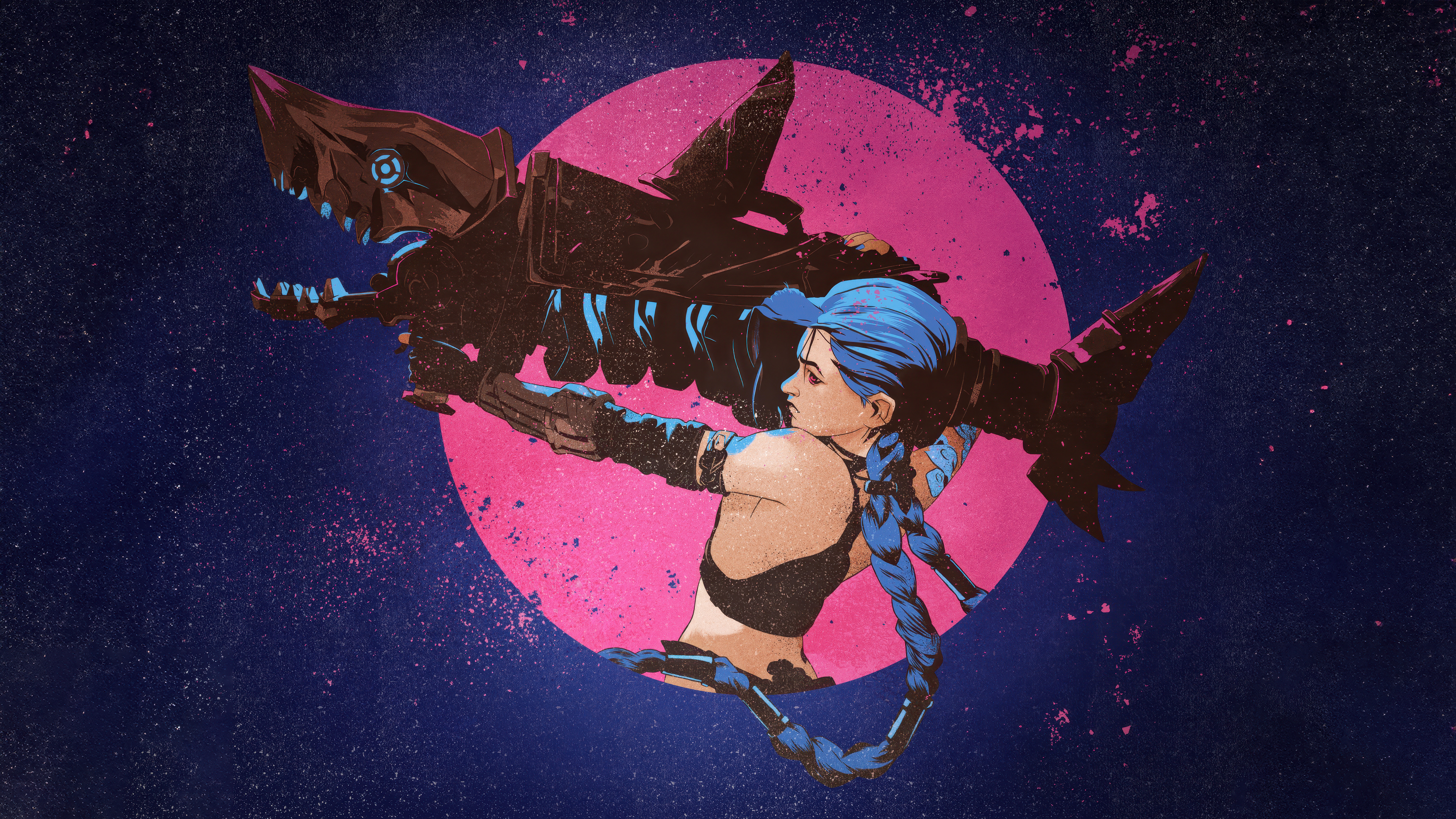 Jinx
Jinx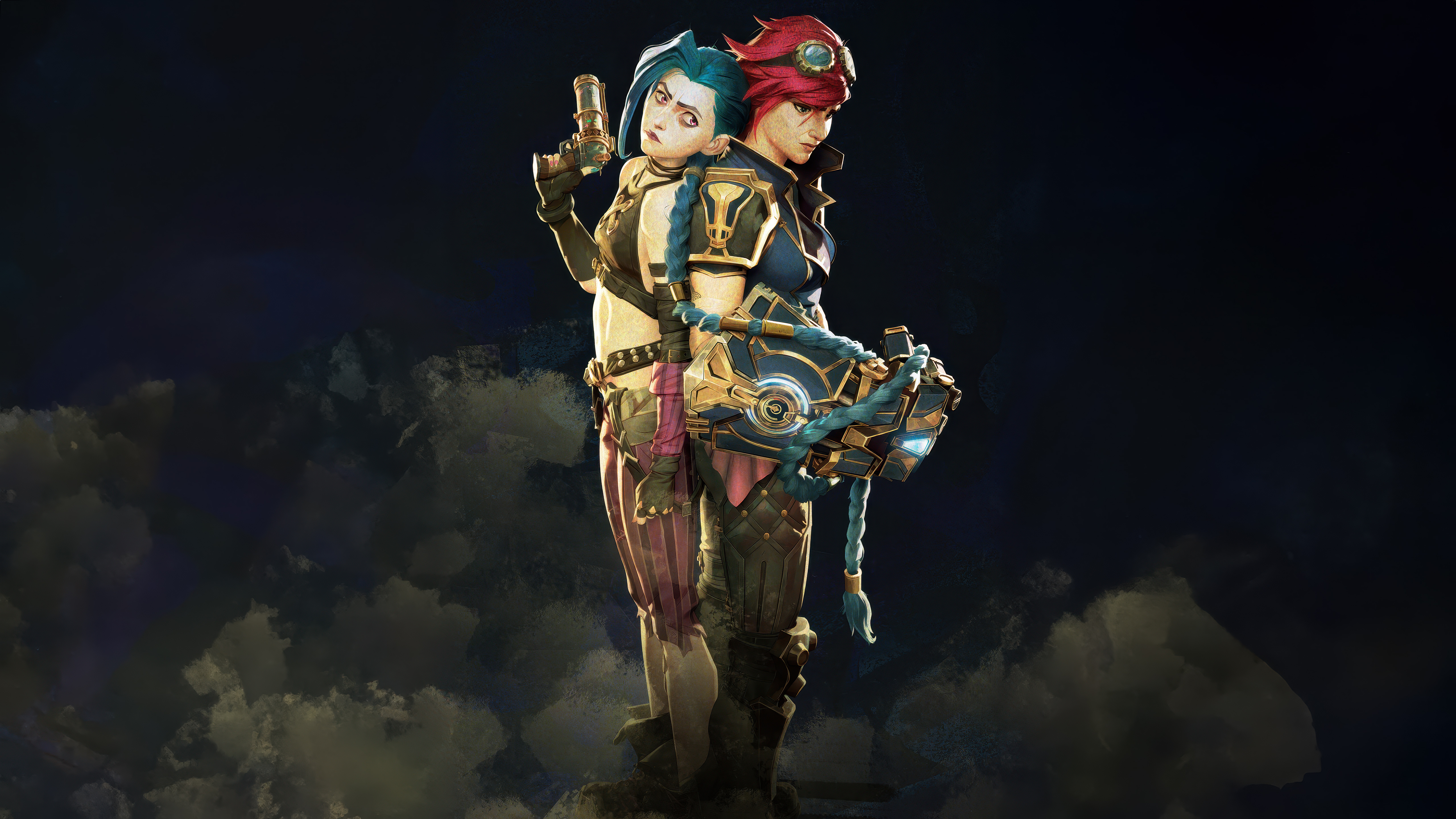 Jinx
Jinx Jinx (Arcane)
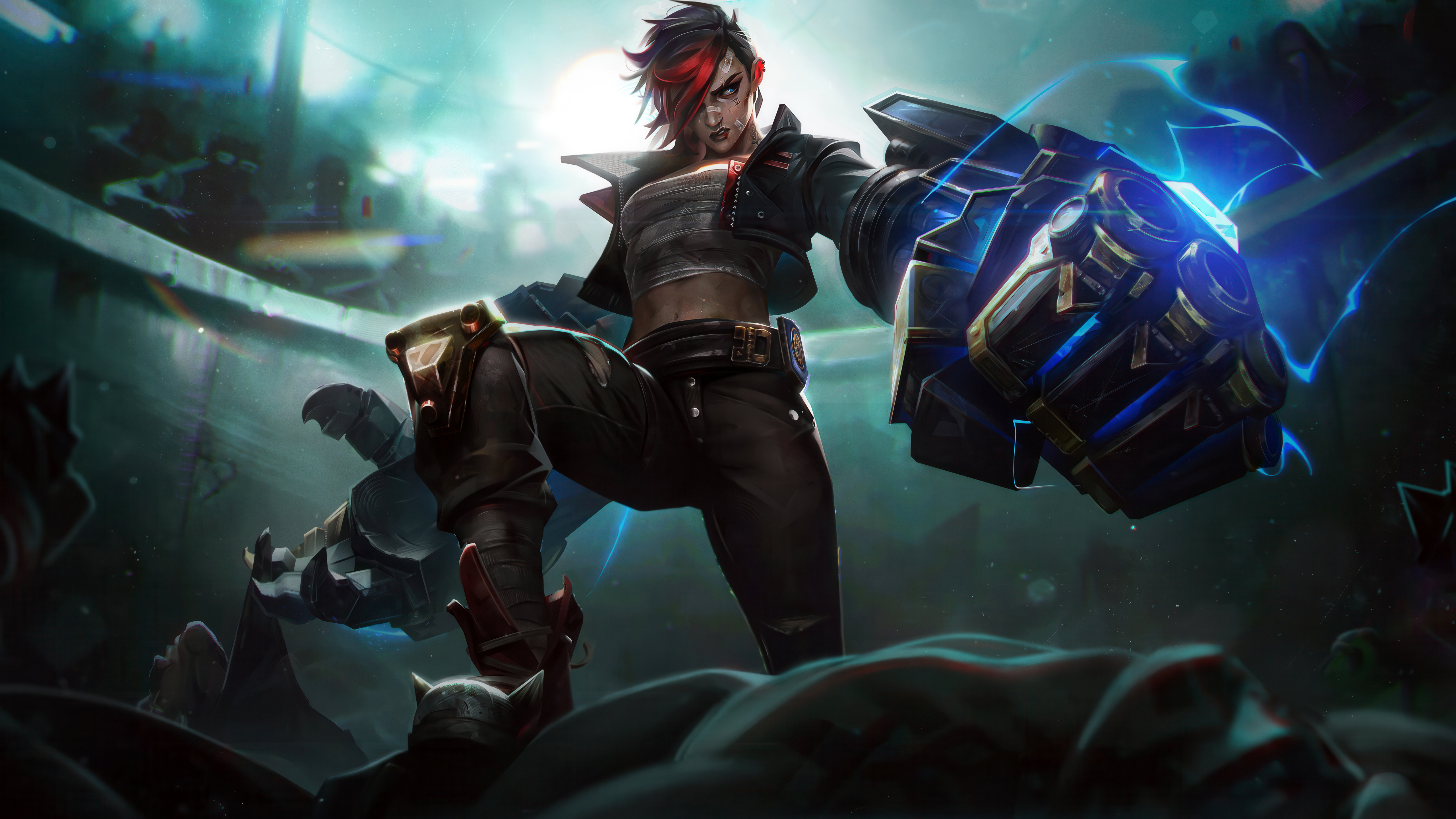 Arcane Vi
 Vi (Arcane)
 PUBG MOBILE
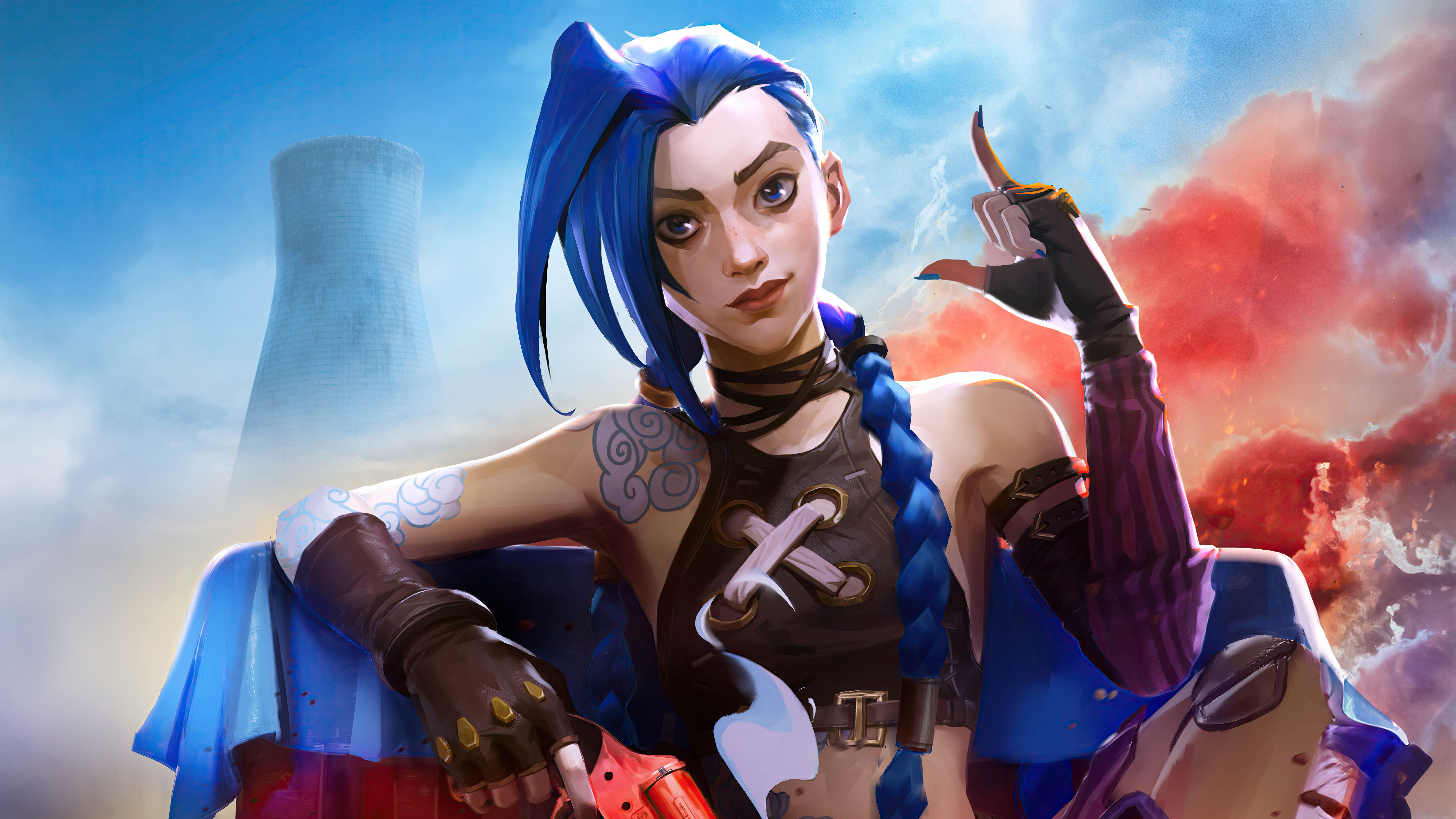 Jinx (Arcane)
 Arcane: League of Legends
 Jinx
Jinx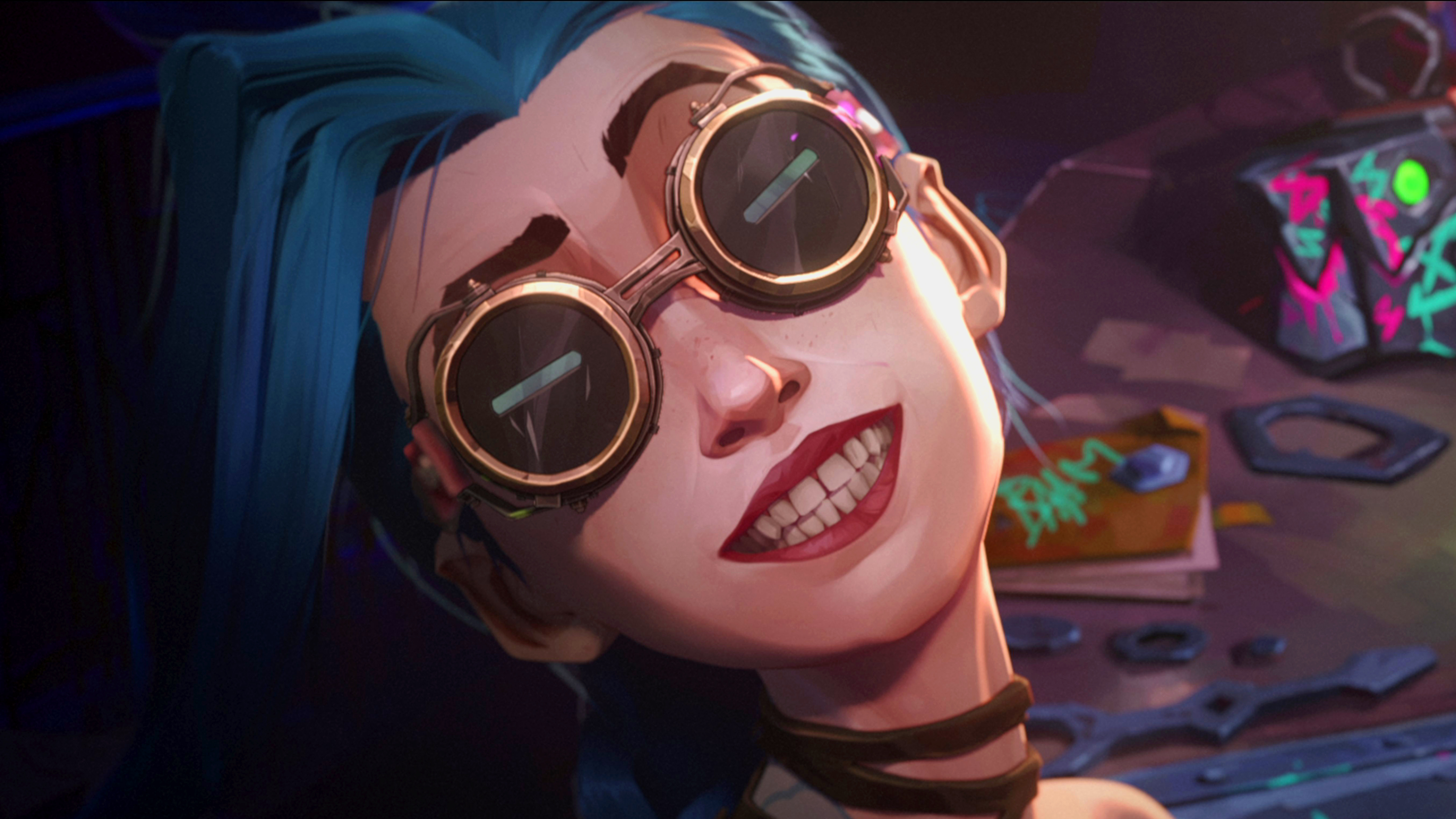 Jinx
Jinx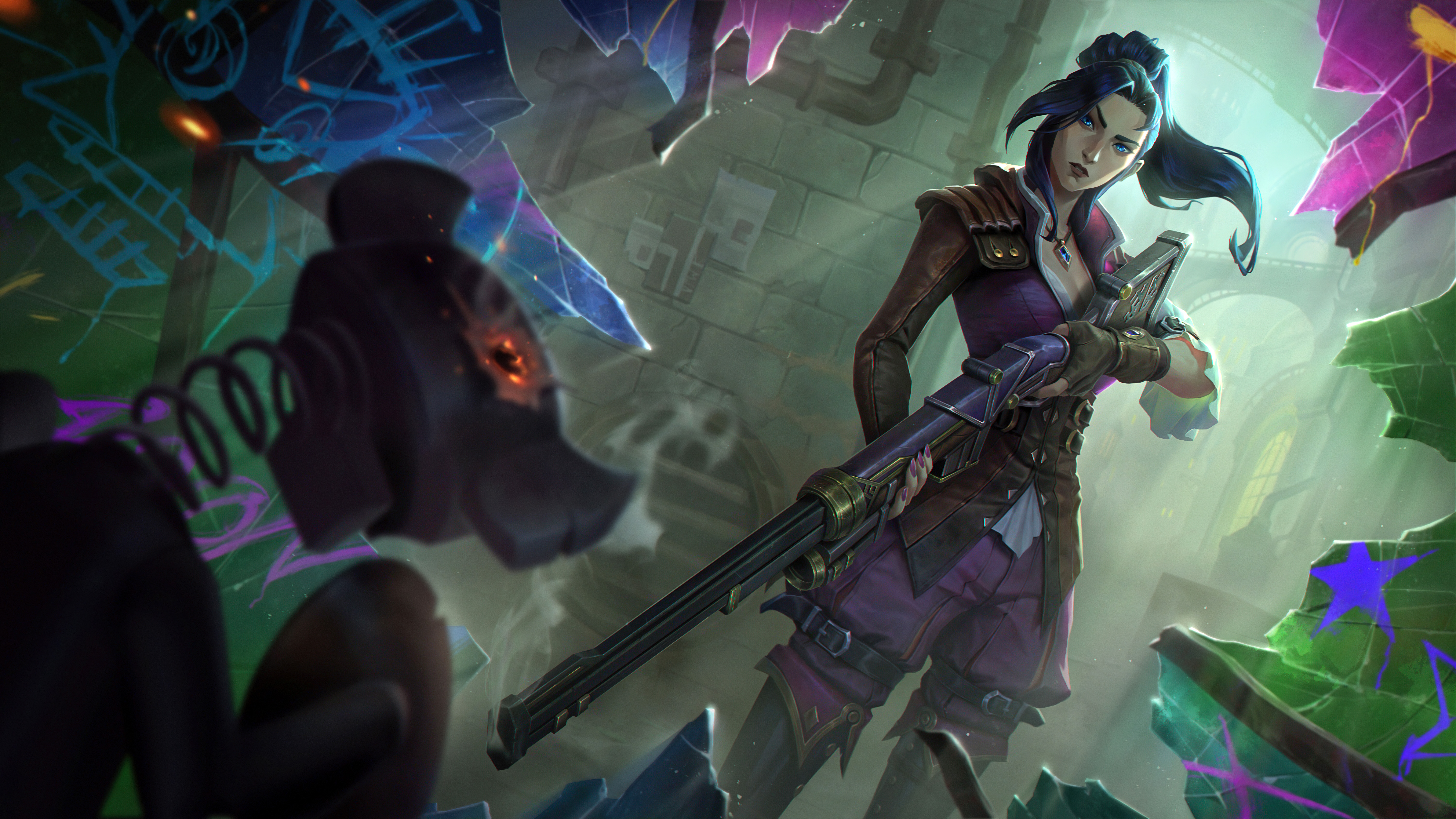 Caitlyn (LoL)
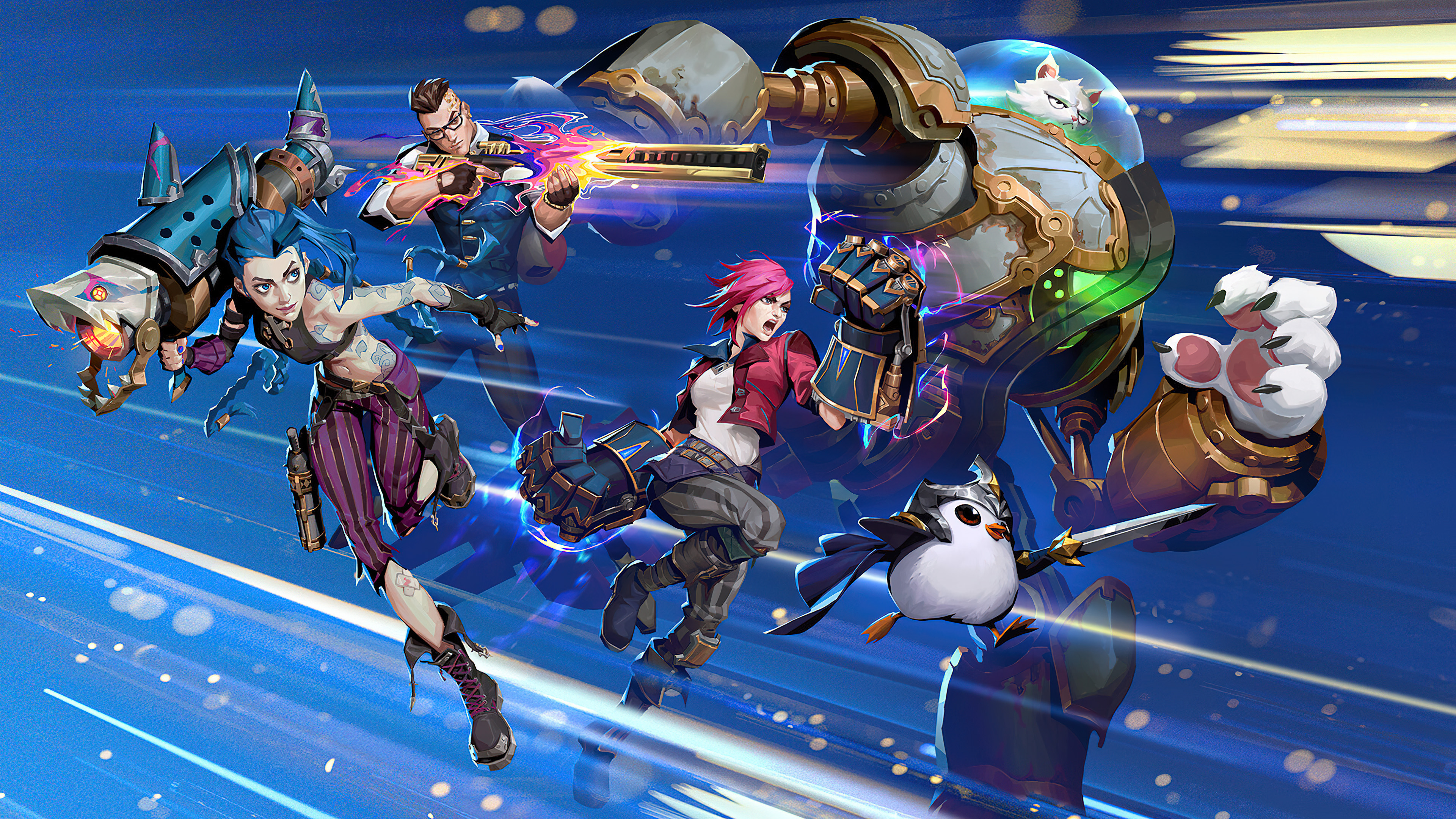 League of Legends: Wild Rift
 Jinx
Jinx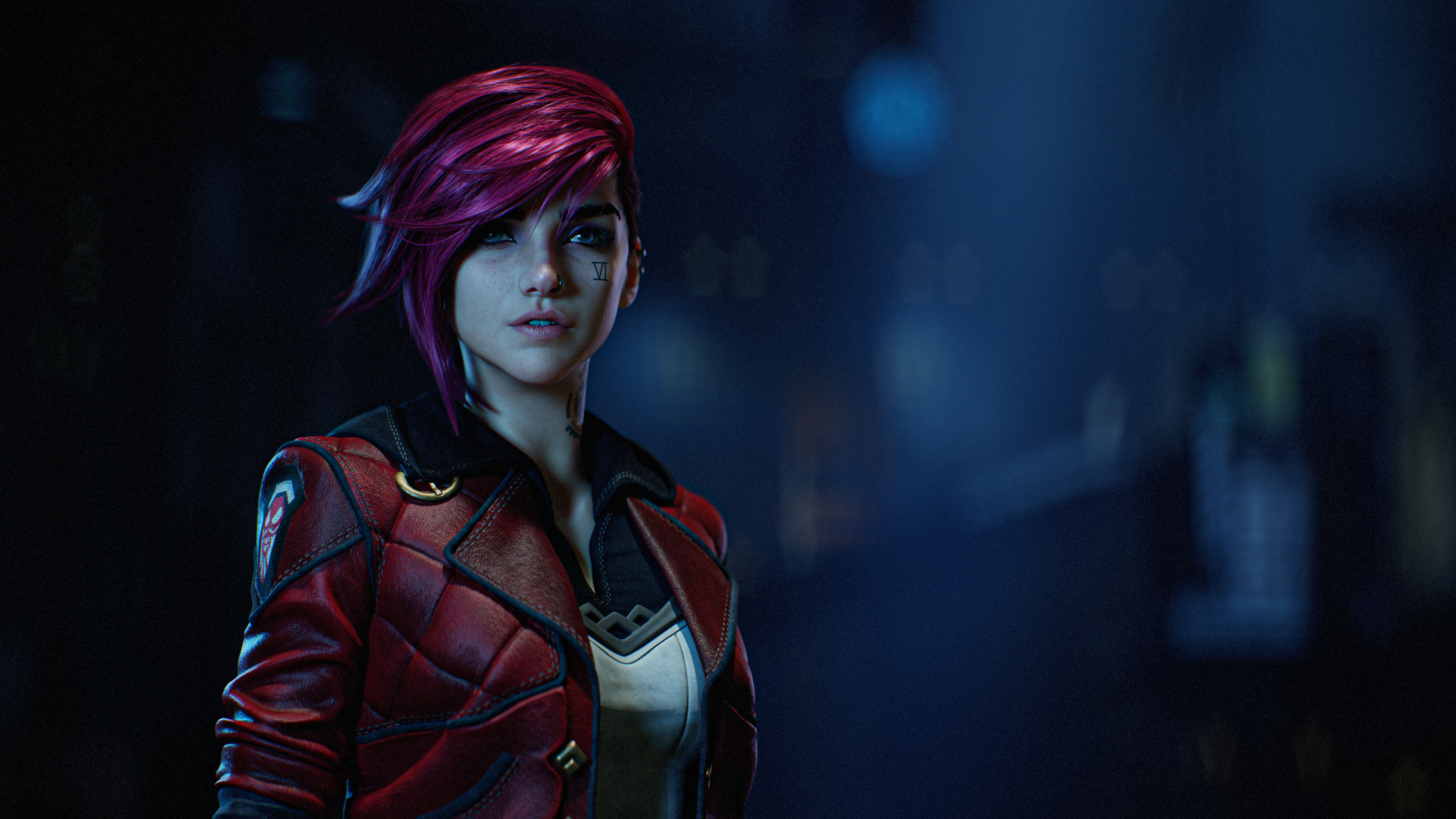 Vi (LoL)
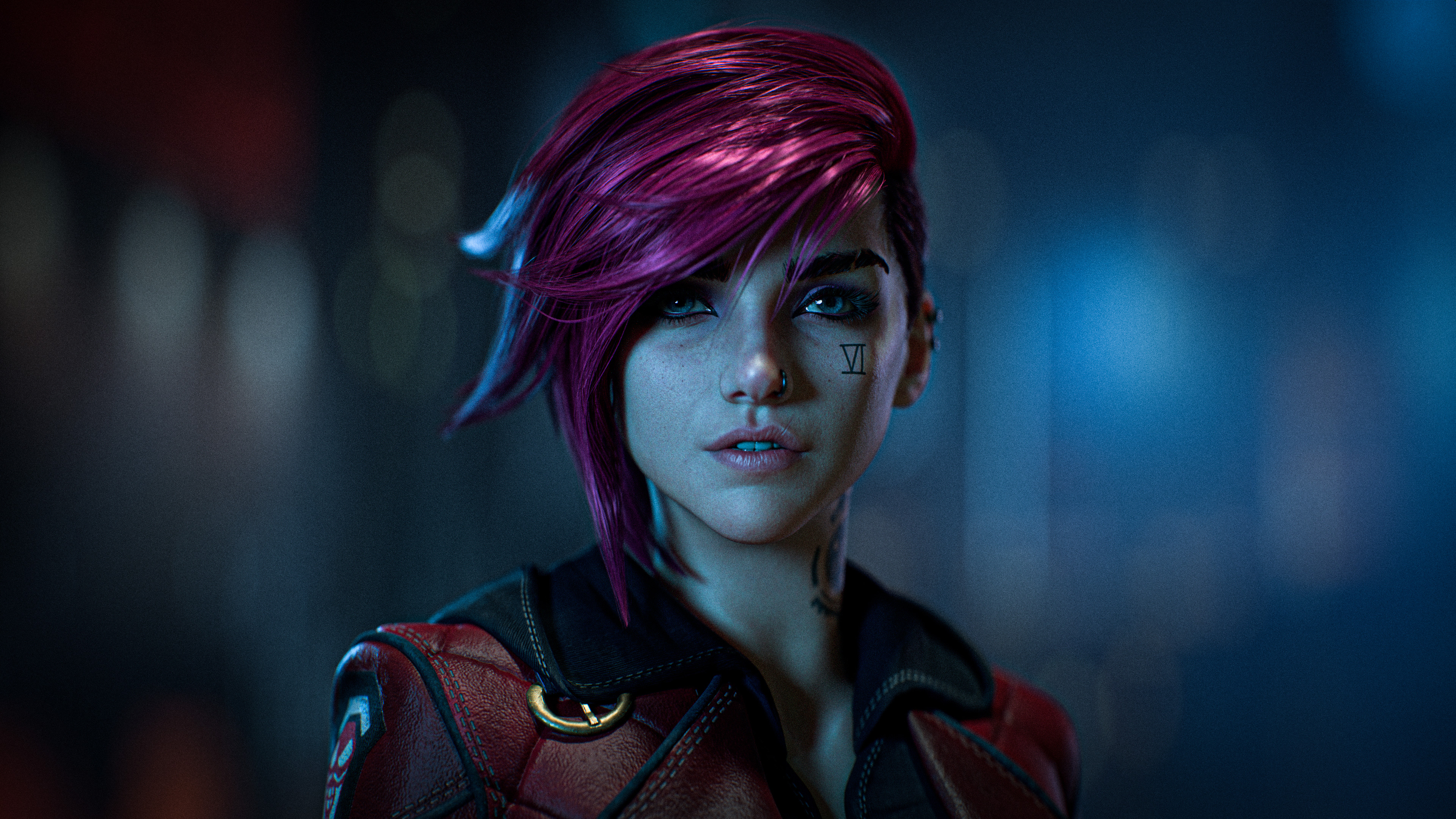 Vi (LoL)
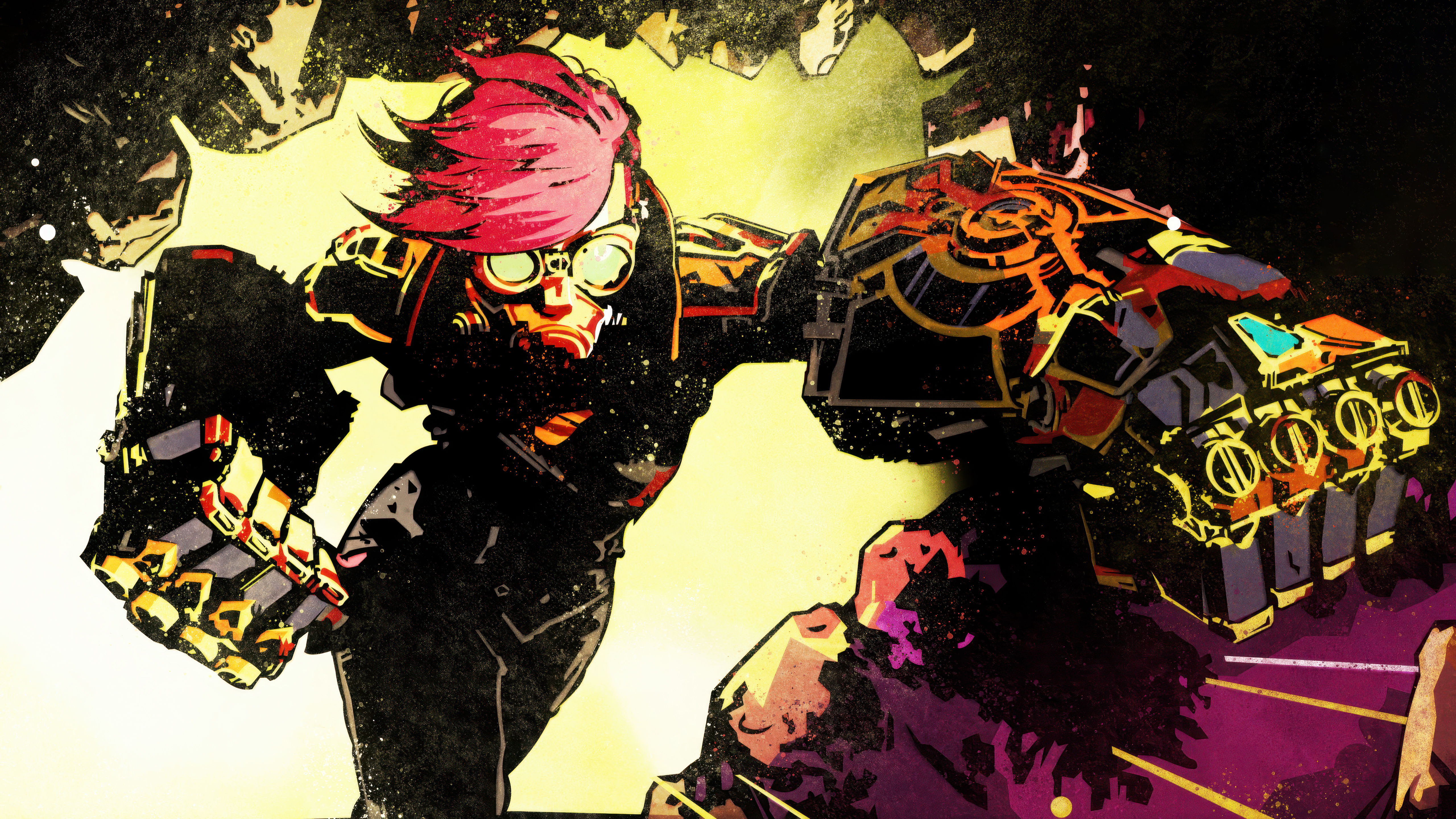 Vi (Arcane)
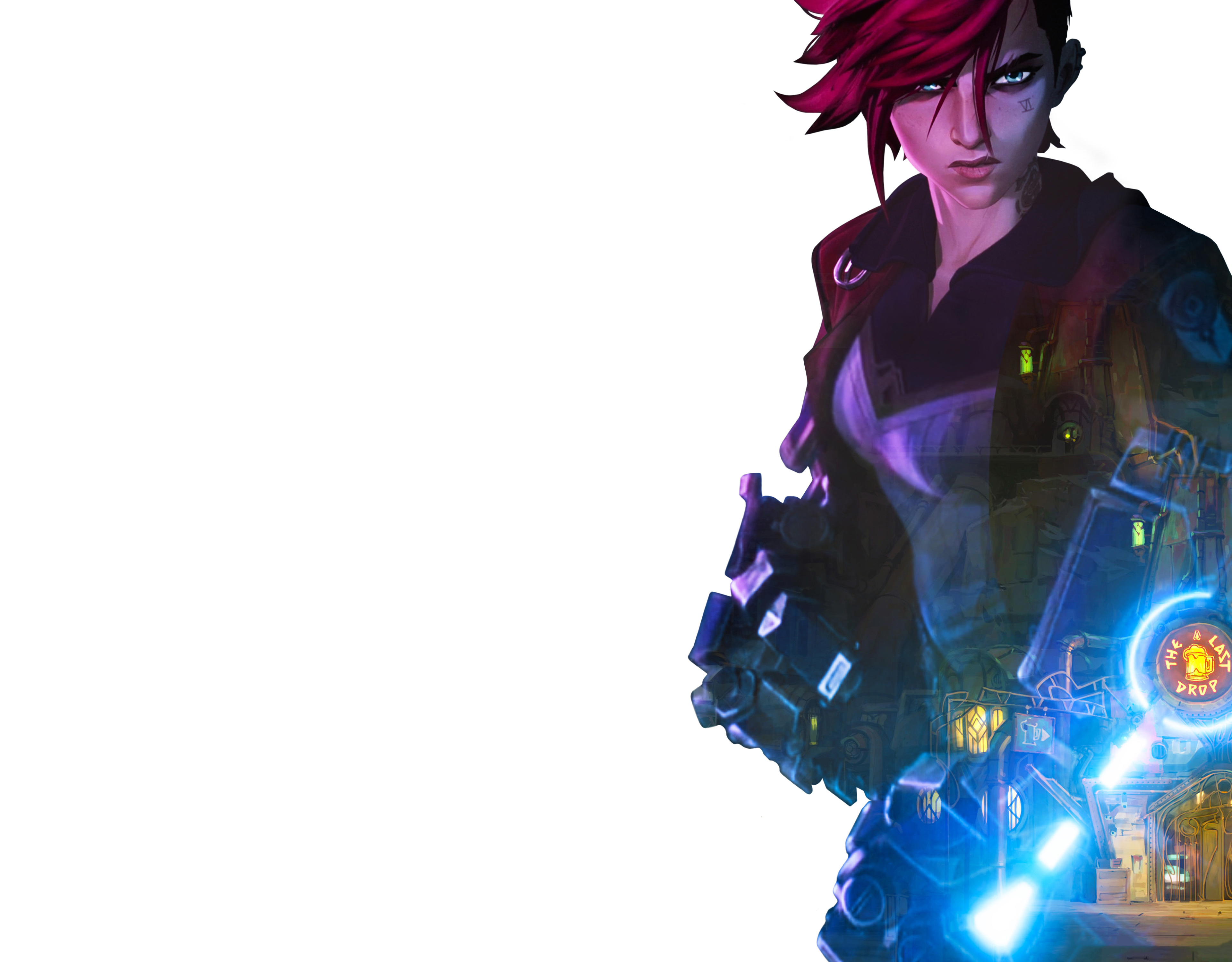 Vi (LoL)
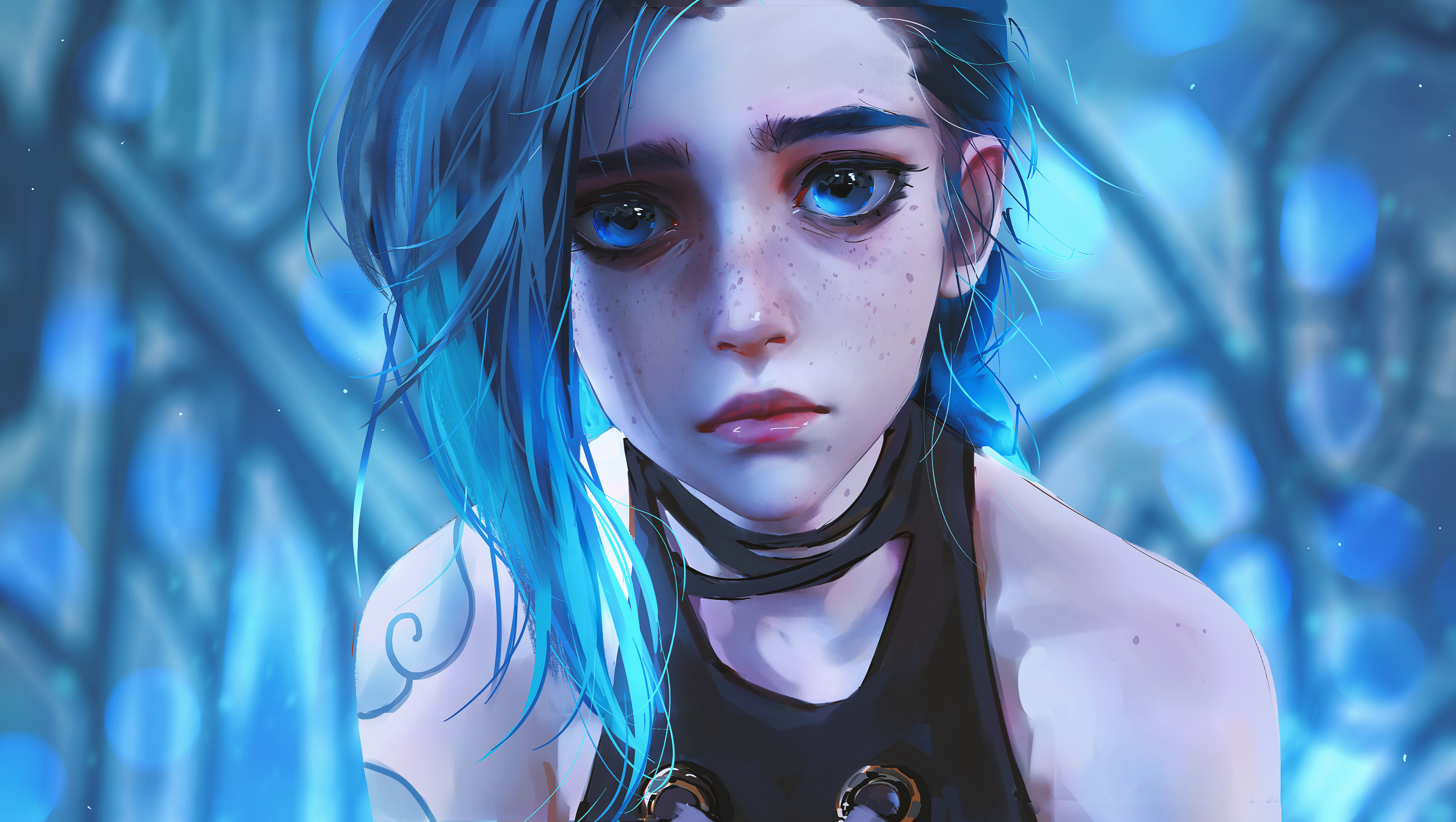 Jinx
Jinx Jinx
Jinx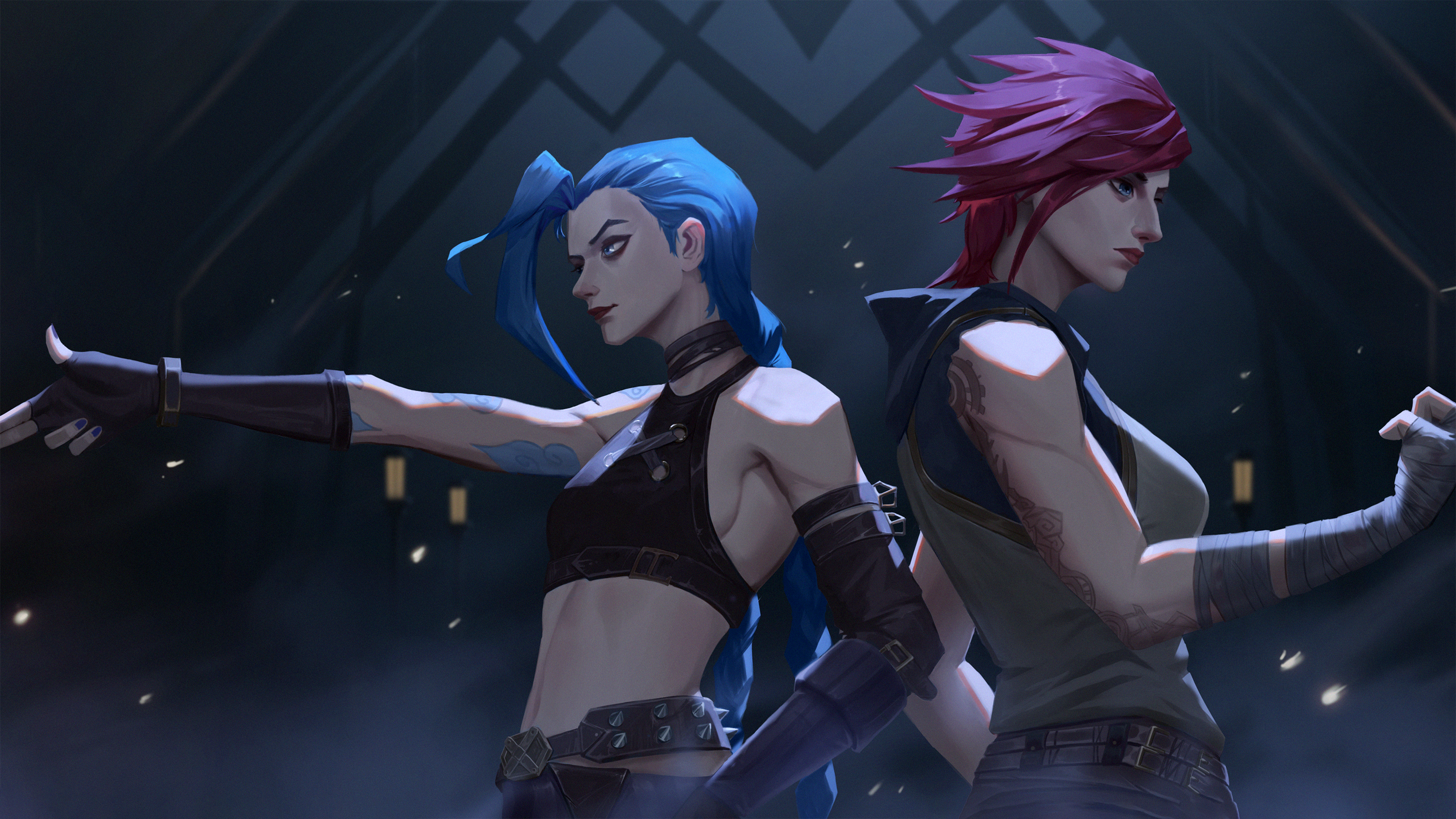 Jinx
Jinx Arcane: League of Legends
 Jinx
Jinx BGMI
BGMI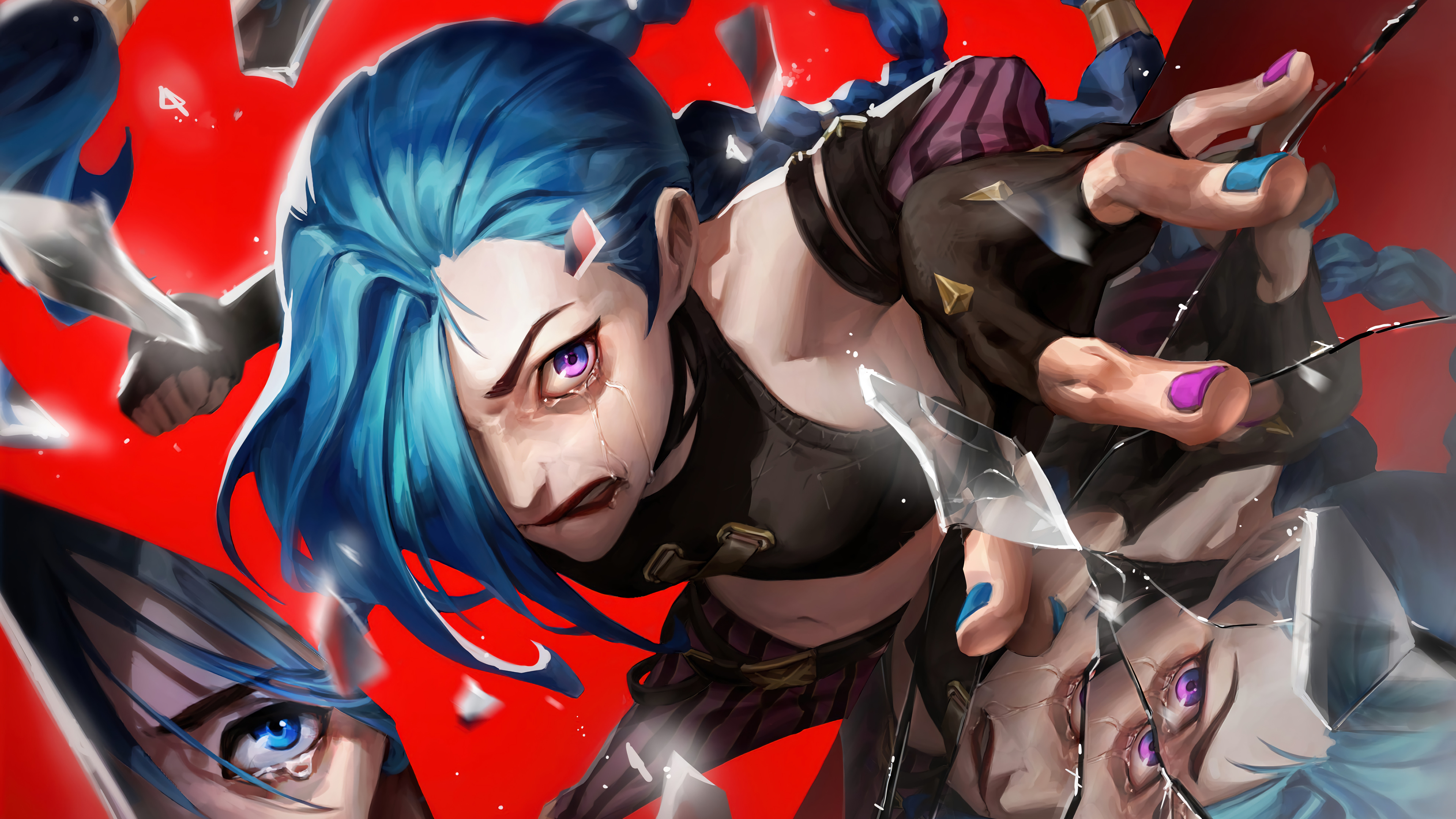 Jinx
Jinx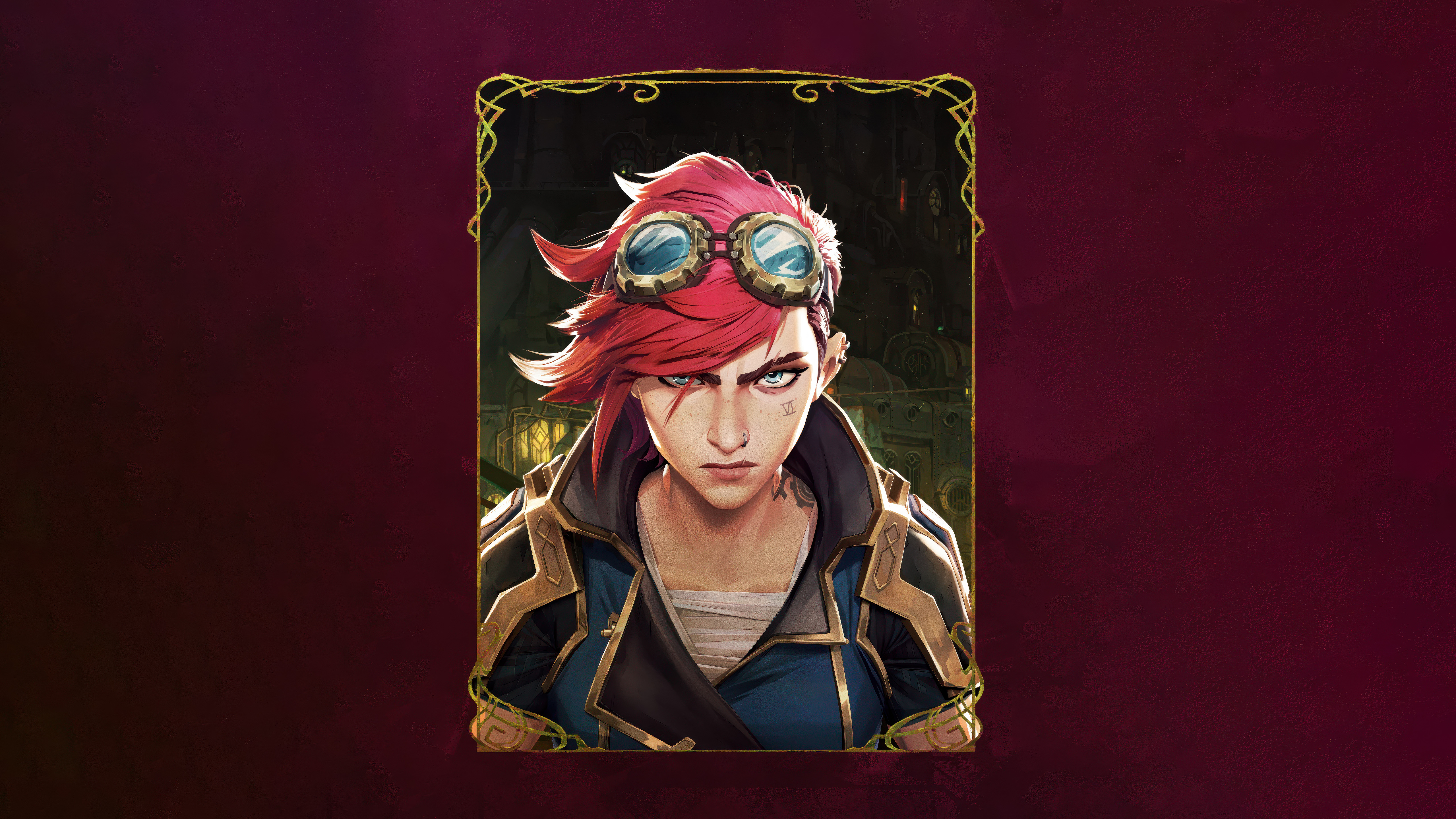 Vi (Arcane)
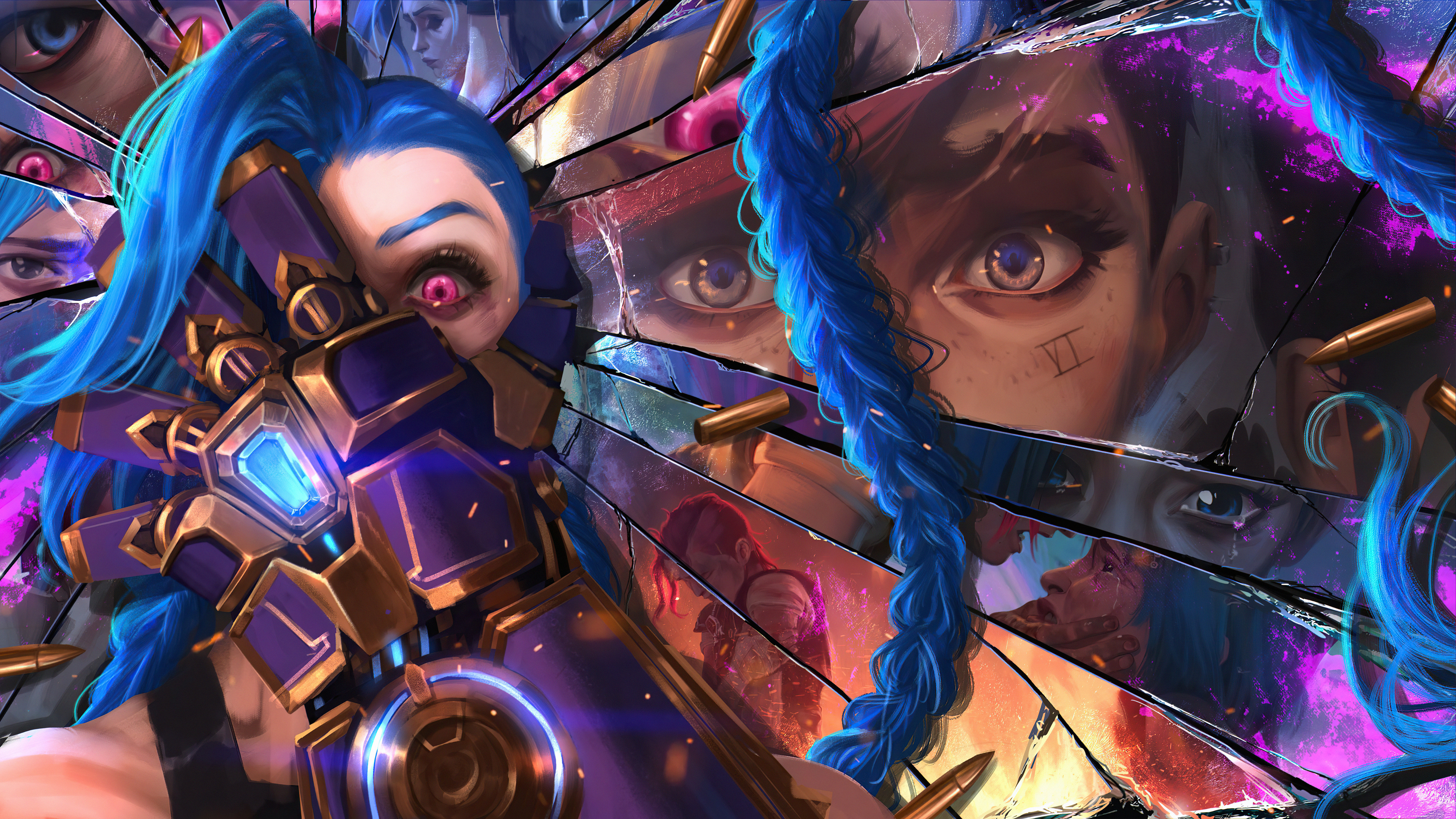 Jinx
Jinx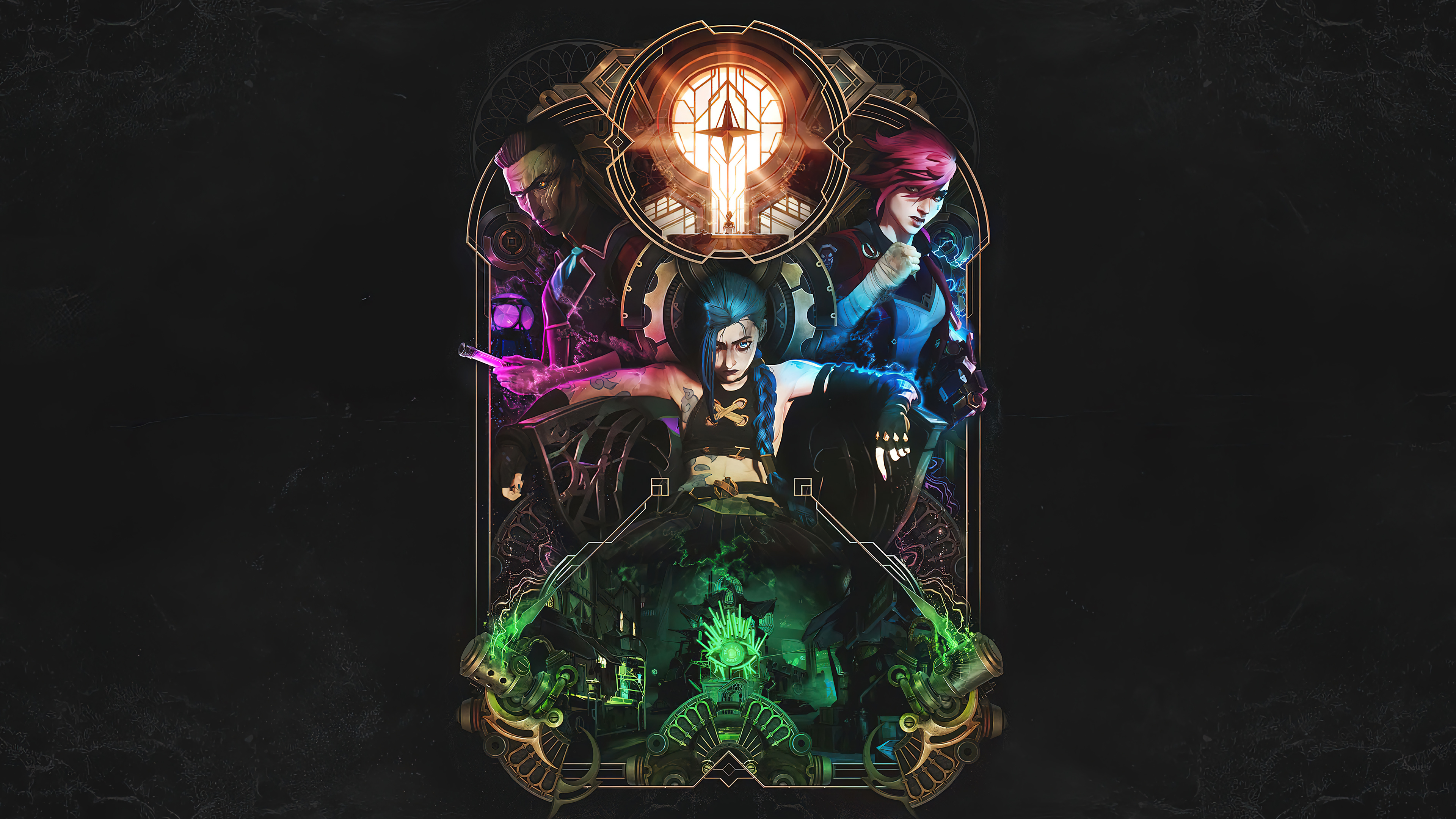
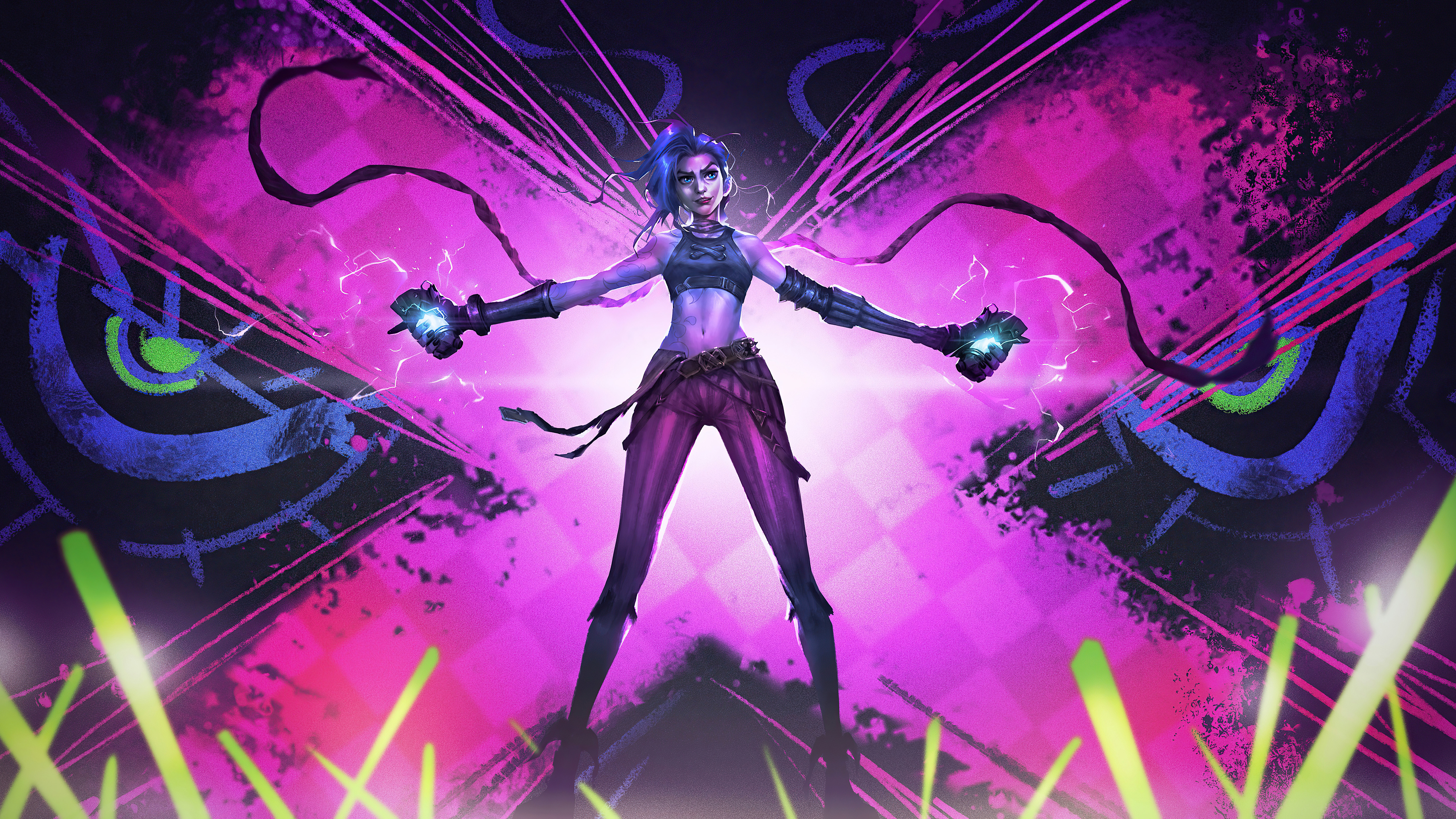
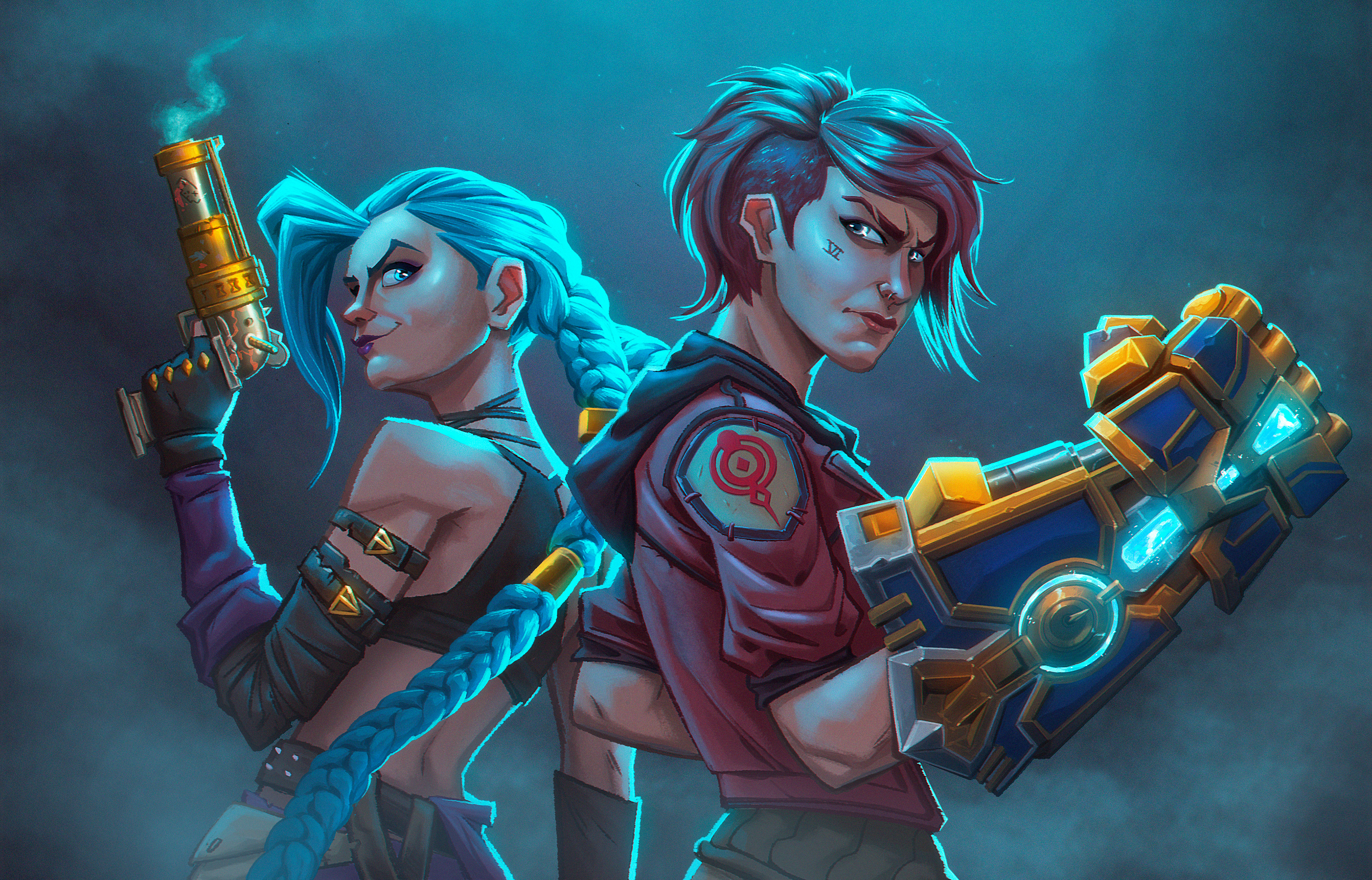 Jinx
Jinx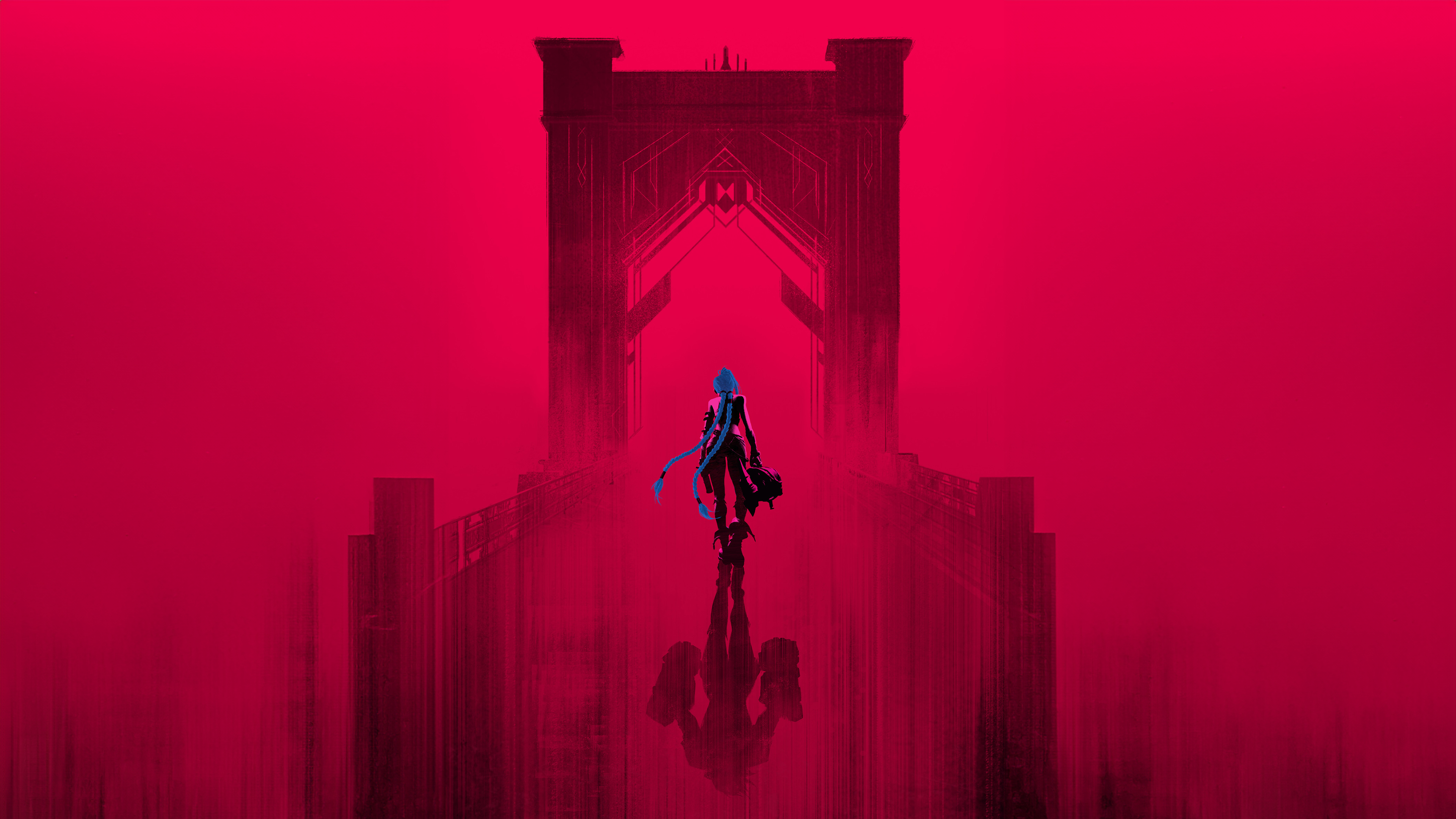 Jinx
Jinx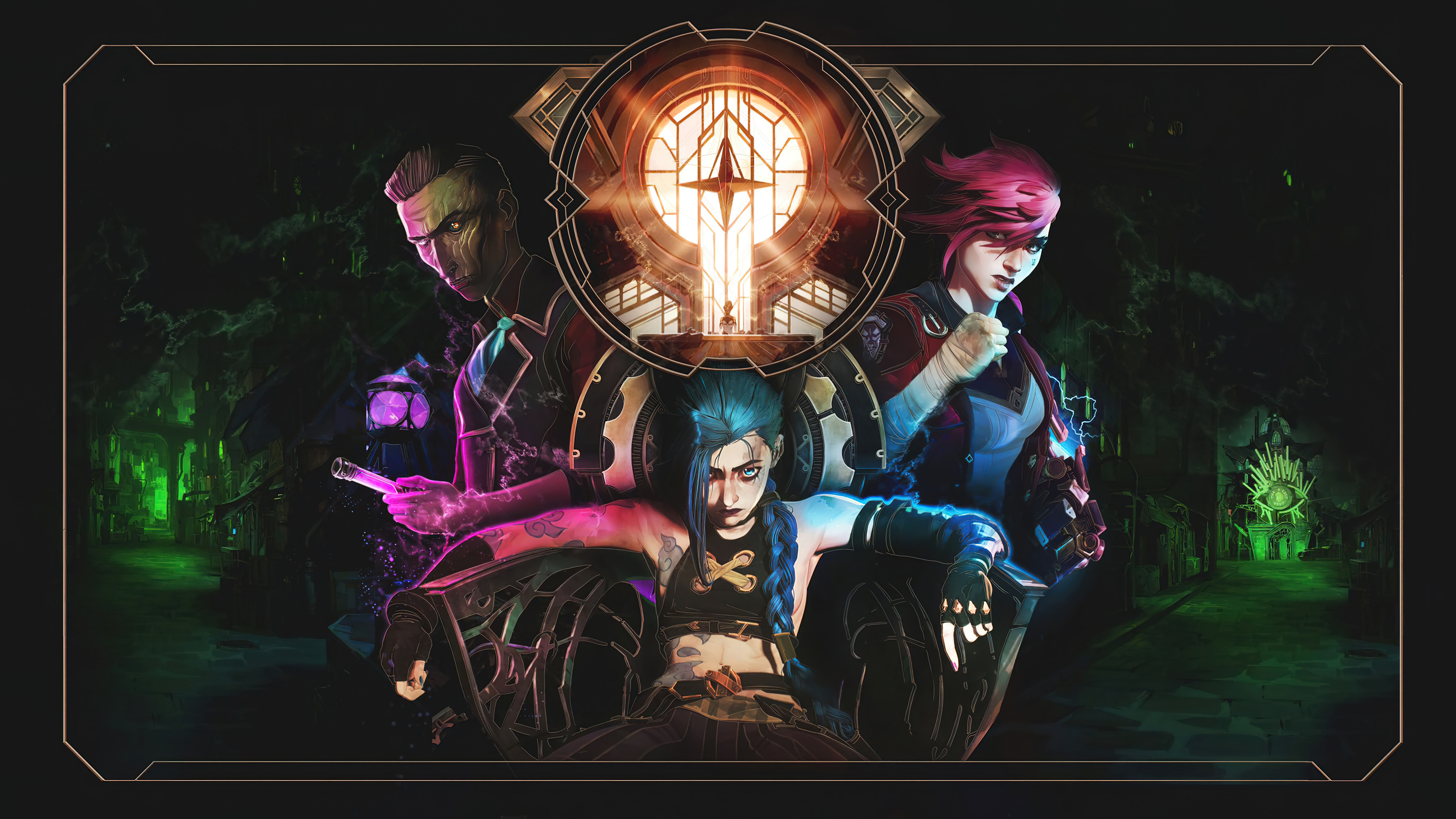
 Jinx
Jinx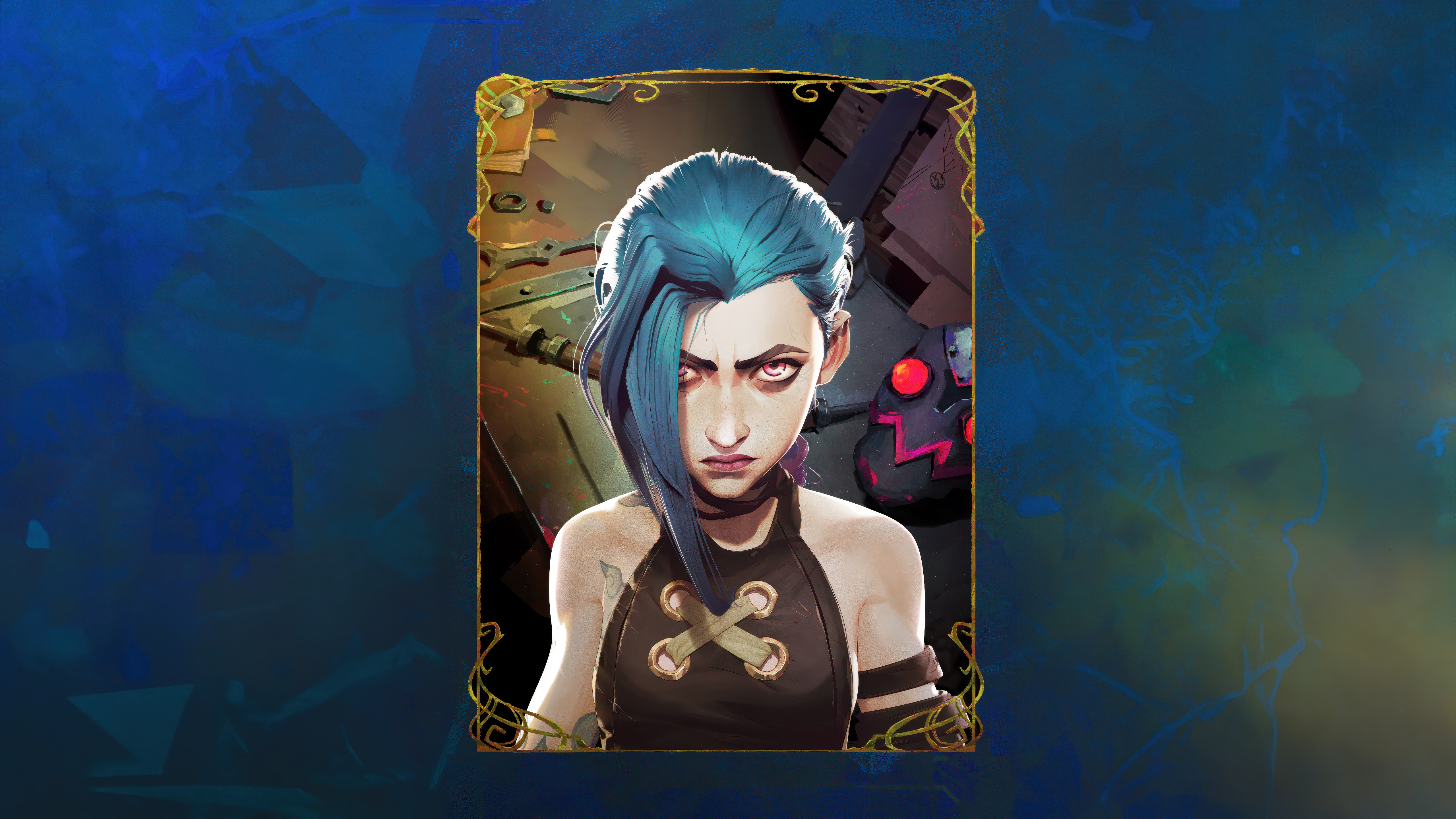
Das könnte dir gefallen
 League of Legends24 Bilder
 Animationsserien41 Bilder
 Netflix-Serien38 Bilder
 Artwork41 Bilder
 Batman41 Bilder
 League of Legends: Wild Rift5 Bilder
 Stranger Things22 Bilder
 Squid Game9 Bilder
 Alien23 Bilder
 Gotham15 Bilder
 TV-Serien46 Bilder
 Daredevil32 Bilder
 Solo Leveling41 Bilder
 Serien 202638 Bilder
 Star Wars42 Bilder
 Ninja19 Bilder
 Cosplay32 Bilder
 Neon37 Bilder
 Rosa42 Bilder
 Lichtschwerter10 Bilder
 Venom30 Bilder
 Disney42 Bilder
 Invincible12 Bilder
 PUBG for Mobile47 Bilder
 Superhelden37 Bilder
 Iron Man39 Bilder
 DC-Superhelden36 Bilder
 Justice League19 Bilder
 Loki8 Bilder
 Rote Ästhetik42 Bilder
So richtest du das Hintergrundbild auf deinem Gerät ein
Das passende Bild gefunden? Lade es über den Download-Button herunter und folge den Schritten unten — in wenigen Sekunden erledigt, am Computer wie am Smartphone.
Windows
- Klicke auf Download — das Bild landet im Ordner „Downloads“
- Rechtsklick auf die heruntergeladene Datei und „Als Desktophintergrund festlegen“ wählen
- Mehrere Monitore? Unter Einstellungen → Personalisierung → Hintergrund legst du fest, wo das Bild erscheint
macOS
- Klicke auf Download, um das Bild auf dem Mac zu speichern
- Öffne Systemeinstellungen → Hintergrundbild
- Klicke auf „Foto hinzufügen“, wähle das Bild aus und nimm „Bildschirm ausfüllen“
iPhone / iPad
- Tippe auf Download und dann auf „In Fotos sichern“
- Öffne die Fotos-App und wähle das gespeicherte Bild
- Tippe auf Teilen → „Als Hintergrund verwenden“, passe den Ausschnitt an und bestätige mit „Festlegen“
Android
- Tippe auf Download — das Bild wird in der Galerie gespeichert
- Öffne die Galerie (oder Google Fotos) und wähle das Bild aus
- Wähle im Menü „Als Hintergrund festlegen“ und entscheide: Startbildschirm, Sperrbildschirm oder beides