Ana de Armas Hintergrundbilder


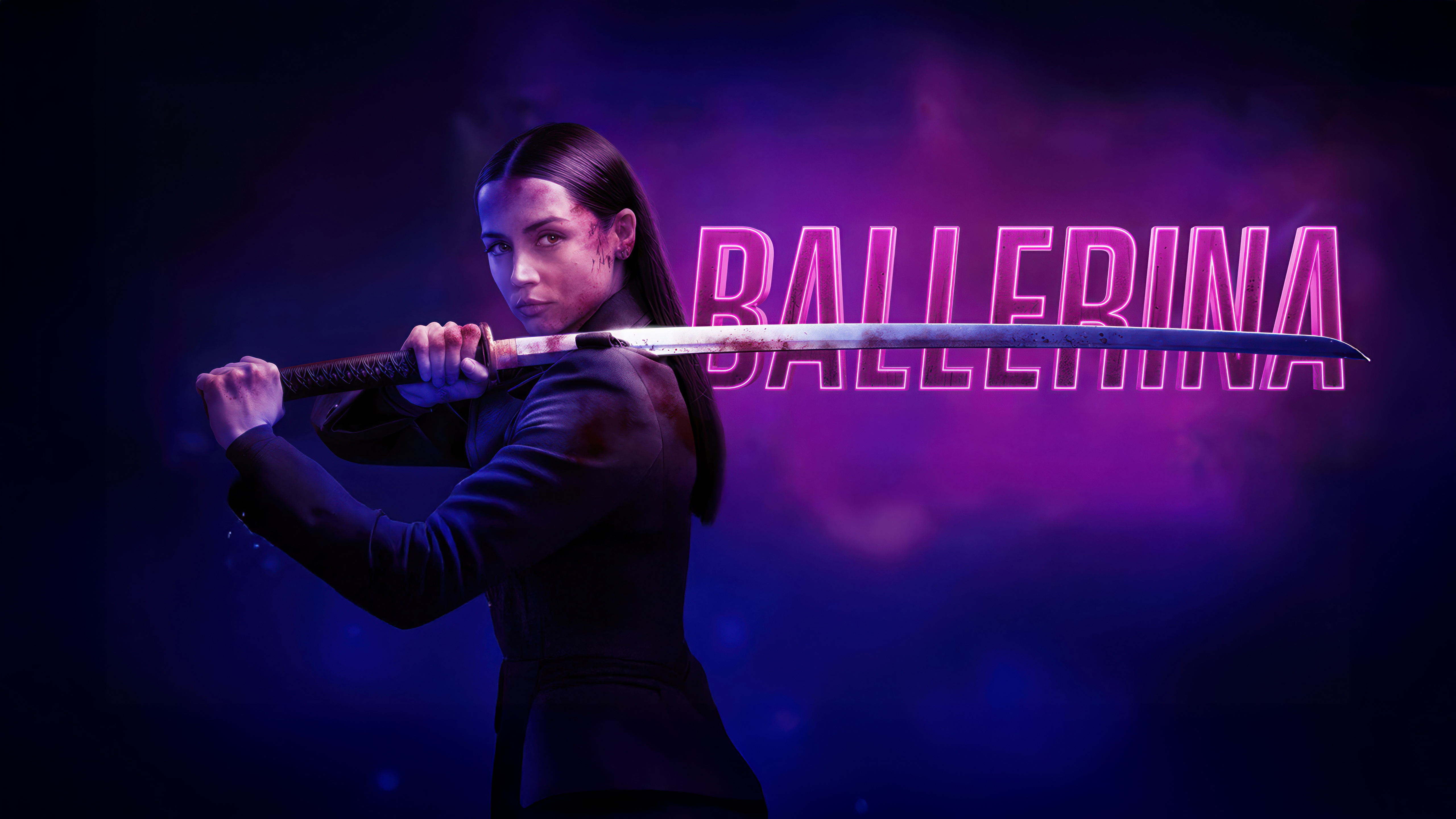
 Ballerina
 Ballerina
 Ballerina
 Ballerina
 Ballerina
 Ana de Armas (Ballerina)

 Ballerina






 Ballerina
 Ghosted
 Ghosted



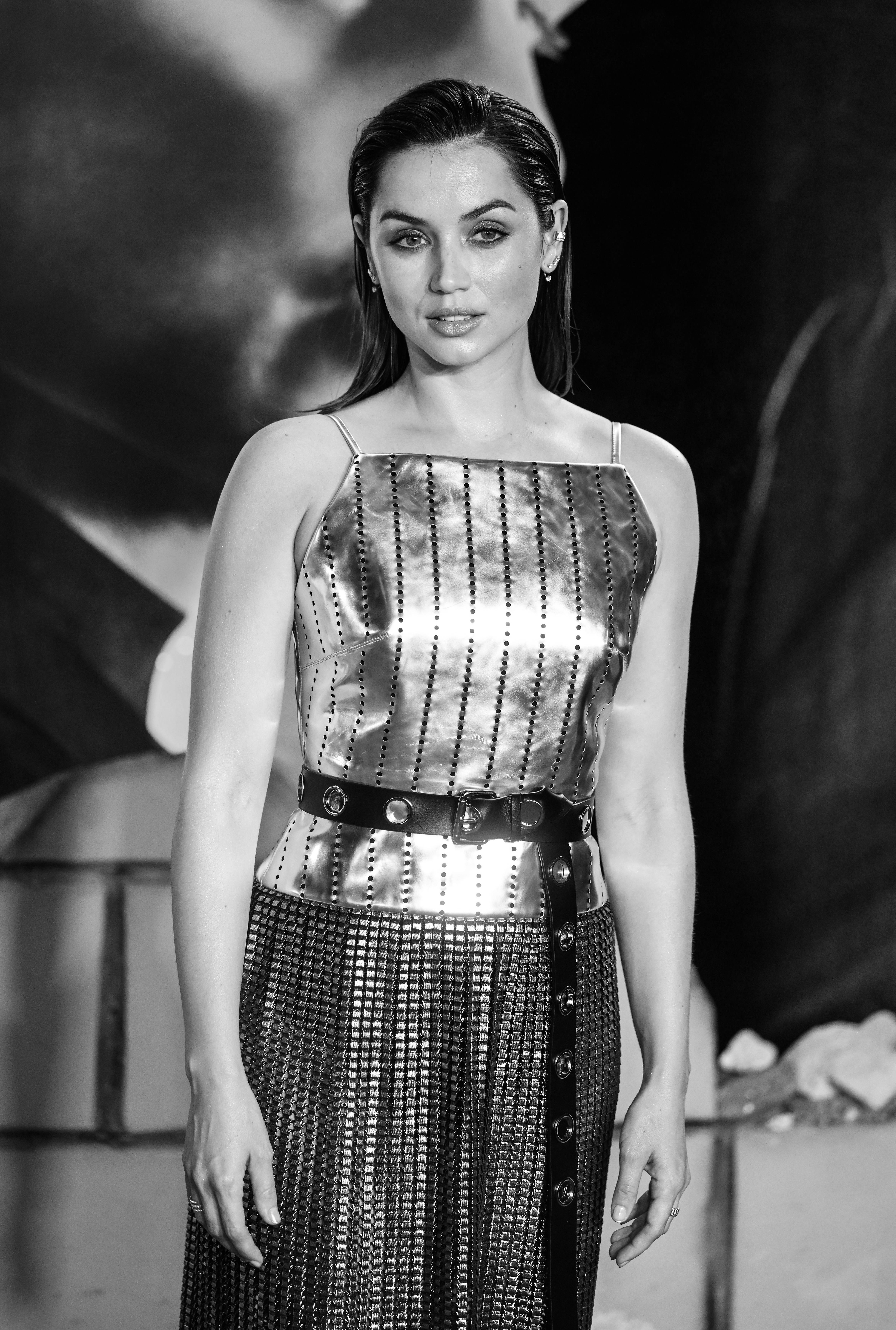

 The Gray Man





 No Time to Die



 No Time to Die
Das könnte dir gefallen
 Keanu Reeves22 Bilder
 Actionfilme8 Bilder
 Neon37 Bilder
 Heiß30 Bilder
 Keine Zeit zu sterben6 Bilder
 Action21 Bilder
 Amanda Seyfried5 Bilder
 Menschen46 Bilder
 Hollywood8 Bilder
 Lily James13 Bilder
 Camila Mendes16 Bilder
 Dwayne Johnson16 Bilder
 Sadie Sink9 Bilder
 Elle24 Bilder
 Spanisch22 Bilder
 Margot Robbie26 Bilder
 Gal Gadot28 Bilder
 Elle Fanning14 Bilder
 Kiara Advani22 Bilder
 Hailee Steinfeld17 Bilder
 DC-Superhelden36 Bilder
 Scarlett Johansson25 Bilder
 Superhelden37 Bilder
 Sydney Sweeney21 Bilder
 Emma Stone9 Bilder
 Disney42 Bilder
 Mrunal Thakur19 Bilder
 Ariana Grande35 Bilder
 Black Widow21 Bilder
 Jennifer Lawrence7 Bilder
So richtest du das Hintergrundbild auf deinem Gerät ein
Das passende Bild gefunden? Lade es über den Download-Button herunter und folge den Schritten unten — in wenigen Sekunden erledigt, am Computer wie am Smartphone.
Windows
- Klicke auf Download — das Bild landet im Ordner „Downloads“
- Rechtsklick auf die heruntergeladene Datei und „Als Desktophintergrund festlegen“ wählen
- Mehrere Monitore? Unter Einstellungen → Personalisierung → Hintergrund legst du fest, wo das Bild erscheint
macOS
- Klicke auf Download, um das Bild auf dem Mac zu speichern
- Öffne Systemeinstellungen → Hintergrundbild
- Klicke auf „Foto hinzufügen“, wähle das Bild aus und nimm „Bildschirm ausfüllen“
iPhone / iPad
- Tippe auf Download und dann auf „In Fotos sichern“
- Öffne die Fotos-App und wähle das gespeicherte Bild
- Tippe auf Teilen → „Als Hintergrund verwenden“, passe den Ausschnitt an und bestätige mit „Festlegen“
Android
- Tippe auf Download — das Bild wird in der Galerie gespeichert
- Öffne die Galerie (oder Google Fotos) und wähle das Bild aus
- Wähle im Menü „Als Hintergrund festlegen“ und entscheide: Startbildschirm, Sperrbildschirm oder beides